DAA Converter is a free utility for converting DAA & GBI disk images to ISO format so they can be accessed on your Mac.
Cost / License
- Free
- Proprietary
 United States
Platforms
- Mac


Apps similar to PassFab for ISO include Rufus, which is free and open source. Other options are Ventoy, WinCDEmu, DAEMON Tools and Virtual CloneDrive. You're spoiled for choice with ISO Creators like PassFab for ISO: we list more than 50 alternatives for Windows, Linux and Mac.
DAA Converter is a free utility for converting DAA & GBI disk images to ISO format so they can be accessed on your Mac.

linwin installs Windows 10 next to an existing Linux system without a USB stick or DVD. It creates the partitions in unallocated disk space (or shrinks a Btrfs root online, LUKS supported), copies the Windows installer to a temporary partition that replaces the USB drive, boots...
 Togo
Togo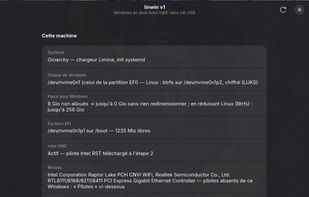


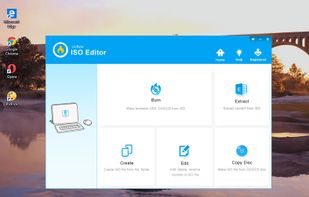
UUByte ISO Editor is a full ISO toolkit for burning, creation, extracting and editing. Powered by a simple user interface, it is quite easy to make a bootable USB or DVD in a few clicks.