


Cost / License
- Free
- Open Source (MIT)
Application typeApplication types
Platforms
- Mac
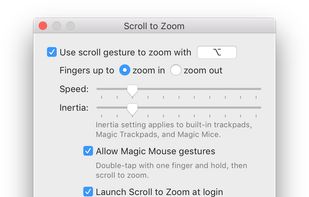


Apps similar to Panda Mouse Pro include X-Mouse Button Control, which is free. Other options are BetterTouchTool, Input Remapper, MOS and LinearMouse. There's no shortage of Key Mapping Tools like Panda Mouse Pro, with more than 25 alternatives for Windows, Mac, Linux, the web and Android.

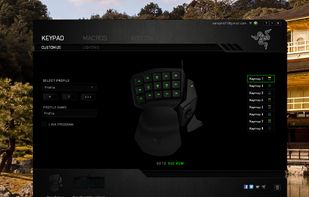
Razer Synapse is unified configuration software that allows users to rebind controls or assign macros to any Razer peripherals and saves those settings automatically in the cloud.
 United States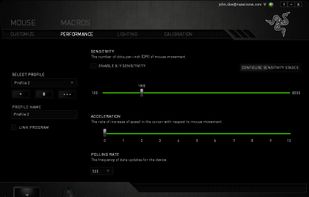


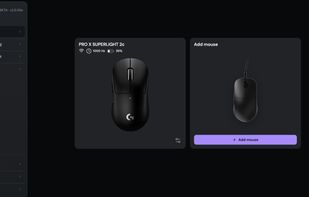
Browser-based control panel for supported gaming mice — change DPI, polling rate, and sensor settings without installing a driver.


Scroll Reverser is a free Mac app that reverses the direction of scrolling, with independent settings for trackpads and mice.
 United Kingdom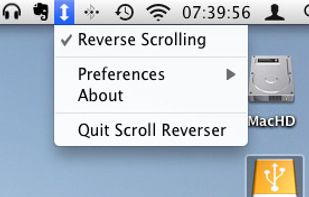
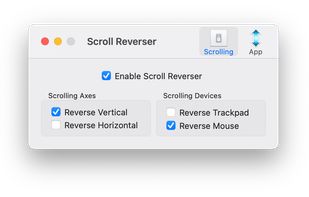


Easystroke is a gesture-recognition application for X11. Gestures or strokes are movements that you make with you mouse (or your pen, finger etc.) while holding down a specific mouse button. Easystroke will execute certain actions if it recognizes the stroke; currently...
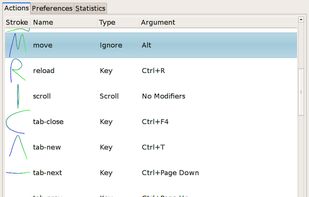


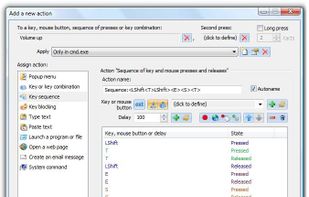
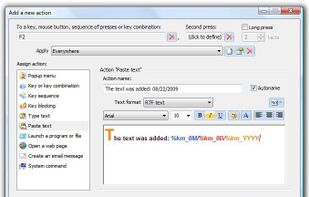
Key Manager reveals the full potential of your keyboard and mouse and allows you to save time and efforts while working with your computer. Thanks to its flexible interface, you can now create various actions and execute them by pressing keys, mouse buttons and combinations of...
 Russia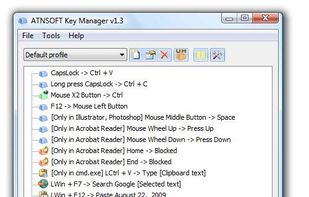



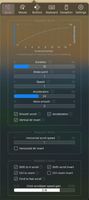
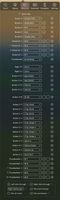
It’s a macOS utility app that gives you smooth mouse scrolling, cursor speed control, and powerful mouse/keyboard bindings.



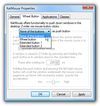
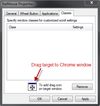
The prime purpose of the KatMouse utility is to enhance the functionality of mice with a scroll wheel, offering universal scrolling: moving the mouse wheel will scroll the window directly beneath the mouse cursor (not the one with the keyboard focus, which is default on Windows...
 Slovenia
 EU
EU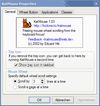


If you use third-party mice with your Mac, you've surely noticed just how useless the side buttons are. By default, they act as a sort of crippled middle click, consigned to opening new links out from under you when you least expect it.


Enable Copy-on-Select and paste with middle mouse button like in Linux
X11 is better for fingers. Copy with mouse. Paste with mouse. Focus without clicks. Raise and lower windows. So called X-Mouse. One and only... True X-Mouse Gizmo.
Have you ever paid attention to striking di.


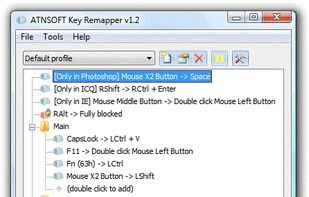
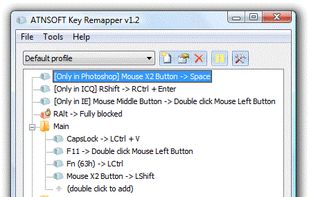
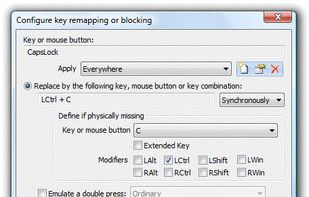
Intended for remapping keys, mouse buttons and mouse wheel actions, Key Remapper allows you to:


Taekwindow is a simple, lightweight and free Windows program that allows you to move and resize windows by dragging them with the Alt key, similar to many X11 window managers.


