Cost / License
- Free
- Open Source
Application type
Platforms
- Linux
- KDE Plasma
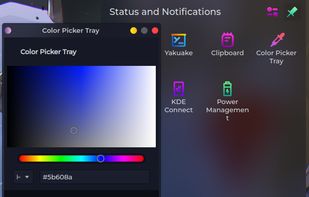


Apps similar to Palette Genius include gpick, which is free and open source. Other options are Just Color Picker, Realtime Colors, Rickrack and Coloraccy. Color Picker Tools like Palette Genius are a crowded field, with more than 50 alternatives for Windows, Mac, Linux, the web and Android.

ColorMania is a colorpicker for Windows. It's the perfect solution for previewing, identifying, testing and organizing color values. It can be a very difficult job to get your colors right for a unique or appealing design.
 Netherlands
 EU
EU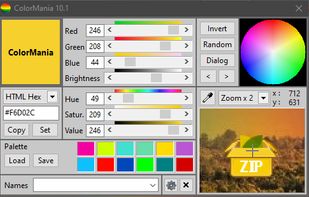


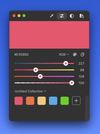
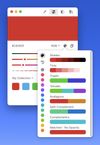
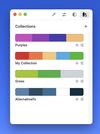
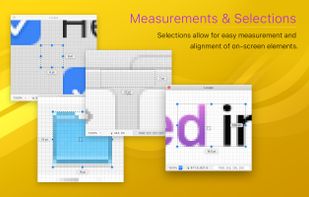
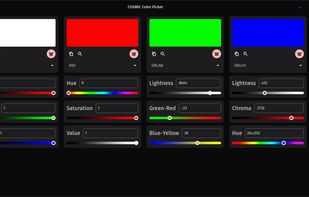
Offers real-time on-screen magnification under the cursor with a lightweight footprint, featuring a custom color picker, unlimited palette storage, color mixer, customizable harmonies, and workflow tools for inspecting artwork and aligning interface elements.

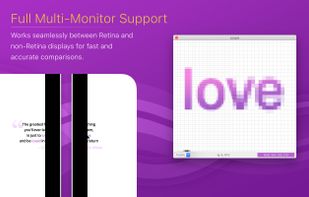
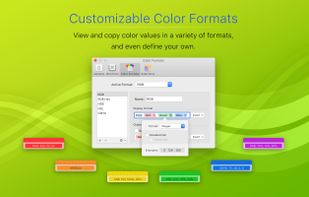


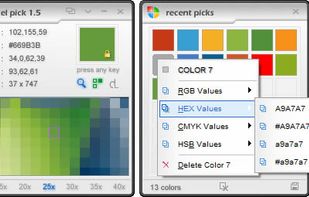
Pixel Pick is a free color picker tool that pick the pixels color under your mouse cursor on the desktop and translates it into a number of different color formats such as RGB, CMYK, HSB, HEX or Web Color format. A free color picker for grabbing color under your mouse .


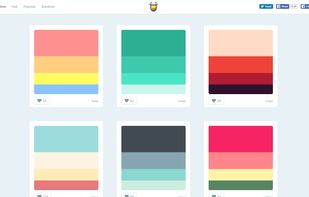
Color Hunt is a collection of beautiful, curated color themes that are continually updated.
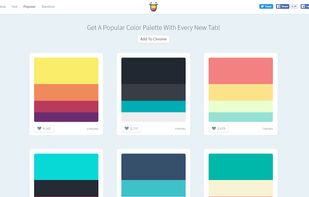
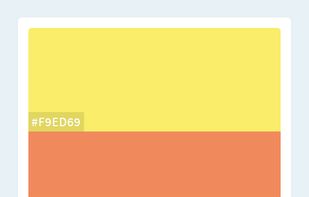



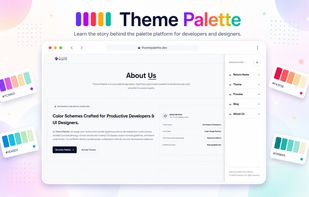
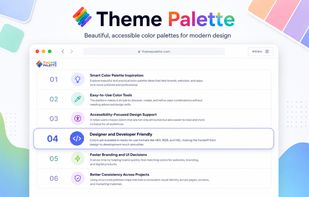
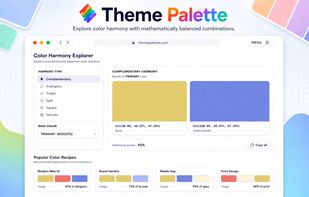
ThemePalette is a color theme platform for designers and developers to explore modern palettes, create cohesive UI color systems, and build visually balanced themes for websites, apps, dashboards, and digital products with accessibility-focused combinations.


 CzechiaEU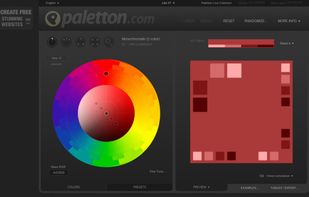


With the pipette you are able to edit, convert and pick up colors from your screen. Pipette also supports a lot of standards or color models (RGB, CMY, CMYK, HSV, TColor and XYZ0). Color models are nothing but theoretical descriptions of colors using certain numeric values.
 GermanyEU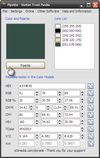
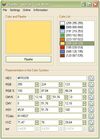


In today's world of simple designs, choosing the right colors matters more than ever. Paletter offers flexible controls that will help you find all the colors and variants you could ever need.
 United States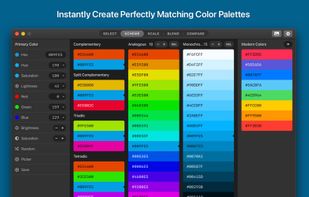
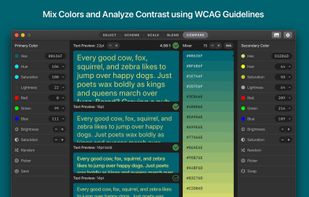
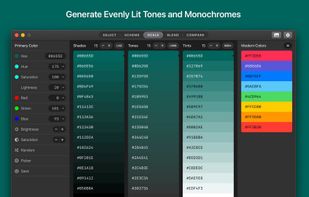
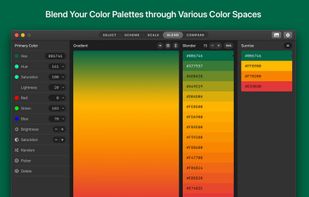


ColorSlurp is the ultimate color tool for developers and designers. Pick any color on your screen using the high-precision magnifier. Create and edit colors using advanced selection and editing tools. Organize colors into collections.
United States