Cost / License
- Freemium
- Proprietary
Platforms
- Mac



+1
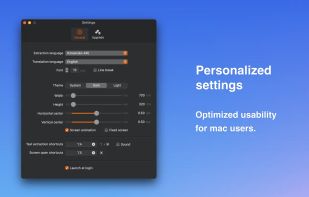


Apps similar to OwlOCR include NAPS2, which is free and open source. Other options are OSS Document Scanner, MakeACopy, Tesseract and Adobe Acrobat DC. You're spoiled for choice with Document Scanners like OwlOCR: we list more than 100 alternatives for Windows, Mac, the web, iPhone and Linux.

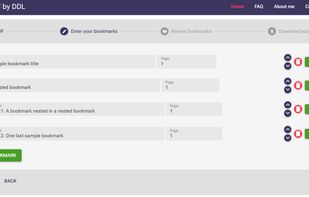
Bookmark PDF is a free, browser-based tool designed to simplify the process of adding, editing, and organizing bookmarks in PDF files. Unlike traditional tools, Bookmark PDF operates entirely online, ensuring maximum privacy and security for your documents.


Discover Feather PDF, the ultimate PDF editor that prioritizes your privacy. Enjoy powerful editing features without data collection and gain lifetime access with a one-time payment.


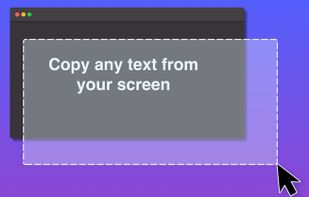
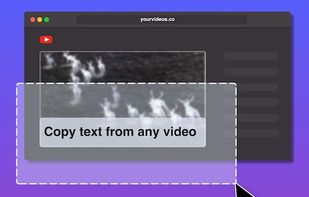
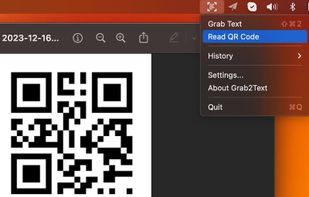


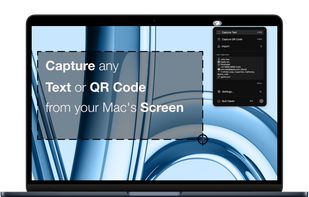
Ever needed to quickly grab text from an image, a non-selectable PDF, a video, or a website that blocks copying? Hawkr makes it effortless. With a simple keyboard shortcut, you can capture any text visible on your screen and have it instantly copied to your clipboard.


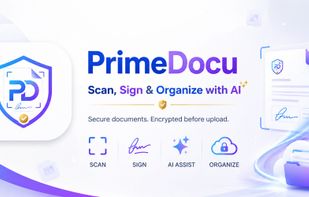
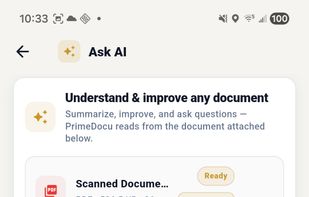
AI document assistant for web, iOS and Android with scanning, PDF signing, OCR, conversion, translations and reminders. Features device-based AES-256 encryption, end-to-end privacy, no watermarks, and secure zero-knowledge storage for sensitive files.

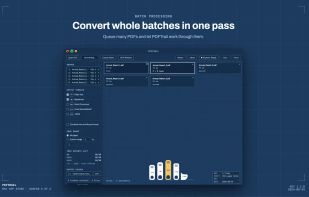
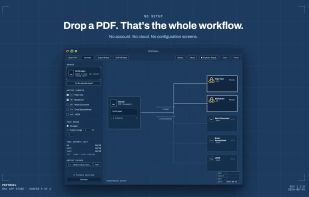
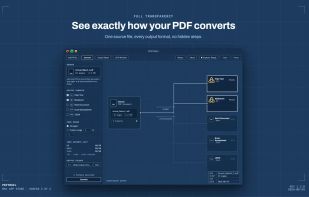
Pull the data out of your PDF without sending it anywhere. PDFTrail extracts tables and text on-device — no upload, no account — into Excel, Word, Markdown, or JSON, with structure kept intact.
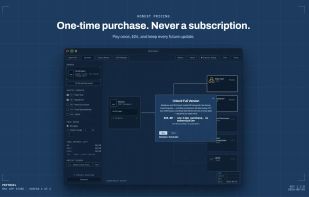


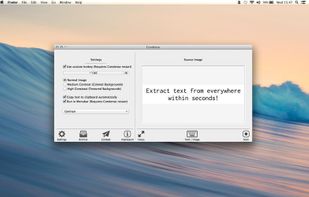
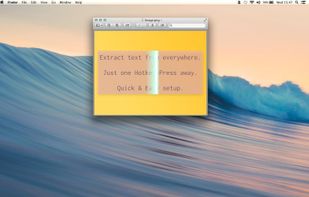
Typing out has come to a end. Say ‚Hello‘ to Condense. Your easy to use optical character recognition (OCR) application.


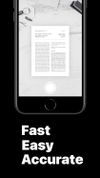

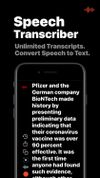


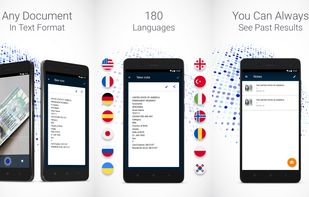
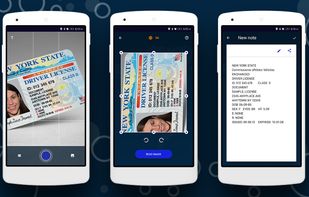
This mobile scanner can edit, send or store any text information from photography. You can just make a photo of the bill, instruction, check, buildings with signs, a page of a book or anything else, and use this text information as you like, right away or later.




This document scanner application is developed for windows only. Compatible with both WIA and TWAIN. Users can Rotate, crop, rearrange scanned images and identify texts using OCR module