Cost / License
- Freemium
- Proprietary
Platforms
- Mac


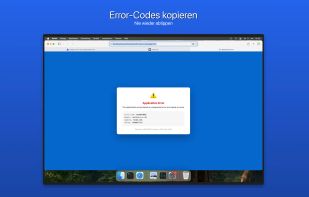
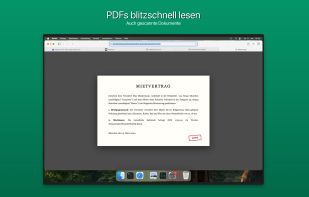
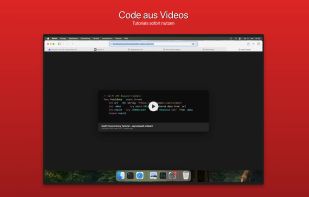
OwlOCR is described as 'Offers simple optical character recognition of text in PDF files, images or on-screen and converts that to plain text' and is a OCR Engine in the office & productivity category. There are more than 100 alternatives to OwlOCR for a variety of platforms, including Windows, Mac, Web-based, iPhone and Linux apps. The best OwlOCR alternative is OSS Document Scanner, which is both free and Open Source. Other great apps like OwlOCR are NAPS2, MakeACopy, Tesseract and ABBYY FineReader PDF.


Transym OCR (TOCR) is a leading provider of highly sophisticated, accurate and reliable optical character recognition software for developers.

ImageToText app allows you to extract editable ASCII text from images, and share the results by EMAIL or EVERNOTE.


Turn your phone into a powerful document scanner with CamScan — the fast, secure, and easy-to-use app to scan, edit, sign, and share anything, anywhere.


Extract PDF data to JSON format with our automated tool. No manual intervention is required.

You need to get the text out of an image or from anywhere on your screen? With picatext this is as easy as selecting a file or a screen area. So now you can get the text you need in almost no time. No need to tediously typewrite everything again.


Searching for a specific image in a folder of thousands can be a daunting task, and traditional search engines are often limited to searching only by filename. That's where SearchOCR comes in. OCR (Optical Character Recognition) technology allows our software to search for...


Anyline is a mobile text recognition SDK enabling developers to build text recognition apps without having any knowledge about OCR.
Adlib PDF delivers enterprise-class, document-to-PDF conversion software. It offers the highest fidelity PDF rendering engine on the market, with accurate OCR capabilities and intelligent document assembly.
OCRify converts images and PDFs into editable digital text. Upload your file, and the text is quickly recognized, allowing you to copy, edit, or save it.