


OPlayer
2 likes
OPlayer boosts your iPhone/iPod's media abilities, allowing it to stream audio and video of almost format.
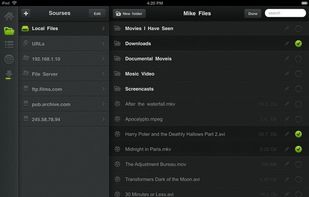


Features
Highlights All activities
OPlayer News & Activities
Recent activities
No activities found.

Developed by
 Jonathan Young (olimsoft)
Licensing
Proprietary and Commercial product.Alternatives
45 alternatives listedBadge
Get an embeddable badge for OPlayerSupported Languages


Comments and Reviews
I like this program.It is very usefull,kudos to you.thanks
hello I have oplayer and iOSflashvideo on my iPhone but I can't seem to see megavideos. Please help?!
After conducting a very unscientific test of video quality between a couple of media player apps in the App Store, I've determined that OPlayer is a piece of junk. With a 720p MOV (shot by the video camera of my iPod Touch 4), OPlayer was laggy and there was no sound. It didn't do any better with a high-definition AVI, either. When playing a standard-definition AVI, OPlayer totally killed the picture quality.
So obviously, OPlayer cannot play HD video. And when it comes to playing standard-def, it's not any better than the VLC app, which does the same thing for free.