
Open Slides icon
Open Slides icon

Open Slides

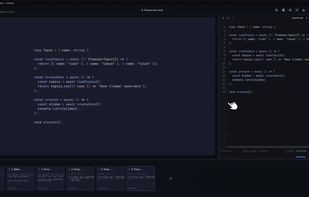
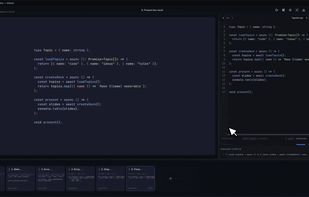
Free, open-source, offline desktop app for creating animated code presentations. Magic Move transitions, 16 syntax themes, highlight steps, autoplay, built with Tauri + Svelte5.
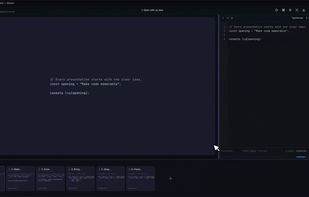
Slides Demo

Cost / License

  • Free
  • Open Source (MIT)

Platforms

  • Mac
  • Windows
  • Linux
Highlighter
Themes
0likes
0comments
0alternatives
0articles

Features

  1.  Interactive Presentations

Open Slides News & Activities

Highlights All activities

Recent activities

Open Slides information

  • Developed by

    Unknown
  • Licensing

    Open Source (MIT) and Free product.
  • Written in

  • Alternatives

    0 alternatives listed
  • Supported Languages

    • English

AlternativeTo Category

Development

GitHub repository

  •  183 Stars
  •  16 Forks
  •  0 Open Issues
  •   Updated  
View on GitHub
Open Slides was added to AlternativeTo by Thiha on and this page was last updated .
No comments or reviews, maybe you want to be first?

What is Open Slides?

Beautiful code presentations for content creators, educators, and developers.

OpenSlides is a free, open-source, offline desktop app for turning code into polished slides with smooth, step-by-step transitions. It is a direct alternative to codeslides.app: create expressive code decks, keep your work on your own machine, and present without a subscription or internet connection.

Slides

Turn source code into presentation-ready slides. Move between code states with smooth Magic Move transitions, and build a visual story around your code instead of showing a static editor.

Highlights

Reveal an idea line by line with stepped highlights. Control emphasis per step: dim amount, size-up scale, and custom transition timings — so you can guide viewers through a function, refactor, algorithm, or feature at a natural pace.

Themes

Choose light or dark presentation themes to match your style and recording setup.

Official Links