




OpenDoc
2 likes
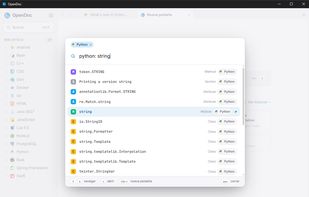
OpenDoc lets you read programming documentation without an internet connection. Download the docs you use (Python, JavaScript, C++, CSS and hundreds more) and they're always with you, on a plane, on a bad connection, or with the Wi-Fi off.

 EU


Features
Highlights All activities
OpenDoc News & Activities
Recent activities

Developed by
 daidarzzz
Licensing
Open Source (GPL-3.0) and Free product.Written in
Alternatives
3 alternatives listedBadge
Get an embeddable badge for OpenDocSupported Languages

AlternativeTo Category
DevelopmentGitHub repository
- 1 Star
- 0 Forks
- 0 Open Issues
- Updated


Comments and Reviews
Best app ever!! I highly recommend it :) Cute web btw