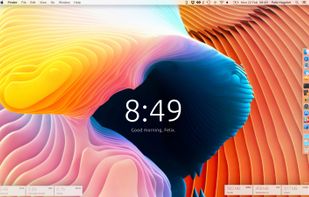
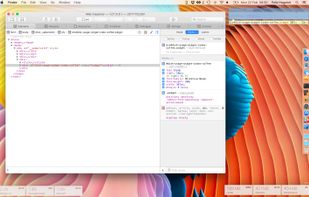
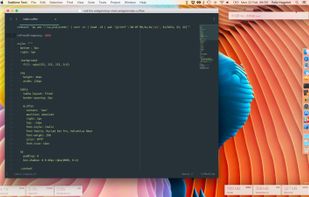
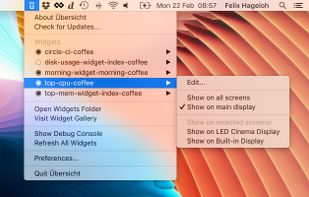
Übersicht lets you run system commands and display their output on your desktop in little containers, called widgets. Widgets are written using HTML5, which means they
Cost / License
- Free
- Open Source (GPL-3.0)
Application type
Platforms
- Mac



+1


Apps similar to OpenAnima include Rainmeter, which is free and open source. Other options are Seelen UI, Libre Hardware Monitor, Conky and Wigify. You're spoiled for choice with Desktop Customization Tools like OpenAnima: we list more than 25 alternatives for Windows, Mac, Linux and Android.
Übersicht lets you run system commands and display their output on your desktop in little containers, called widgets. Widgets are written using HTML5, which means they

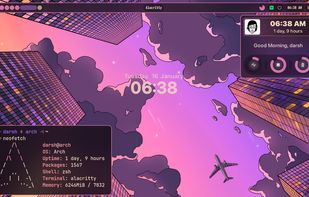
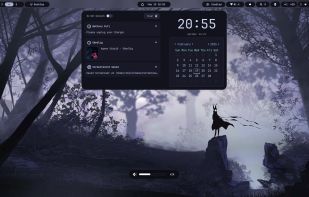
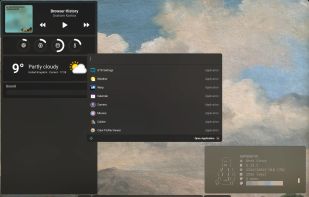
The next-generation framework for building desktop widgets using Python.
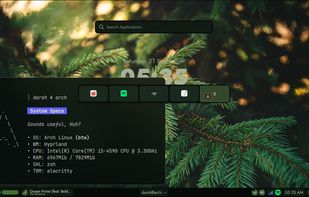


hwinfo/libhd are used to probe for the hardware present in the system. It can be used to generate a system overview log which can be later used for support.
 Germany
 EU
EU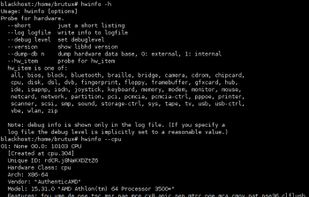


This little application displays system information on your desktop in a similar way to some other desktop information tools. Unlike others, this application looks like wallpaper but stays resident in memory and continues to update the display in real time.
 Australia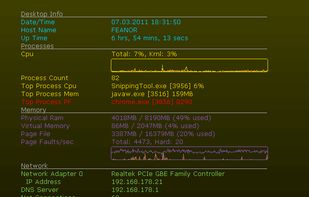
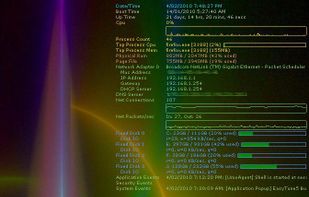


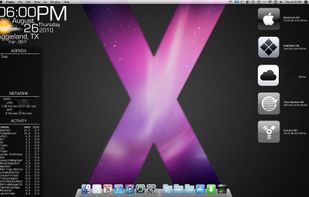
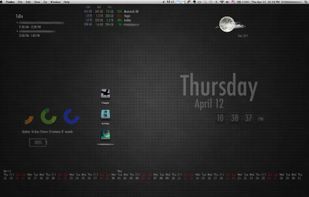
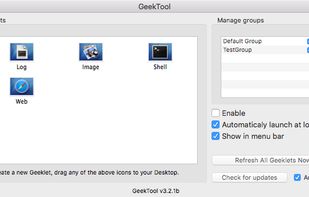
GeekTool is an application for Mac OS 10.6+. It lets you display various kinds of information on your desktop via 3 default plug-ins:
 FranceEU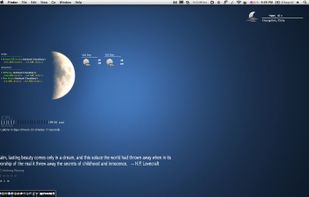


macOS and OSX tool showing real-time CPU, memory, network activity, fan speed, and temperature in the menu bar. Highly configurable, with customizable battery notifications, support for light or dark mode, open-source code, and ongoing community-driven updates.
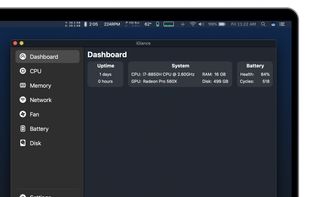


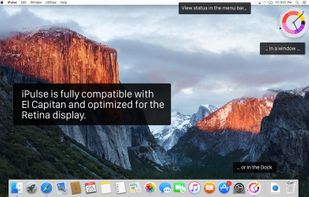
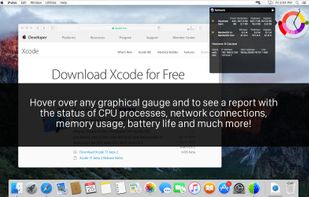
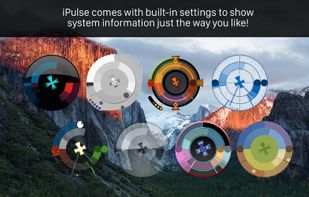
Visualizes live CPU, memory, network, disk, battery, and wireless usage on macOS using a compact, customizable interface, blending data graphically and textually on desktop, menu bar, or Dock, with Retina support, hotkeys, and minimal system impact.
 United States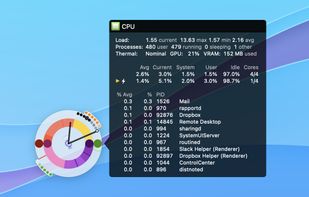

 GermanyEU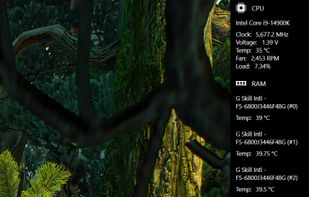

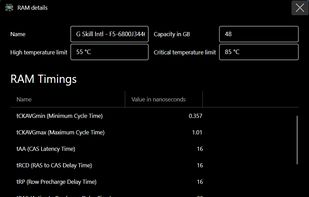


It's a little something we made to make Windows customization easier. ScreenStyler has an intuitive UI and combines several apps and resources for fast, awesome results.
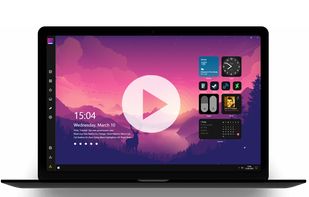

A widget framework for building desktop shells, written and configurable in Python

How many times have you walked up to a system in your office and needed to click through several diagnostic windows to remind yourself of important aspects of its configuration, such as its name, IP address, or operating system version If you manage multiple computers you...
United States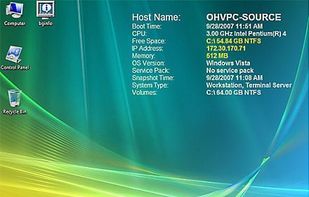

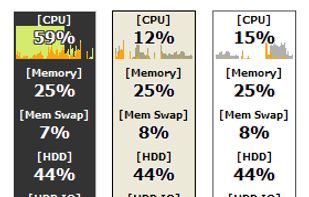
Lets you keep your eye on system resource usages of your PC. It supports 43 kinds of information including CPU, Memory, Network, and detailed HDD usages, so you may discover what's limiting your system performance in each occasion.
 Japan
Japan