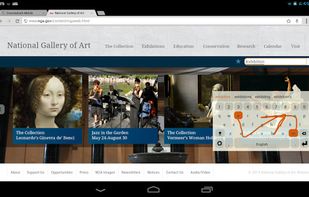
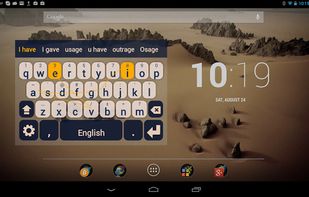
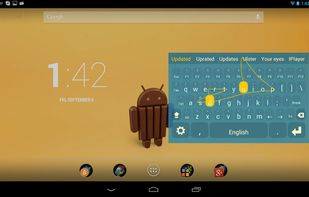
We want to create the fastest, the most accurate and the most comfortable touchscreen keyboard in the World.
Cost / License
- Free
- Open Source (Apache-2.0)
Application type
Platforms
- Android
 Netherlands
 EU
EU




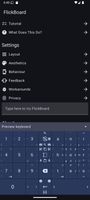
Apps similar to Onboard on-screen keyboard include FlorisBoard, which is free and open source. Other options are AnySoftKeyboard, Gboard, Unexpected Keyboard and Microsoft SwiftKey. You're spoiled for choice with Mobile Keyboards like Onboard on-screen keyboard: we list more than 25 alternatives for Android, iPhone, iPad, Linux and Windows.
We want to create the fastest, the most accurate and the most comfortable touchscreen keyboard in the World.
NetherlandsEU
Super lightweight (~ 1/3 MB) yet flexible and powerful soft keyboard. Plus an English plugin still less than 1 MB. (Swype ~15 MB, Minuum ~18 MB, Google Keyboard ~15 MB, Swiftkey ~8 MB, TouchPal ~ 8.5MB)
 South Korea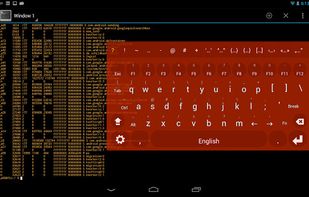


Send keystrokes for F13 to F24 keys via buttons, including with modifiers (Shift, Ctrl, Alt).
 United States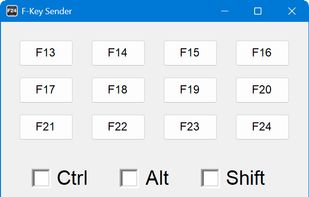


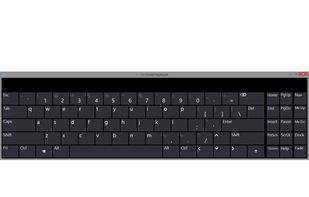
On-Screen Keyboard is a utility that displays a virtual keyboard on the screen and allows users with mobility impairments to type data using a pointing device or joystick.
United States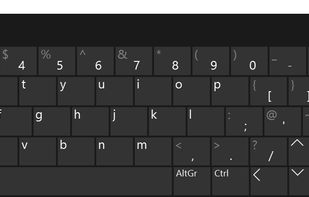


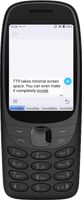
TT9 is a 12-key T9 keyboard for devices with a hardware numpad. It supports predictive text typing in 30+ languages, configurable hotkeys, and an on-screen keypad that can turn your smartphone into a Nokia from the 2000s. And, best of all, it doesn't spy on you!
 GermanyEU





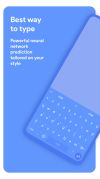
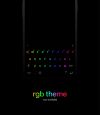
Chrooma Keyboard is a lightweight, emoji keyboard that adapts its color theme to the app you are using.



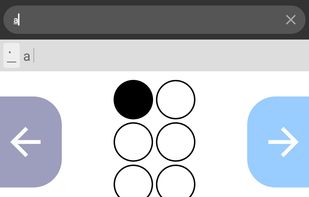
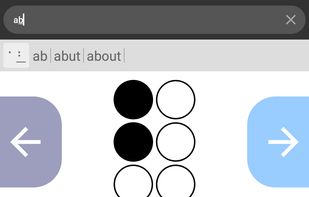
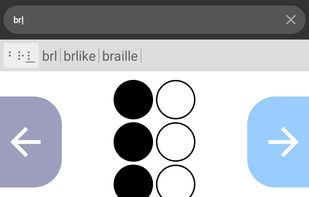
Practice your Braille skills while doing anything from texting your friends, searching the web, or writing essays!
 United Kingdom


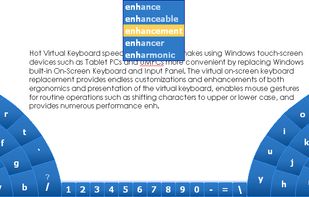
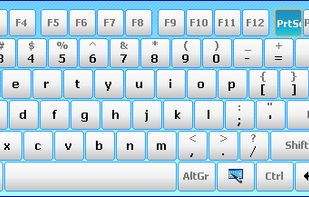
A replacement for Windows' built in virtual touch keyboard. Includes many layouts, supports customization and gestures.
 Canada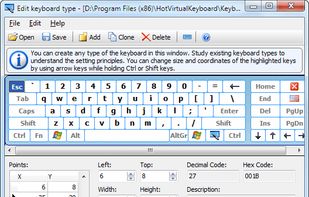


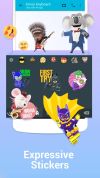
The Facemoji keyboard is definitely one of the better keyboards out there. Feature wise, the app does not disappoint, and in fact, has all of the things that users would want from a keyboard app.Experience is smooth and the keyboard works flawlessly.

 United States


On-Screen Keyboard Portable is a handy way to bring your settings for the Windows' built-in an-screenkeyboard with you from PC to PC. It will remember your hover preferences and other options and provides an easy way to launch it right from the PortableApps.com Menu.
United States