There exist a lot of screen recorders, but all lack the speed for doing some full screen recording. The speed is just to low or cpu to high.
Platforms
- Windows
 Germany
 EU
EU


One of the most popular alternatives to oCam is OBS Studio, which is free and open source. Other popular alternatives are OpenScreen, GPU Screen Recorder, SimpleScreenRecorder and Bandicam. You're spoiled for choice with Screen Recorders like oCam: we list more than 100 alternatives for Windows, Mac, Linux, the web and Android.
There exist a lot of screen recorders, but all lack the speed for doing some full screen recording. The speed is just to low or cpu to high.
GermanyEU
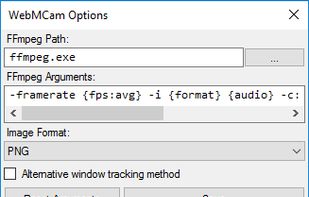


Quick and easy screen recording software for demonstrations and tutorials. Audio and video desktop screen recording as Flash movies.


ApowerREC is a cross-platform app that's available on Windows, Mac, and iOS, you can easily use it for recording desktop activities, camera, system sound and microphone. It's also has annotation, video editor, task recording mode and more.
 Hong Kong SAR China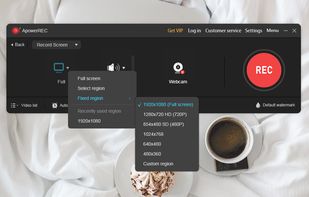
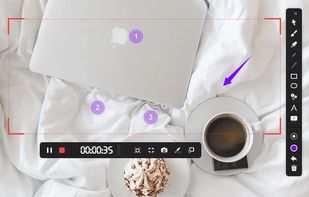
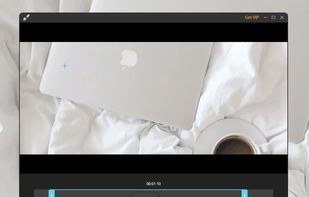
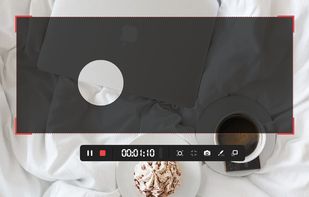


Kingshiper Screen Recorder for Mac is a powerful and user-friendly software tool designed for capturing screen activity on your Mac. It provides various recording modes, you can select one to begin your recording to suit your specific needs.
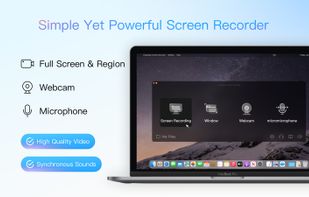
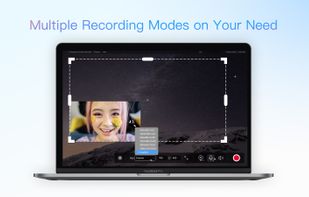
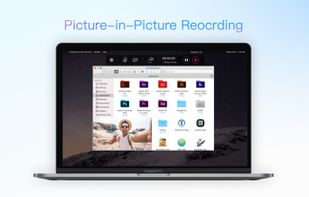


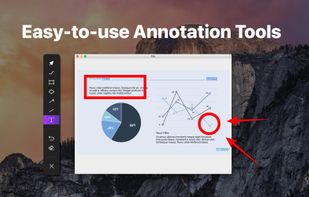
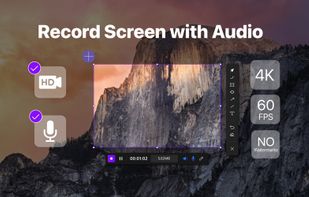
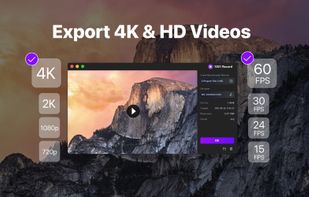
1001 Record, the simple and reliable Mac screen recorder that allows you to easily capture and save screen videos.
GermanyEU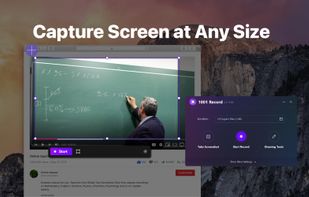

 GermanyEU
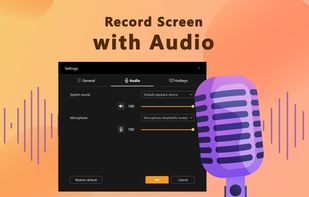
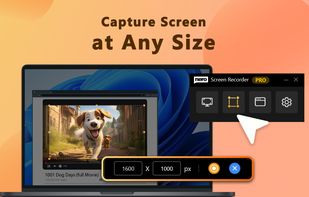
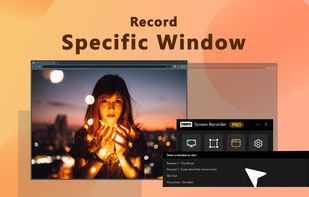


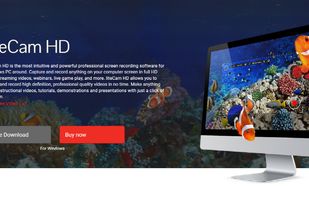
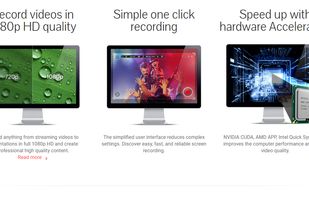
liteCam HD is the most intuitive and powerful professional screen recording software for Windows PC around. Capture and record anything on your computer screen in full HD from streaming videos, webinars, live game play, and more.
 South Korea

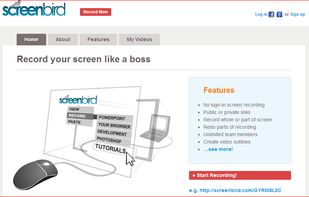
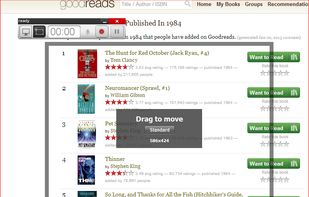
Screenbird is a browser based, no-sign in screen recorder. It's cross platform, and built for collaboration. From there you can push videos to Youtube, or create an outline for it, download a copy for backup.
 United States

SCREEN2EXE is a free utility designed in order to create instant screen demos with the highest compression ratio in the world!
 China
China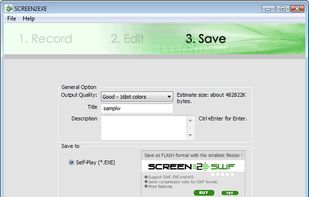


Record what you see on your PC screen exactly as it appears. GOM Cam also records all audio outputs from your PC, allowing you to make more dynamic videos. Record your computer screen, webcam video or games, and share with others on YouTube, Google Drive or Facebook.



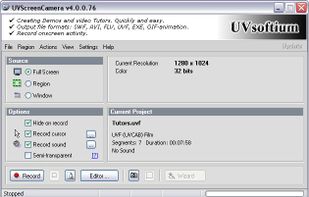
Using UVScreenCamera you can easily create animated demo or tutorials by recording your computer's desktop activity, including all mouse movements, window graphics, mouse clicks and everything else you see on screen.
 Russia