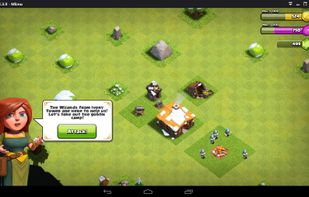
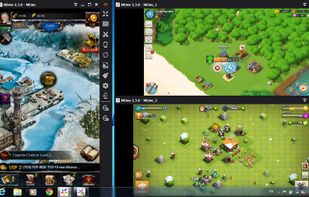
Comparing to other Android emulators, MEmu provides the highest performance and greatest compatibility. It runs on nearly all Windows devices (PC, notebook, 2-in-1 devices, tablets).
Platforms
- Windows
 China
China



+5
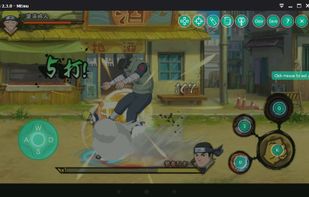


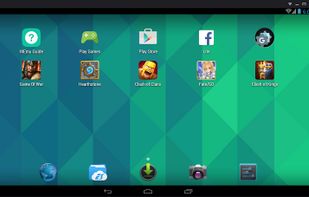
The best Virtualization alternative to Nox App Player is MEmu, which is free. If that doesn't suit you, our users have ranked more than 10 alternatives to Nox App Player and five of them are Virtualization Tools so hopefully you can find a suitable replacement. Other interesting Virtualization Tool alternatives to Nox App Player are Anbox, LDPlayer, VMOS and F1 VM.
Comparing to other Android emulators, MEmu provides the highest performance and greatest compatibility. It runs on nearly all Windows devices (PC, notebook, 2-in-1 devices, tablets).
China
Anbox puts Android into a container and every Android application will be integrated with your operating system. Any Android version is suitable for this approach and try to keep up with the latest version from the Android Open Source Project.
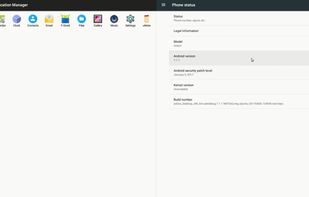


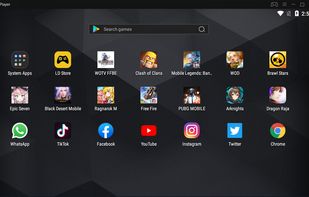
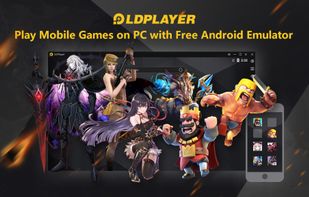
LDPlayer,The best android emulator for windows. Free download it to play android games & android apps on PC. Be stabilization, fluent, perfect compatibility. LDPlayer is a free Android emulator for PC users playing Android games easily on Windows. Based on Android 5.1.
China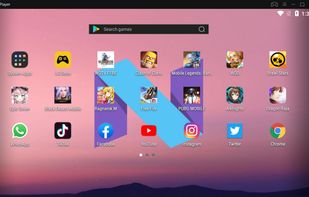


 United States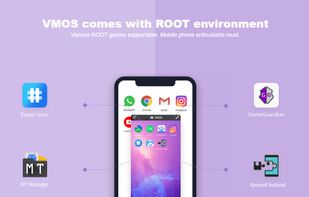
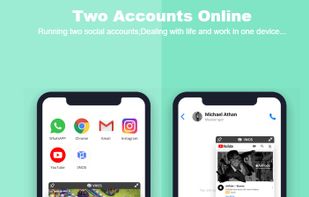
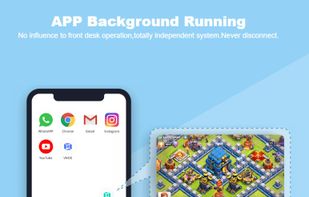
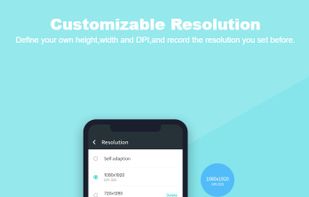


F1 VM (means "five one virtual machine"), Android virtual system on mobile devices, also known as Android Virtual Machine (referred to as VM, namely virtual machine, similar software on PC likes VMWare, VirtualBox).