


A beautiful, uncluttered all-in-one tool. Write, plan, take notes, capture ideas and get organized.
Cost / License
- Freemium
- Proprietary
Application typeApplication types
Platforms
- iPhone
- iPad







Noteful is described as 'Is your one-stop note-taking app to experience the new paperless revolution on iPad' and is a Note-taking tool in the office & productivity category. There are more than 100 alternatives to Noteful for a variety of platforms, including Android, Mac, Windows, Web-based and iPhone apps. The best Noteful alternative is Notesnook, which is both free and Open Source. Other great apps like Noteful are Zim, Trilium Notes, HelixNotes and Markor.
A beautiful, uncluttered all-in-one tool. Write, plan, take notes, capture ideas and get organized.

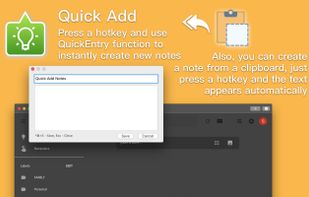
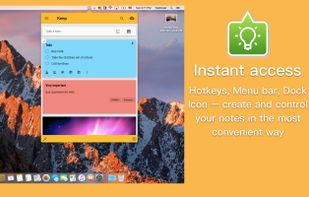
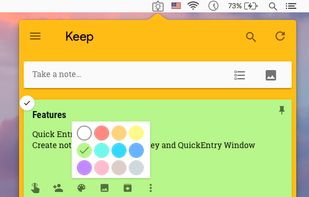
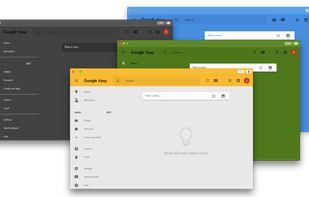
«Miya Notes for Google Keep» is the easiest and the most convenient way to access Google Keep Notes on your Mac.
 Ukraine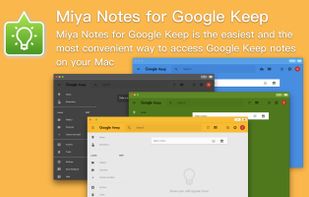



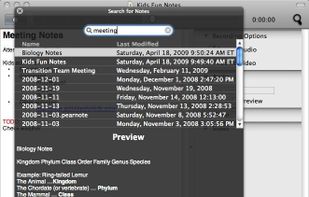
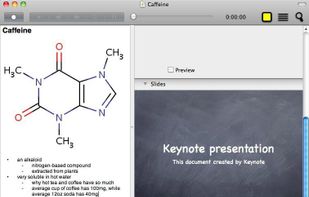
Pear Note records audio, video, and what you do, including typing notes and changing slides, on a timeline. Since keystrokes and slide changes are kept on this timeline, you can easily find what was being said during typing or a particular slide.
 United States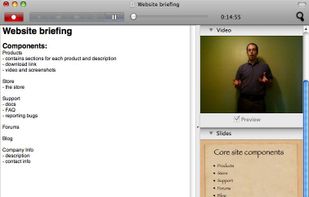


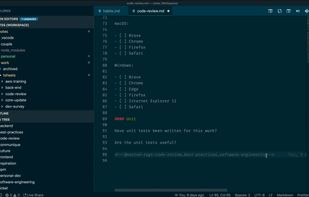
View your notes without being limited by your file system's hierarchy. Transform VSCode into a note-taking app by adding tag support.






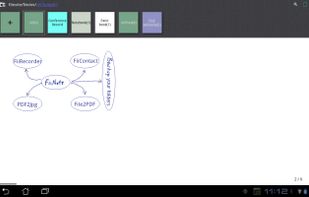
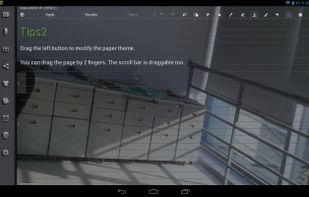
FiiNote is the most convenient note app for android.
The app is compatible with Android 2.0 ~ Android 4.3(and later). It is designed for both Phone and Pad.
Feature list: 1, Unique hybrid model for combined handwriting and keyboard. 2, Text,paint,voice,photo,video...Note everyt.
 China
China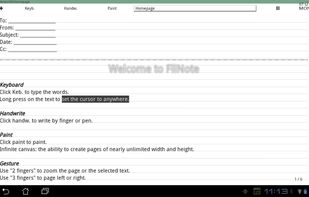



The easiest and most convenient way to access Google Keep notes on your Mac.
Ukraine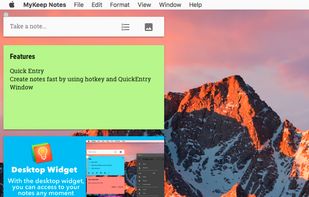


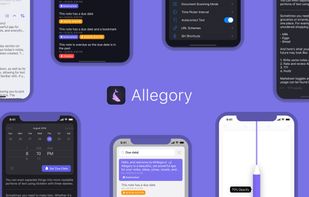
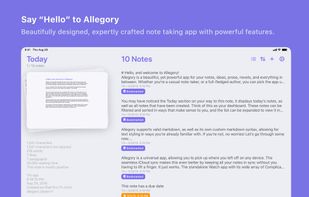
Allegory is a powerful notes app with a beautiful iOS-centric UI. The minimal and focused writing experience, combined with an impressive set of powerful features, makes this the ideal choice for everyone.
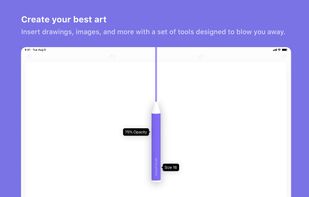
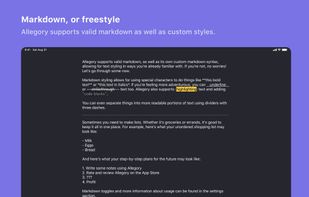

A minimalist writing zone, where you can block out all distractions and get to what's important.
 Australia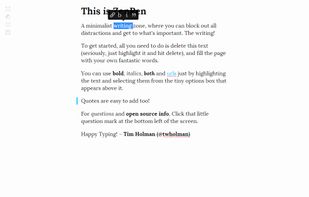

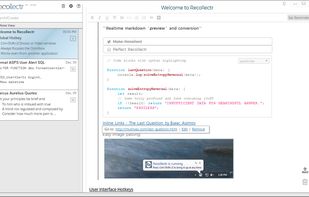


Jotter is a lightweight, no database, powerful web notebook that lets you create and manage notes online safely, quickly & easily.
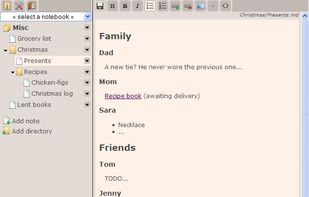

Take notes, share them, learn and work faster. MonoCorpus helps teams keep track of code and notes during the development of software and machine learning algorithms.


