


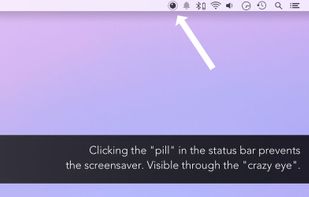
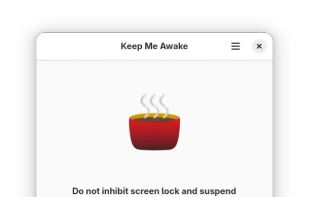
This app will keep your system awake for a defined period of time. It will pause the energy settings and prevent the screensaver from starting.
Cost / License
- Free
- Proprietary
Application type
Platforms
- Mac
 Germany
 EU
EU




Sites and apps similar to nosleep.page include Amphetamine, which is free. Other options are goguma app, Caffeine for Windows, Caffeinate and Caffeine for Linux. You're spoiled for choice with Prevent Sleep Mode Apps like nosleep.page: we list more than 25 alternatives for Mac, Windows, Android and Linux.
This app will keep your system awake for a defined period of time. It will pause the energy settings and prevent the screensaver from starting.
GermanyEU
NoDoze simulates keyboard/mouse activity to keep the screensaver from activating. Its activity depends on currently running programs. You can use regular expressions or Windows wildcards to choose when the screensaver is deactivated.
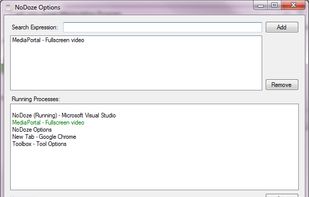


This application is used to prevent the computer from going to sleep without changing system settings


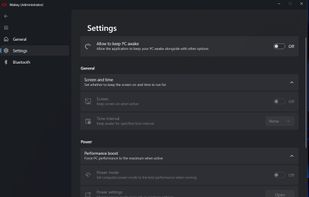
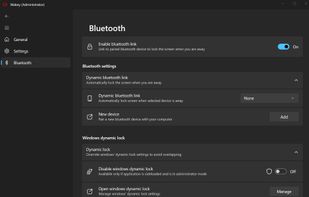
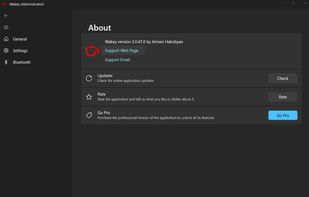
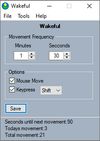
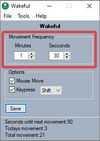
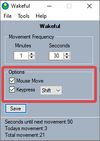
Wakey is my version of application which keeps your PC awake. It was inspired by Awake utility which was a part of Microsoft's PowerToys.
 Armenia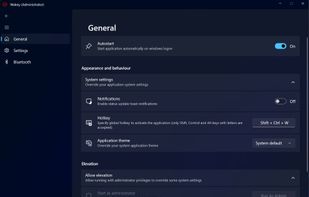


A small GNOME utility application to send Wake On LAN (WoL) magic packets to devices in a network.
GermanyEU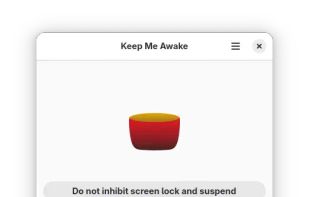


When it's not possible to change the screensaver settings in your Windows environment, then it's almost impossible to show things on your screen for a longer period without activating the screensaver.


Keeps your computer in an active state. No install required, fully portable and can run from a USB. Completely free for everyone.


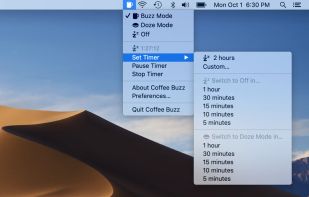
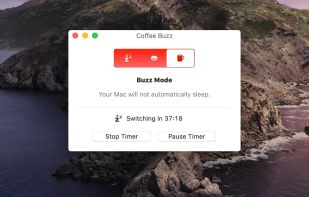
Coffee Buzz is the easiest and safest display-sleep preventer available, with simple operation and exclusive Safety Auto-Shutoff feature. Keeping your Mac awake (and letting it sleep again) is as simple as a click!.


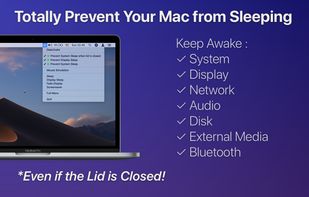

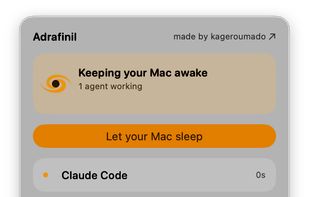
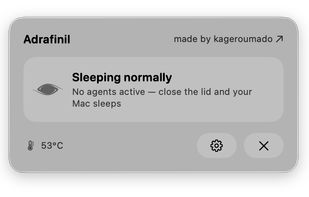


macOS CLI that keeps your Mac awake with the lid closed on battery, so a local Codex, Claude Code, or Cursor session keeps running.
GermanyEU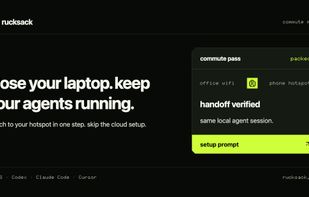


 United States


 Canada


