Cost / License
- Paid
- Proprietary
Application type
Platforms
- Mac
 Norway


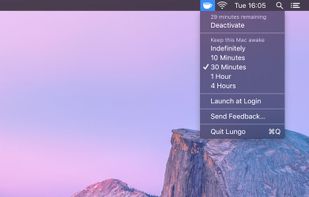


Sites and apps similar to nosleep.page include Amphetamine, which is free. Other options are goguma app, Caffeine for Windows, Caffeinate and Caffeine for Linux. You're spoiled for choice with Prevent Sleep Mode Apps like nosleep.page: we list more than 25 alternatives for Mac, Windows, Android and Linux.
Norway
Anti-Sleep App for your Mac.
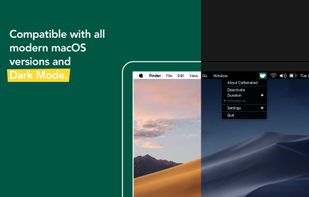
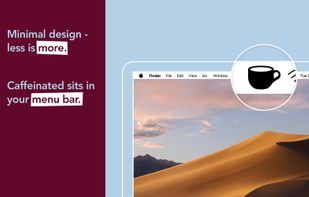
Caffeinated prevents your Mac from going to sleep, dimming your screen or starting the screensaver.
 Germany
 EU
EU


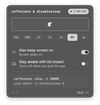
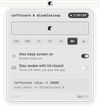
caffeinate & disablesleep replaces two macOS terminal commands: caffeinate -disu and sudo pmset -a disablesleep 1. One click keeps the Mac awake, with an option to stay awake when the lid is closed. Timed sessions run from 15 minutes to 8 hours, or forever.
 Australia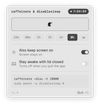


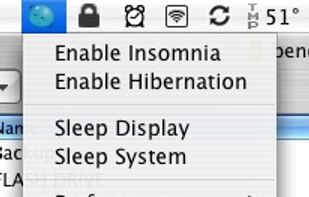
It always has been a missing feature: disabling the sleep mode on a Apple Laptop. Who does not want to use it as a big juke-box or go warwalking. The best looking server ever, especially at about one inch height.


Don't Sleep is a small portable program to prevent system shutdown, Standby, Hibernate, Turn Off and Restart.
GermanyEU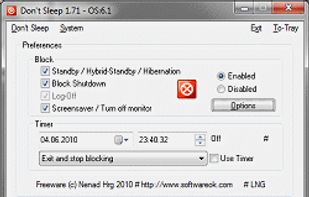


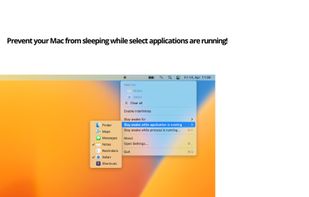
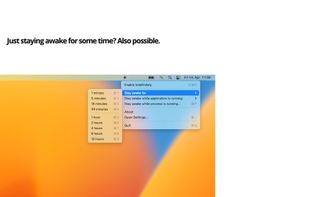
"Don't Go to Sleep Please" prevents sleep mode on the Mac until applications or processes are done.
GermanyEU



Espresso is a Caffeine alternative with support for retina displays and the black or white menu bar introduced in OS X Yosemite.
GermanyEU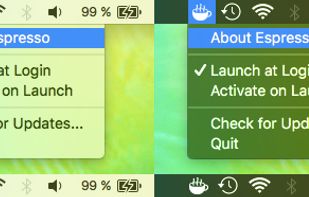




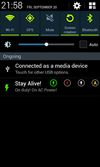
Keep your screen on when your device is running your GPS application, favorite remote control, playing a movie or slideshow, etc... Perfect to keep your screen on without dimming for application development. Your screen will never go back to sleep until you want it to...
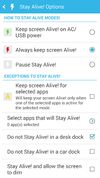
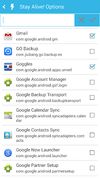


Prevent your Mac from falling asleep, dimming your screen or starting the screensaver. Theine keeps macOS awake just like caffeine does with you.
GermanyEU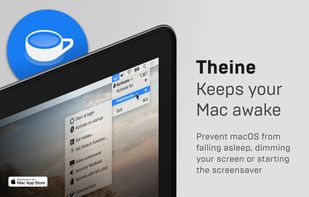
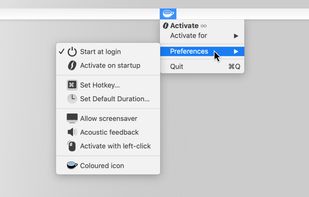
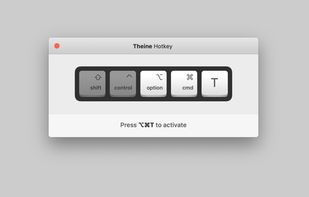
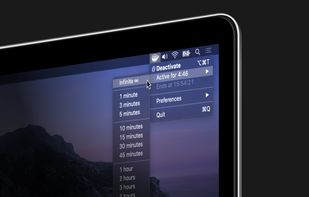


Coffee allows you to keep the display awake without having to change the device settings. It can be toggled at various places:
GermanyEU


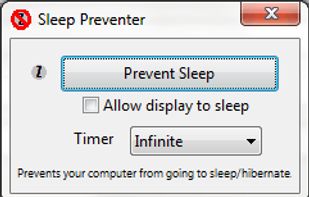
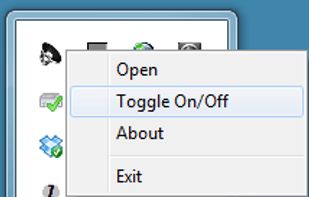
Prevents your computer from going to sleep, hibernate, dim the display or start the screensaver. Application runs in the system tray when closed. New in version v1.3: -Parameter support. v1.2: Option to let display fall asleep. v1.1: Sleep timer.