


Cost / License
- Freemium
- Proprietary
Platforms
- Mac
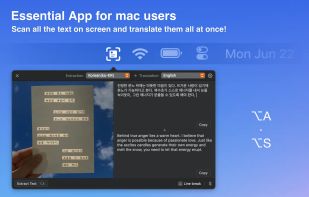

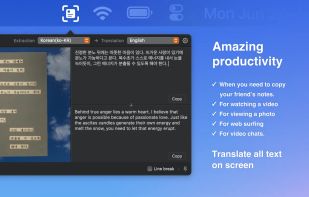

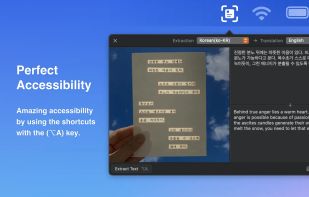

+1
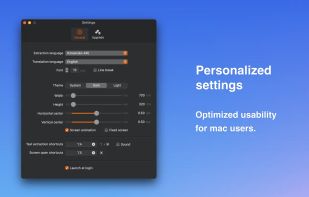


Sites and apps similar to NewOCR.com include OSS Document Scanner, which is free and open source. Other options are Tesseract, Adobe Acrobat DC, ABBYY FineReader PDF and GImageReader. You're spoiled for choice with Document Scanners like NewOCR.com: we list more than 50 alternatives for Windows, iPhone, Mac, Android and iPad.

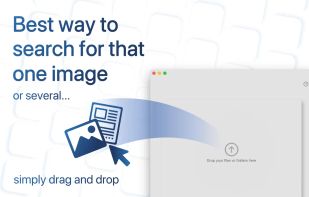
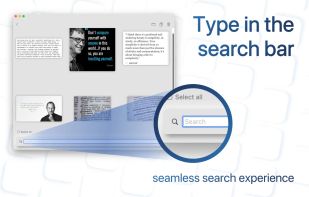
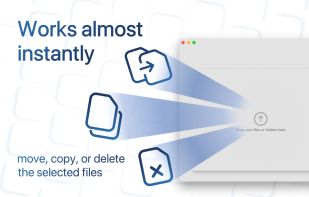
Searching for a specific image in a folder of thousands can be a daunting task, and traditional search engines are often limited to searching only by filename. That's where SearchOCR comes in. OCR (Optical Character Recognition) technology allows our software to search for...


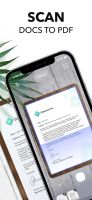
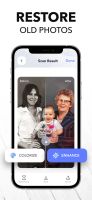
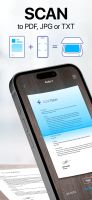
Scan any paper with your iPhone's camera: the Scanner+ app will automatically recognize the edges of your document, enhance it, and give you a perfectly scanned copy that's ready to share on your favorite platform!
 Türkiye

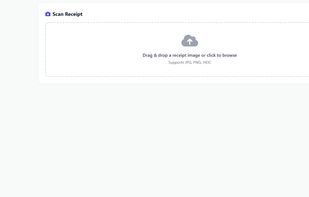
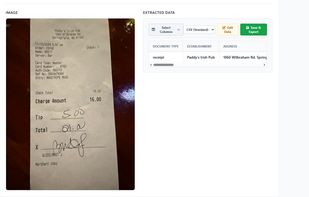
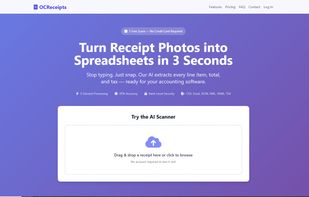
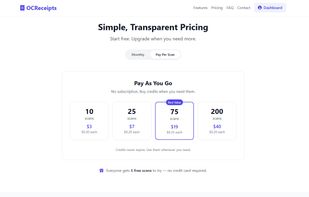




PDF to Text is used to quickly convert PDF documents to plain text files in batch mode. It works without Adobe Acrobat or Adobe Reader, and has Command Line Interface (CLI), fast and accurate conversion ability, friendly GUI, small size.
 United States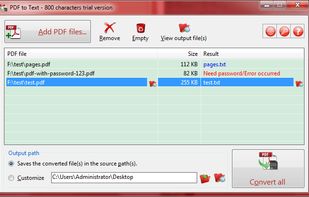


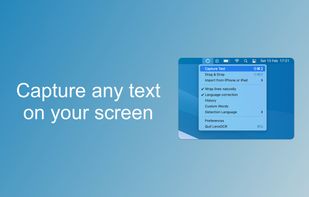

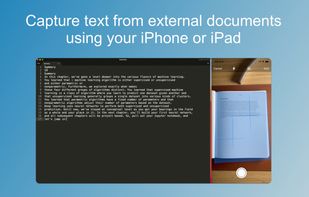
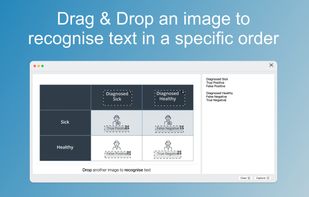


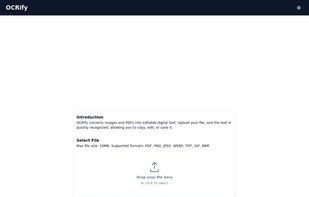
OCRify converts images and PDFs into editable digital text. Upload your file, and the text is quickly recognized, allowing you to copy, edit, or save it.


Anyline is a mobile text recognition SDK enabling developers to build text recognition apps without having any knowledge about OCR.


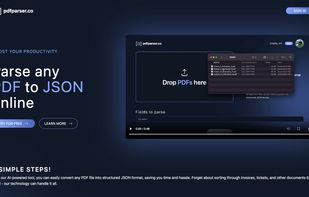
Extract PDF data to JSON format with our automated tool. No manual intervention is required.


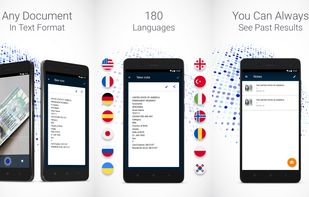
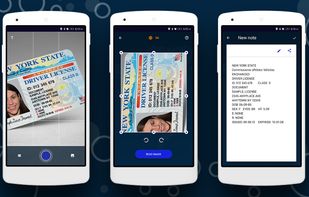
This mobile scanner can edit, send or store any text information from photography. You can just make a photo of the bill, instruction, check, buildings with signs, a page of a book or anything else, and use this text information as you like, right away or later.

 United States



 Austria
 EU
EU


