Cost / License
- Free
- Open Source (GPL-3.0)
Platforms
- Linux

N


Apps similar to Murmure include Handy STT, which is free and open source. Other options are Vibe Transcribe, Voxtral, OpenWhispr and FUTO Voice Input. Audio Transcription Tools like Murmure are a crowded field, with more than 100 alternatives for Mac, Windows, the web, Linux and iPhone.

Voice-first AI for meeting notes, voice notes, and dictation. 5× faster than typing. Just speak, and it's done.
 United States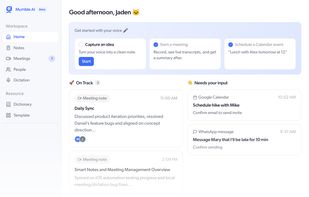

Offline speech-to-text for Ubuntu Desktop. Press a key, speak, and the transcript is injected into the focused application. Nothing leaves the machine: inference runs in strictly confined local models deployed as snaps.
 United Kingdom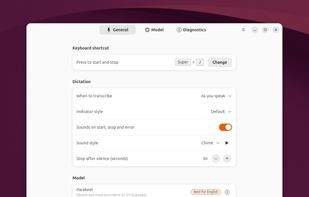
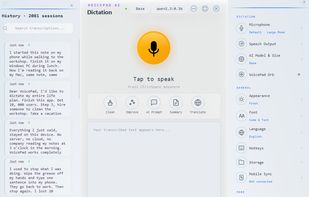
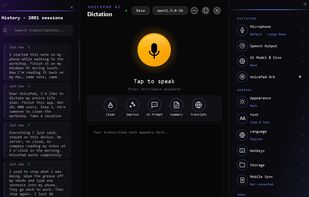
VoicePad AI is the only cross-platform voice dictation app that works completely offline on iPhone, iPad, Mac, and Windows.
 Germany
 EU
EU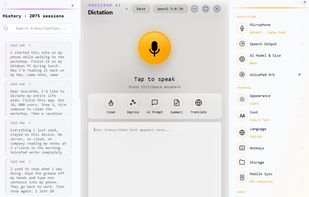


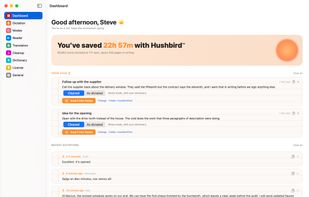
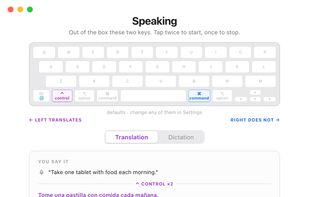


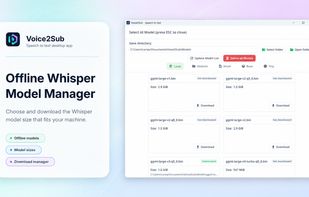
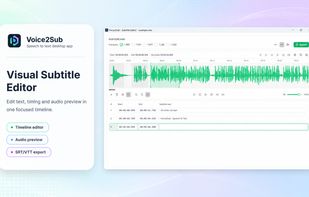
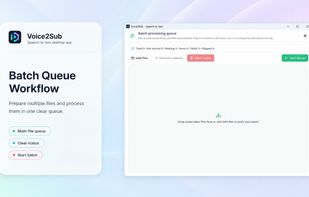
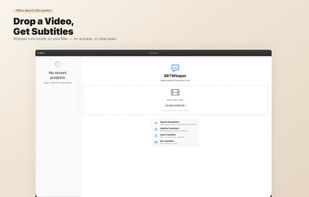
Voice2Sub is a local-first Whisper AI desktop application for converting audio and video files into subtitles, transcripts, and editable subtitle text. It provides a private speech-to-text workflow for users who want to generate, review, edit, and export subtitle files without...
 Vietnam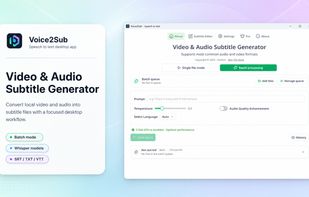
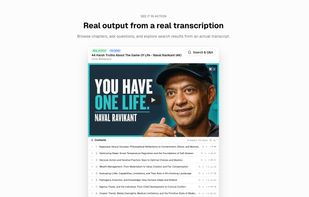
Transcribe any video, meeting, lecture, or podcast. Search what was said, ask questions with cited answers, and jump straight to the exact moment.
 Singapore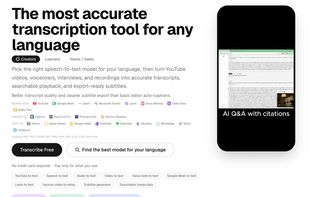
Glasscribe is a lightweight macOS menu bar app that transcribes speech in real time — entirely on your device. Built on Apple's native Speech framework (macOS 26 Tahoe), it captures both system audio and microphone input across 22+ languages with real-time on-device...


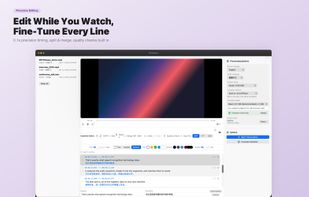
Transcribes video speech into subtitles using advanced AI models with multilingual translation, live subtitle editing and preview, robust quality checks, support for offline processing, customizable exports as SRT, ASS, or burnt-in, suitable for creators and professionals.


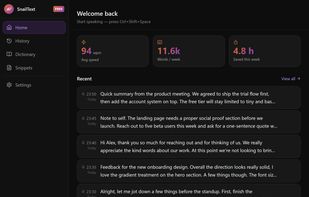
Voice dictation for Mac and Windows. Press a hotkey, speak, paste into any text field. Audio stays on your device — no cloud, no account, unlimited free tier.
 SpainEU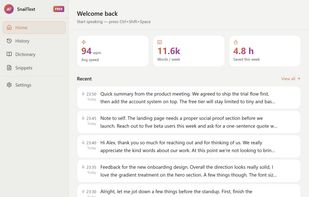
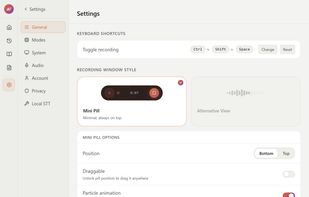

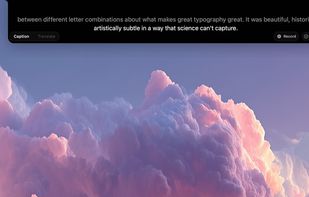
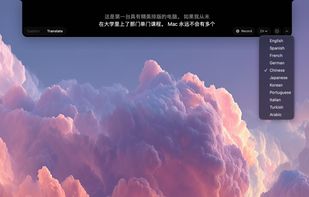
NotchLive is a macOS menu bar app that displays real-time AI-powered captions and translations directly in your MacBook's notch. It uses on-device Whisper AI (via CoreML) for speech recognition and Apple Translation for real-time translation — nothing ever leaves your Mac.

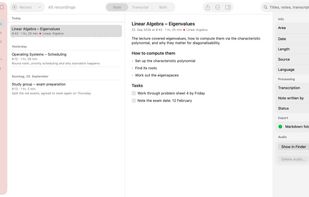
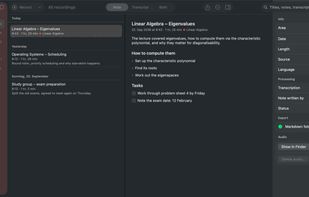
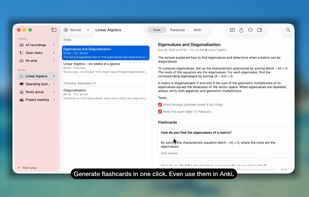
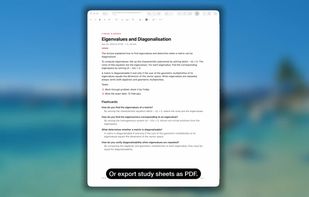
Records lectures, meetings and calls and writes structured notes — transcription and AI run locally on your Mac. Free, open source, no account.
GermanyEU