MSI Afterburner AlternativesOnly apps categorised as System Information Utilities for Windows

There are many alternatives to MSI Afterburner for Windows if you are looking for a replacement. The best Windows System Information Utility alternative is Open Hardware Monitor, which is both free and Open Source. If that doesn't suit you, our users have ranked more than 25 alternatives to MSI Afterburner and eight of them are System Information Utilities available for Windows so hopefully you can find a suitable replacement. Other interesting Windows System Information Utility alternatives to MSI Afterburner are Rivatuner Statistics Server (RTSS), GeForce Experience, ASUS GPU Tweak III and EVGA Precision X1.

filter to find the best alternatives

MSI Afterburner alternatives are mainly System Information Utilities, but if you're looking for Screenshot Capture Tools or Video Streaming Apps you can filter on that. Other popular filters include Linux, Mac, Windows, Android, Fan Speed, Free and Open Source. These are just examples - use the filter bar below to find more specific alternatives to MSI Afterburner.
Copy a direct link to this comment to your clipboard
MSI Afterburner alternatives page was last updated

Alternatives list

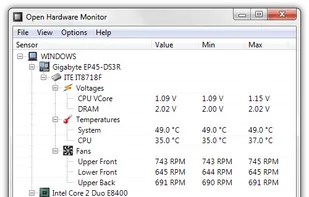
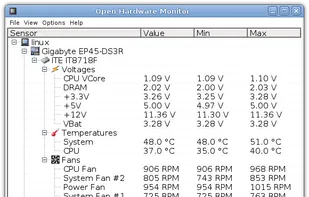
  1. The Open Hardware Monitor is a free open source software that monitors temperature sensors, fan speeds, voltages, load and clock speeds of a computer.

    78 Open Hardware Monitor alternatives

    Cost / License

    • Free
    • Open Source

    Application type

    Alerts

    • Discontinued

    Platforms

    • Windows
    • Mono
     
    |
    1
    Comments about Open Hardware Monitor as an Alternative to MSI Afterburner
    Guest
    Negative
    1

    there are no overclocking options for the GPU

    Review by a new / low-activity user.
    Open Hardware Monitor icon
    Open Hardware Monitor icon
    • Open Hardware Monitor is Free and Open SourceMSI Afterburner is Free and Proprietary
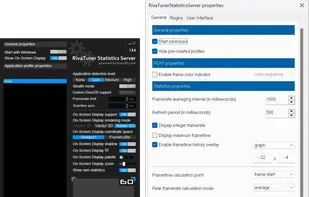
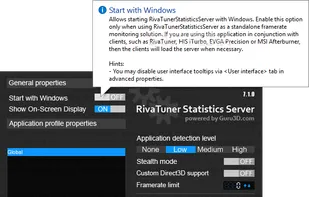
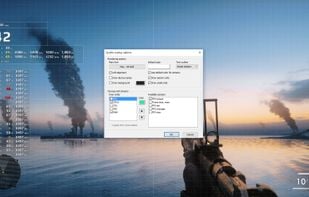
  2. RivaTuner is a complete powerful tweaking environment, providing you everything you may need to tune NVIDIA GPU based display adapters. The widest driver-level Direct3D / OpenGL and system tuning options, flexible profiling system allowing to make custom settings on...

    19 Rivatuner Statistics Server (RTSS) alternatives

    Cost / License

    • Free
    • Proprietary

    Platforms

    • Windows
     
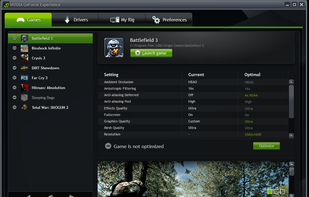
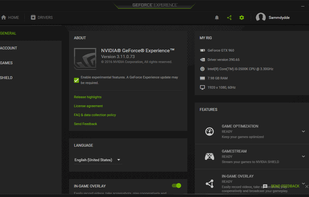
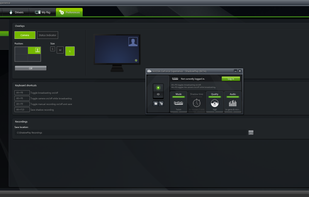
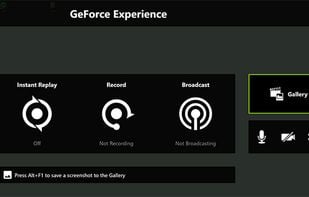
  3. Automatically update NVIDIA drivers, optimize game settings based on hardware with NVIDIA cloud, capture gameplay, livestream with minimal impact, and enjoy Ansel's photography features—all enhancing your gaming experience.

    12 GeForce Experience alternatives

    Cost / License

    • Free
    • Proprietary

    Alerts

    • Discontinued

    Platforms

    • Windows
     
    |
    1
    Comments about GeForce Experience as an Alternative to MSI Afterburner
    Danilo Venom
    Positive
    0

    GeForce Experience has overclocking options too: you have to enable Experimental Features in the Settings to see them in the Performance tab

    GeForce Experience icon
    GeForce Experience icon
    • GeForce Experience is Free and ProprietaryMSI Afterburner is also Free and Proprietary
  4. ASUS GPU Tweak III is currently open beta testing so try it out, if you feel it is missing something crucial give ASUS your feedback & they may be able to add it while still in beta. So far ASUS has been very accommodating with all useful feedback..

    15 ASUS GPU Tweak III alternatives

    Cost / License

    • Free
    • Proprietary

    Platforms

    • Windows
     
    |
    1
    Comments about ASUS GPU Tweak III as an Alternative to MSI Afterburner
    Oktay Mercan
    Positive
    -3

    Good alternative but no built in statistics feature. Like a OSD screen fps, temperature, Ram usage etc...

    ASUS GPU Tweak III icon
    ASUS GPU Tweak III icon
    • ASUS GPU Tweak III is Free and ProprietaryMSI Afterburner is also Free and Proprietary
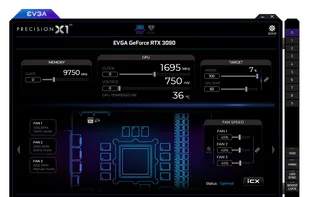
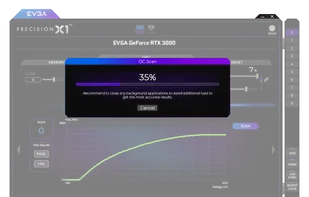
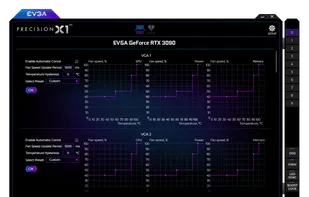
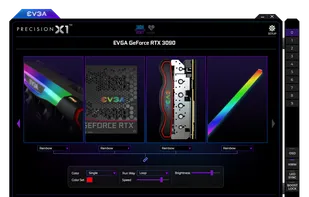
  5. EVGA Precision X1 allows you to fine tune your EVGA graphics card for the maximum performance possible, with Core/Shader/Memory clock tuning, real time monitoring support including in-game and compatibility with almost all EVGA graphics cards.

    17 EVGA Precision X1 alternatives

    Cost / License

    • Free
    • Proprietary

    Platforms

    • Windows
    • Steam
     
    |
    1
    Comments about EVGA Precision X1 as an Alternative to MSI Afterburner
    zlelmefs
    Negative
    0

    Fan control is a slider, does not support fan curves.

    EVGA Precision X1 icon
    EVGA Precision X1 icon
    • EVGA Precision X1 is Free and ProprietaryMSI Afterburner is also Free and Proprietary
  6. NZXT CAM icon
     16 likes

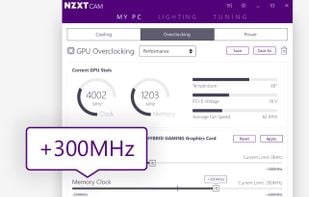
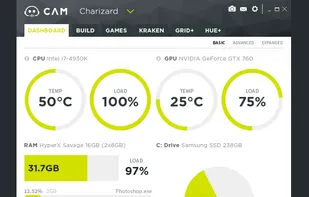
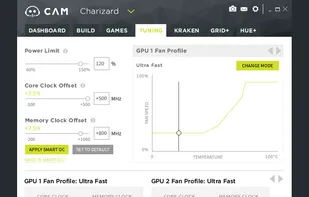
    Manage performance, temperatures, and devices all from a single application. NZXT CAM is fast, efficient, and easy-to-use, allowing you to control every aspect of your computer.

    28 NZXT CAM alternatives

    Cost / License

    • Free
    • Proprietary

    Application type

    Platforms

    • Windows
     
    |
    1
    Comments about NZXT CAM as an Alternative to MSI Afterburner
    zlelmefs
    Negative
    0

    No fan control, most features limited only to NZXT products, has un-necessary online features

    NZXT CAM icon
    NZXT CAM icon
    • NZXT CAM is Free and ProprietaryMSI Afterburner is also Free and Proprietary
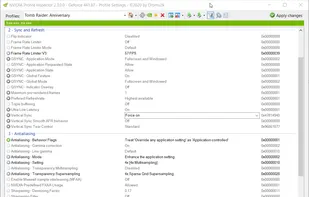
  7. This tool is used for modifying game profiles inside the internal driver database of the nvidia driver. All game profiles are provided by the nvidia driver, but you can add your own profiles for games missing in the driver database.

    8 NVIDIA Profile Inspector alternatives

    Cost / License

    • Free
    • Open Source (MIT)

    Application type

    Platforms

    • Windows
     
8 of 8 MSI Afterburner alternatives