


Cost / License
- Free
- Proprietary
Application type
Platforms
- Windows
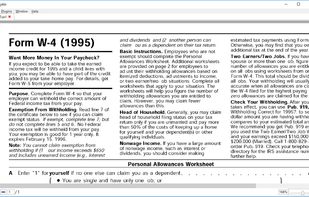


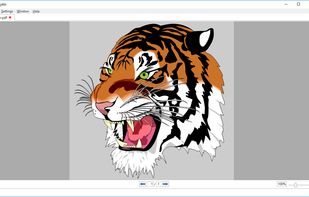


Apps similar to Firefox PDF Viewer (PDF.js) include SumatraPDF, which is free and open source. Other options are Okular, Foxit PDF Reader, Evince and MuPDF. PDF Readers like Firefox PDF Viewer (PDF.js) are a crowded field, with more than 100 alternatives for Windows, Linux, Mac, the web and Android.

A simple PDF document viewer, in the lines of Evince but without using the Gnome libraries. ePDFView is a free lightweight PDF document viewer using Poppler and GTK+ libraries.


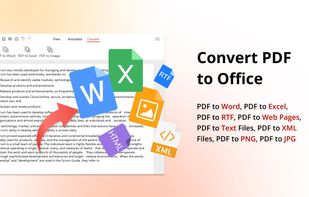
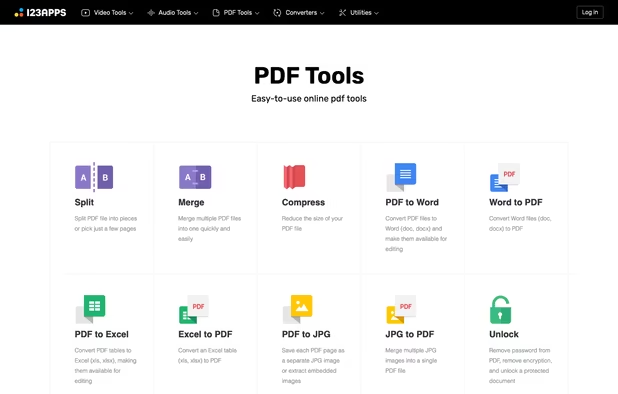
Free set of online tools for handling PDF files. Convert and edit your PDF files with incredible ease and speed!
 United States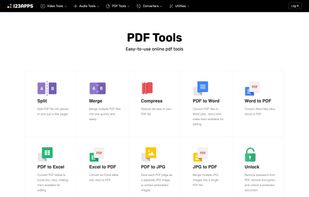


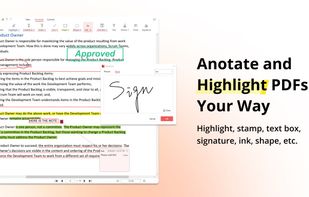
PDF X is a productive PDF reader & editor for Windows. It's powerful for users to view, print, edit, and annotate Adobe Acrobat PDFs.
 Canada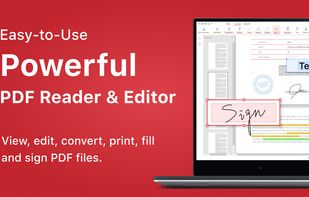


Discover Feather PDF, the ultimate PDF editor that prioritizes your privacy. Enjoy powerful editing features without data collection and gain lifetime access with a one-time payment.


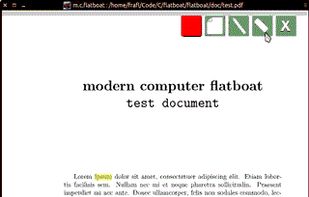
modern computer flatboat is a mobile pdf viewer written in Qt and using MuPDF's libfitz.


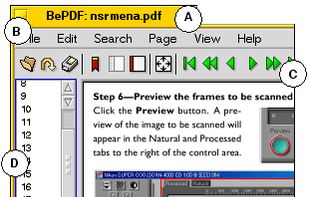
BePDF is a PDF viewer for the BeOS, Haiku & Zeta. Besides viewing, it supports annotating and user-defined bookmarking for unencrypted PDFs. It's fully localized for 20 languages at the moment with additional languages being easily added via text files.
BePDF is based o.


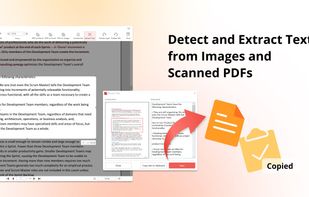
Redact & Annotate images. Hide or mark up essential parts of your image by simply clicking and dragging on it.
United States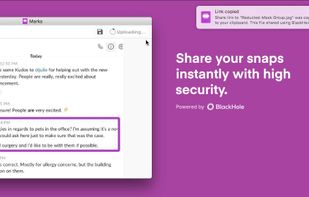
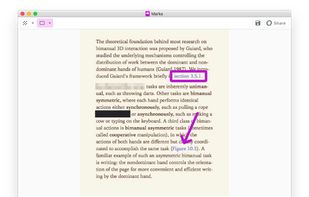


pdf2htmlEX renders PDF files in HTML, utilizing modern Web technologies, aims to provide an accuracy rendering, while keeping optimized for Web display. Text, fonts and formats are natively perserved in HTML, math formulas, figures and images are also supported.


PrizmDoc Viewer is a solution that integrates into your current application to render and display a multitude of file types with high fidelity and speed.


The simplest PDF viewer. Safe (doesn't require permissions), lightweight (just 6,9MB) and modern.
 Italy
Italy EU
EU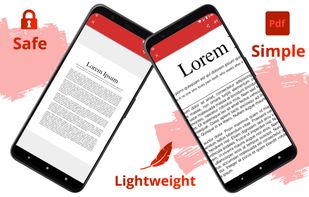


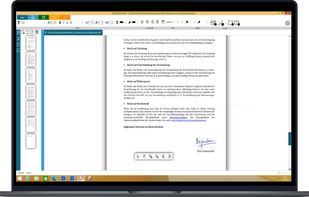
Edit your PDF files quickly and intuitively. Open, edit, save or convert PDF files with PDFTool – it’s up to you.





 China
China


