


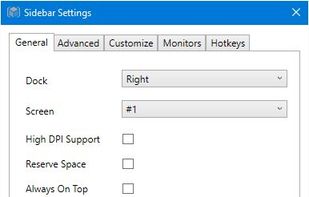
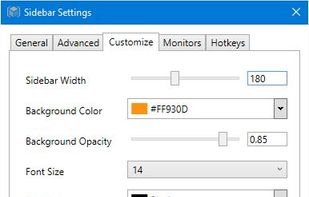
Offers at-a-glance hardware monitoring for CPU, RAM, GPU, network, and drives through a customizable sidebar with alerts, hotkey support, multi-DPI compatibility, an integrated clock, themes, and clear graphical statistics on the Windows desktop.
 United States



+2


Monitorets is described as 'Small utility application offering a simple and quick view at the usage of several of your computer resources. Almost like an applet or a widget for your Linux desktop' and is a system information utility in the system & hardware category. There are more than 50 alternatives to Monitorets for a variety of platforms, including Windows, Linux, Mac, Android and BSD apps. The best Monitorets alternative is CPU-Z, which is free. Other great apps like Monitorets are HWiNFO (32/64), Process Explorer, htop and Libre Hardware Monitor.
Offers at-a-glance hardware monitoring for CPU, RAM, GPU, network, and drives through a customizable sidebar with alerts, hotkey support, multi-DPI compatibility, an integrated clock, themes, and clear graphical statistics on the Windows desktop.

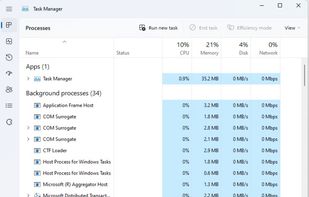
Windows Task Manager is a task manager application included with Microsoft Windows NT family of operating systems that provides detailed information about computer performance and running applications, processes and CPU usage, commit charge and memory information, network...


Glances is a cross-platform monitoring tool which aims to present a large amount of monitoring information through a curses or Web based interface. The information dynamically adapts depending on the size of the user interface.
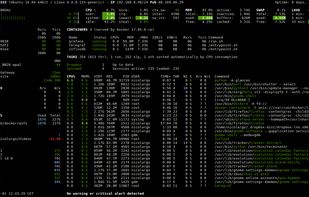
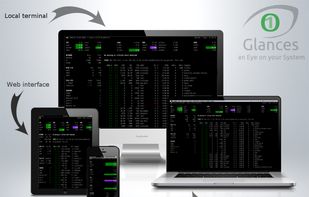
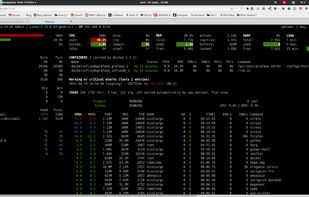
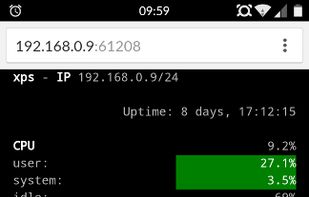


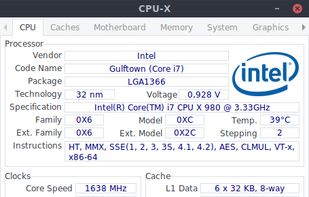
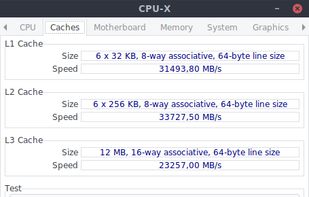

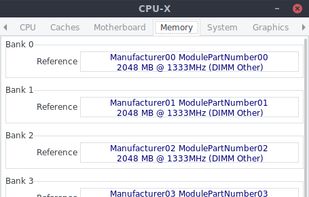


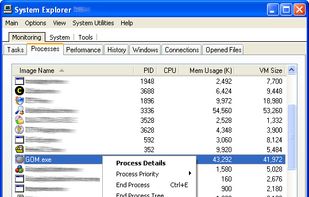
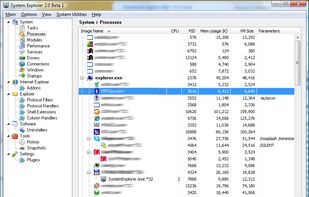
System Explorer is an enhanced Taskmanager that provides detailed information about running processes, startup programs, IE add-ons (BHOs), drivers, services network connections, system resources and more.


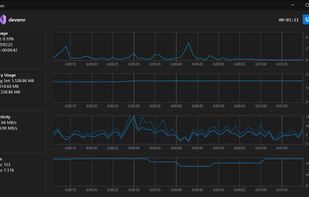
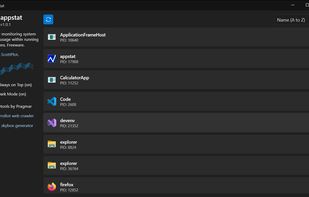
Real-time monitoring of CPU, memory, disk, and thread metrics for running applications without workflow interruptions. Identify resource bottlenecks, memory leaks, and performance spikes. Freeware with no registration required, featuring dark/light modes, always-on-top option, and exportable logs for team analysis.


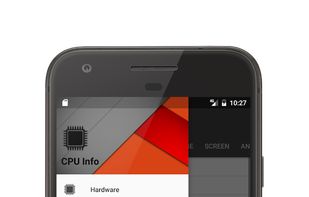

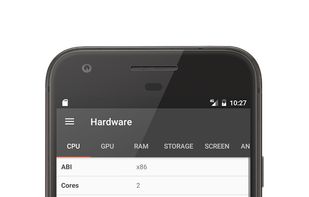
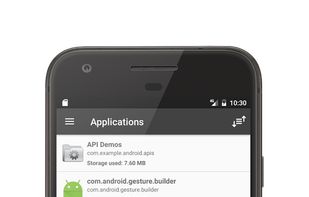


Advanced Windows tool offering in-depth system information categorized by software, hardware, and network. Generates comprehensive reports in varied formats like HTML, JSON, supports batch mode, useful for security, software license management, and server configuration.
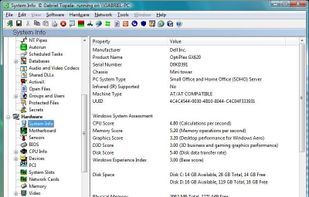
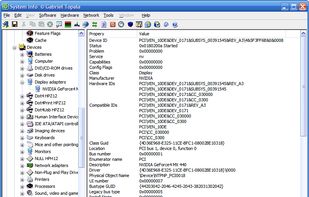


Hardinfo is a system information and benchmark tool for Linux. It shows detailed system info, including hardware, environment, and kernel. It can use lm_sensors and ACPI for temperature and battery information. It also has four CPU banchmarks and two FPU benchmarks.
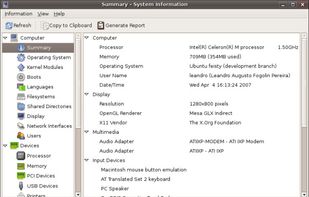
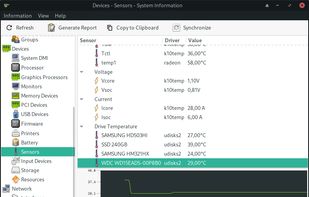
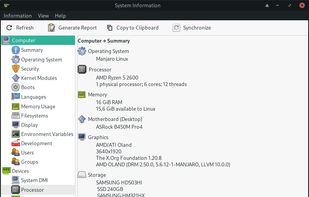


KSysGuard, also known as KDE System Guard and KDE System Monitor, is designed to make simple process control available to a user without needing to do any special setup - the defaults are usually perfectly adequate.
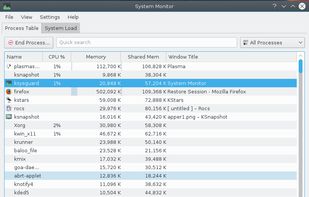


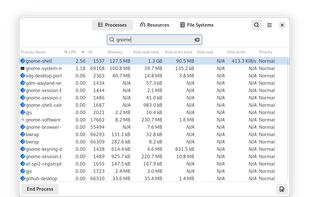
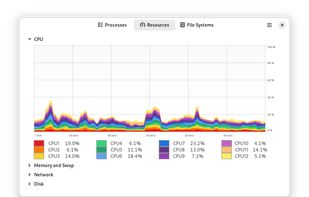
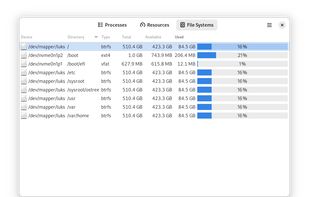
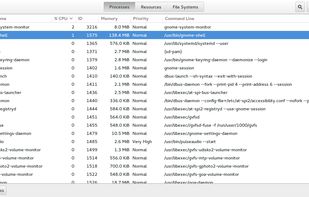
System Monitor is a tool to manage running processes and monitor system resources.


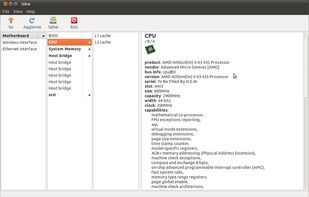
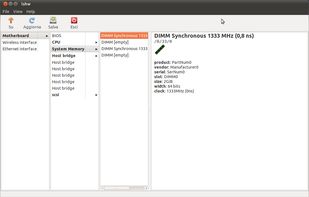
lshw (Hardware Lister) is a small tool to provide detailed information on the hardware configuration of the machine.


 France
 EU
EU


 Czechia


 Poland


 Canada


 Brazil


 Germany


