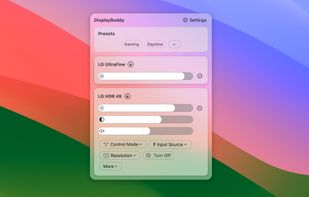
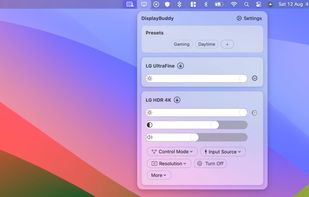
DisplayBuddy lets you control external displays connected to your Mac right from your menu bar! No need to touch your clunky monitor buttons!
Cost / License
- Paid
- Proprietary
Application type
Platforms
- Mac


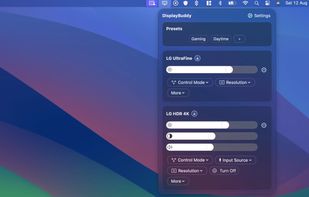

+4
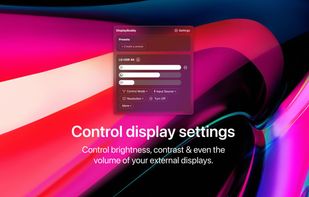


M


Apps similar to monitorcontrol (Python) include Twinkle Tray, which is free and open source. Other options are Solace, Dimmer, PangoBright and MonitorControl. You can choose from more than 10 Screen Dimmers like monitorcontrol (Python) for Mac, Windows and Linux.
DisplayBuddy lets you control external displays connected to your Mac right from your menu bar! No need to touch your clunky monitor buttons!

DDCcontrol is software for controlling monitor parameters such as brightness, contrast, and RGB color levels. It includes a command-line tool and a GUI tool.

Most monitors, other than laptop displays, have a Virtual Control Panel (VCP), which implements features defined in the Montor Control Command Set (MCCS). Typically, ddcutil communicates with the monitor's VCP over an I2C bus, as per the Display Data Channel/Command...


Free Monitor Manager lets you easily change your monitor's brightness, contrast and colors.
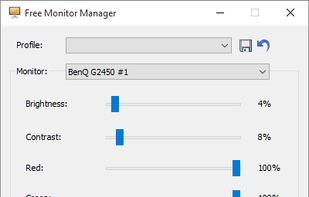
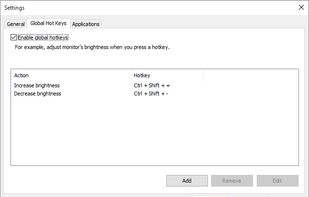




The program is designed to adjust the brightness of monitors, laptop displays and other equipment. Runs on Windows 7+ and does not require installation. Works with all external monitors that have DDC/CI support, as well as with built-in displays of laptops, all-in-ones and...
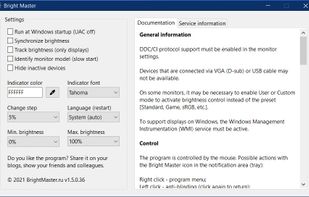


This small utility will try to make controlling your external monitor brightness and contrast easier. Also it have day and night presets, which stored in a right-click on a button.


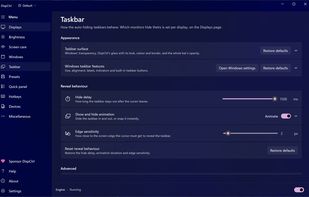
Free, open-source display control for Windows 11: one brightness slider for every monitor (DDC/CI and laptop panels), night light, focus mode, keep awake, per-monitor taskbar hiding and glass, OLED care, your monitor's own settings, hotkeys and a CLI.
 India
India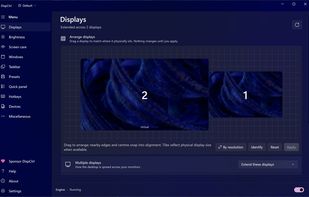
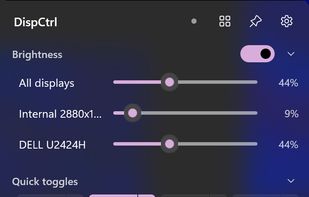


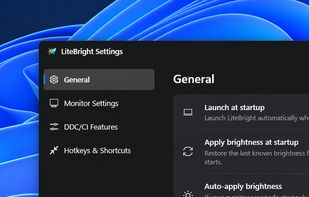
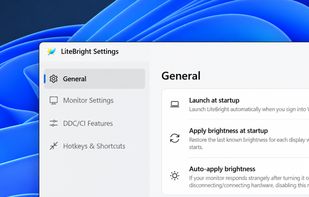
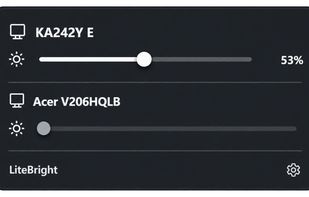
LiteBright is a lightweight native brightness controller for Windows 10 and 11. It lets you control brightness across multiple monitors from the system tray, adjust displays independently or together, and use global keyboard shortcuts for quick changes.


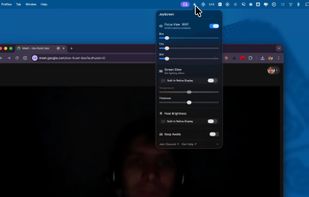
Focus view, extra brightness, ambient glow, and keep awake — all from your menu bar. JoyScreen transforms how you use your Mac.
 Poland
 EU
EU