


MediaConfig
Like
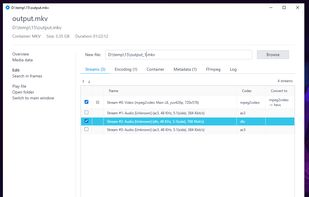
FFmpeg-powered desktop tool.

Cost / License
- Free Personal
- Proprietary
Application typeApplication types
 EU
EUPlatforms
- Windows


Features
Highlights All activities
MediaConfig News & Activities
Recent activities
 Rendobar added MediaConfig as alternative to Rendobar
- RemovedUser added MediaConfig
 RemovedUser added MediaConfig as alternative to FFmpeg, HandBrake, Video Compression, Shutter Encoder and 39 more


Developed by
 MediaConfig
 Licensing
Proprietary and Free Personal product.Alternatives
44 alternatives listedBadge
Get an embeddable badge for MediaConfigSupported Languages


No comments or reviews, maybe you want to be first?