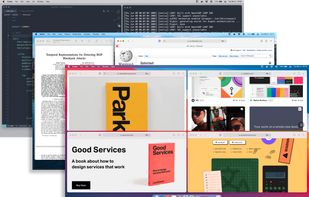
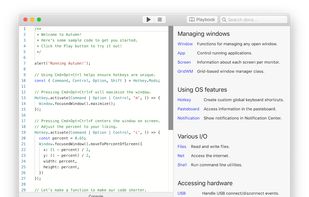
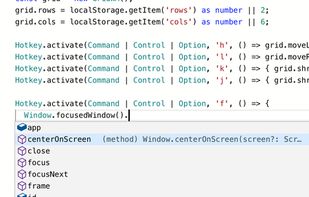
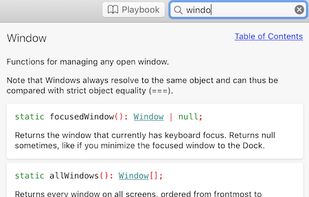
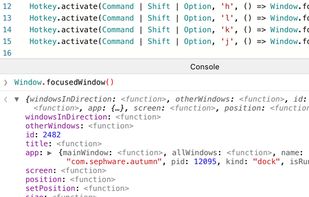
Autumn is a full customizable window manager for Mac with a built-in IDE for coders to configure everything with JavaScript or TypeScript.
Platforms
- Mac



+1


Apps similar to MaxSnap include Rectangle, which is open source with a free version. Other options are BetterTouchTool, Loop - Window Management, AquaSnap and MacsyZones. Window Managers like MaxSnap are a crowded field, with more than 50 alternatives for Mac, Windows, Linux and Android.
Autumn is a full customizable window manager for Mac with a built-in IDE for coders to configure everything with JavaScript or TypeScript.

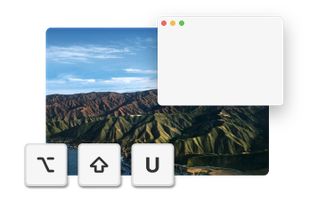
TileWindows helps you to easily organize your desktop: Move and resize your application windows, so you can view them side by side, by using keyboard shortcuts.
 Germany
 EU
EU
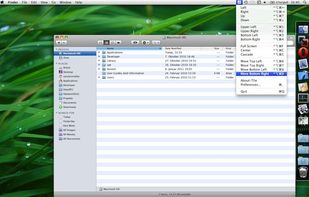
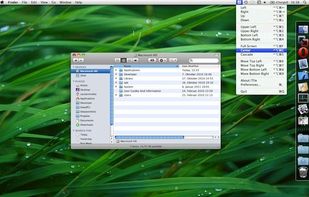
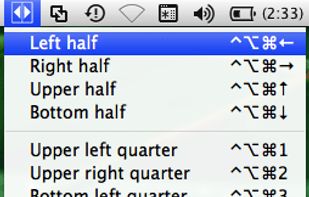


Tiled is a Chrome extension that lets you arrange your windows using a grid-based interface.
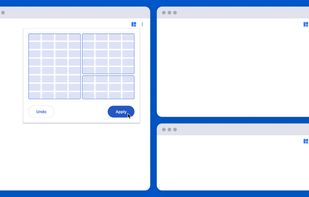
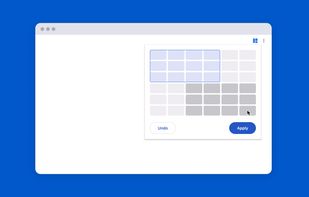
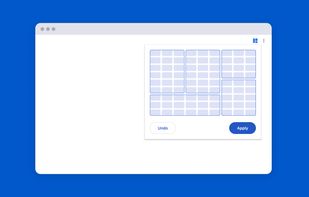
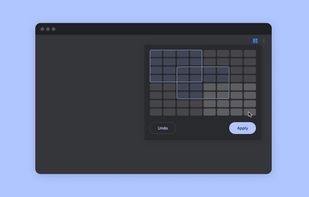


Managing the windows on your computer has become a snap! With the iSnap app, you can organize various windows to fit perfectly on your screen and access them simultaneously!

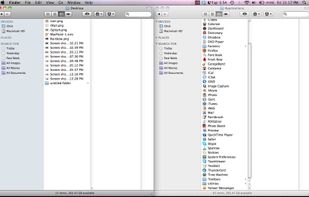
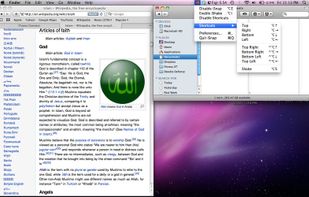

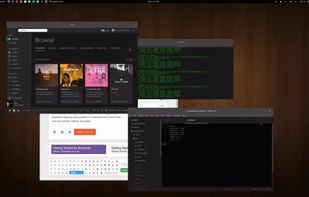
A small utility which allows you to easily organize your open windows by tiling, resizing and positioning them to make the best use of your desktop real estate. It's easy to configure and supports multiple monitors.

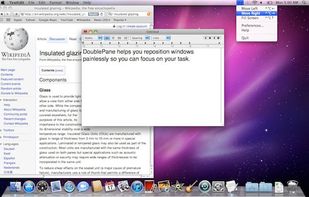
Have you ever wasted time repositioning application windows so you can see two windows simultaneously? DoublePane effortlessly repositions application windows to maximize your screen space for easy side-by-side viewing.
 United States

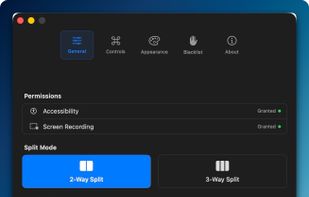
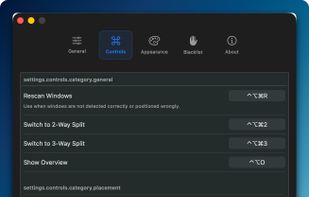
Window management utility on macOS enabling window snapping, 2- and 3-zone layouts, app rotation, keyboard and trackpad gesture controls, plus overview mode for fast app assignment and switching, offering efficient multitasking in customizable zones.
 South Korea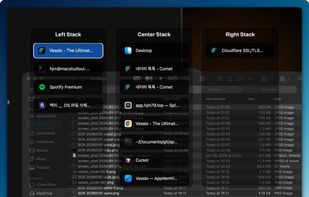


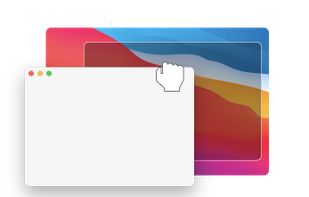
Hummingbird is a macOS utility that allows easy moving and resizing of windows by holding modifier keys and dragging your mouse to move and resize windows.
GermanyEU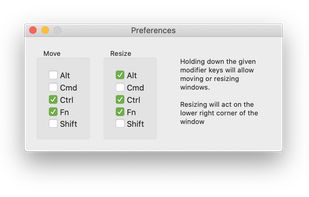
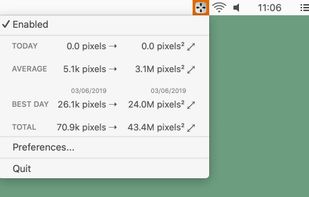


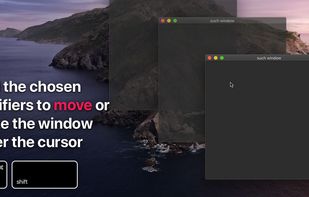
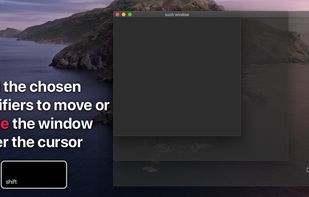
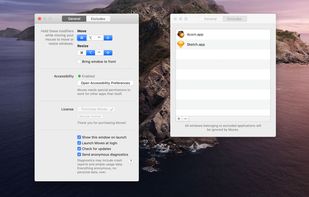
?? Moves makes it easier than ever to position your windows juuust right.
? Just hold down your chosen modifier keys and move the mouse. No need to fiddle with 3px wide window edges or far way title bars.


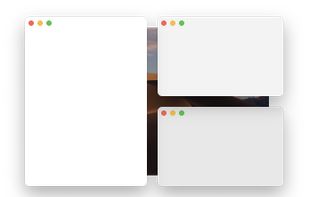
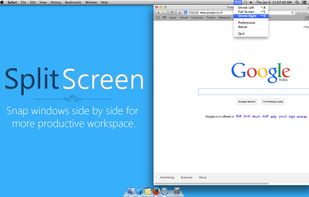
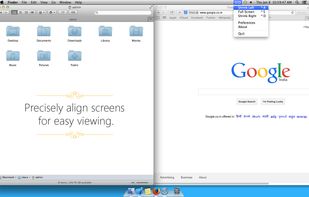
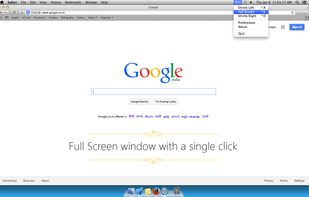
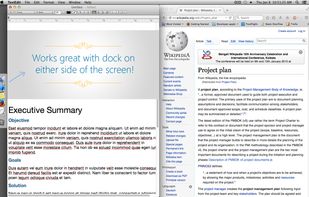
Split Screen allows you to effortlessly resize windows to exactly half your desktop at the touch of a simple keystroke. Gone are the days of trying to resize windows to fit nicely next to each other, with Split Screen it is as easy as pressing a button.


 Brazil