


Material File Manager
A simple, smooth and elegant Android File Manager with Material Design UI. I started to develop this App as my first Android Project. I focalized mainly about three things:

 EU
EU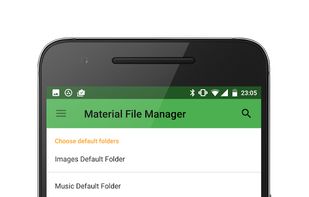

No longer available on the Google Play Store.

Features
Tags
Material File Manager News & Activities
Recent activities
Material File Manager information
Developed by
 Cosimo Sguanci
 Licensing
Open Source (Apache-2.0) and Free product.Written in
Alternatives
23 alternatives listedSupported Languages
- English

AlternativeTo Category
File ManagementGitHub repository
- 30 Stars
- 13 Forks
- 2 Open Issues
- Updated


What is Material File Manager?
A simple, smooth and elegant Android File Manager with Material Design UI. I started to develop this App as my first Android Project. I focalized mainly about three things:
Material Design UI patterns; Providing a fast and responsive experience for the user. Give the user the possibility to customize the experience with various themes.
It has also the most common functions as a File Explorer, like:
Multiple files selection; Create new files or directories; Copy, Move, Delete, or Rename files or directories; Zip and Unzip files and directories; Global search of files and directories in the phone memory.
I think also that customization is a fundamental part of an Android App, so i've given the user the opportunity to change the drawer shortcut paths (to Images folder, Music folder, and Download folder).
