Easy to use application for monitoring and controlling running processes.
Cost / License
- Free
- Open Source
Application typeApplication types
Platforms
- Linux
- Global
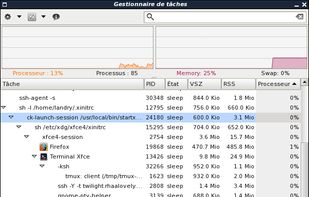


Apps similar to MATE System Monitor include Process Explorer, which is free. Other options are htop, Task Manager, Process Lasso and Process Monitor. Process Management Tools like MATE System Monitor are a crowded field, with more than 25 alternatives for Windows, Linux, Mac, Android and iPad.
Easy to use application for monitoring and controlling running processes.

vtop is a graphical command-line tool that uses unicode braille to chart CPU and memory usage. It can be easily extended.
 United Kingdom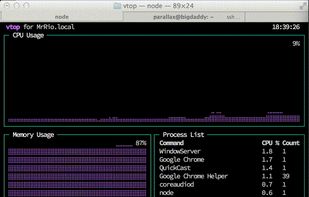


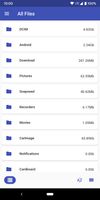
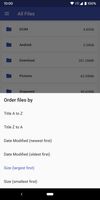
"My Files" manages all the files on your smartphone, just like a file explorer on your computer.
 South Korea



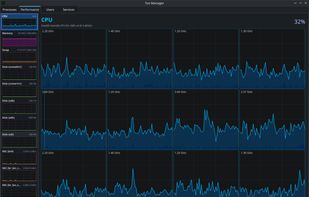
A Linux Task Manager alternative built with Qt6, inspired by the Windows Task Manager but designed to go further - providing deep visibility into system processes, performance metrics, users, and services.
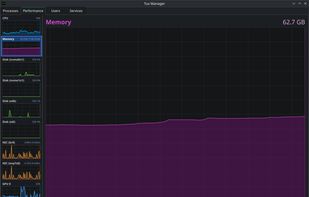
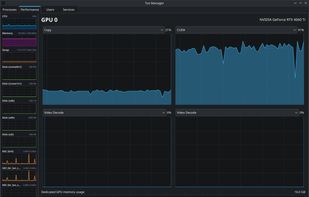
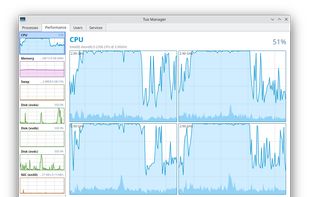


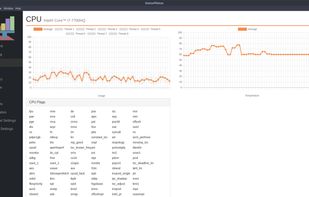
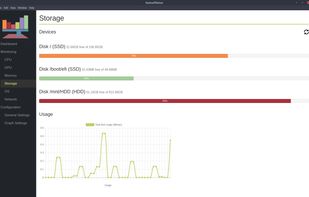


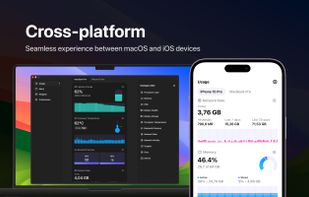
System Activity Monitor for Mac, iPhone, and iPad. Customizable, precise, and lightweight apps to keep an eye on the activity and performance of your devices.
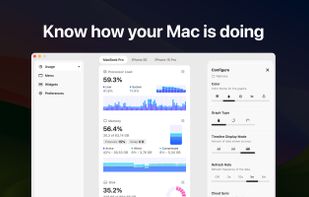
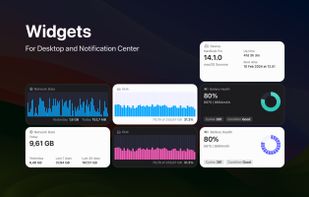
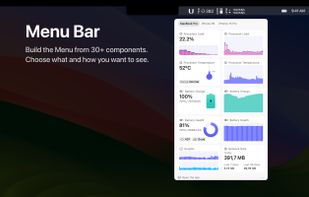


Mac OS X System Monitor and Process Explorer Tool atMonitor is the most advanced monitoring tool for Mac OS X that displays system activity in real-time. It is designed to allow quick assessment of computers state and it is powerful enough to make it a core utility in anyones sys.
 United States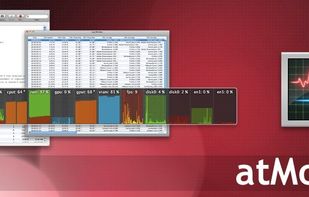


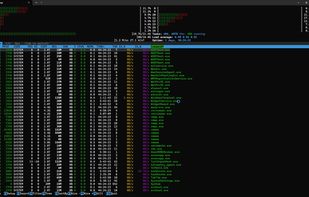
pstop is a native Windows terminal system monitor inspired by htop. It brings per core CPU usage bars, memory and network meters, process tree view, search, filtering, and kill shortcuts directly to PowerShell with familiar htop style keybindings.


Filez: Ultimate File Manager for Android built with bleeding edge technologies. Get access to your recent files, images, media and documents in one tap. Browse your file system with no restrictions.
 Russia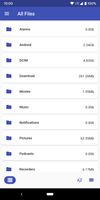


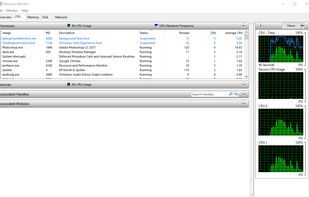
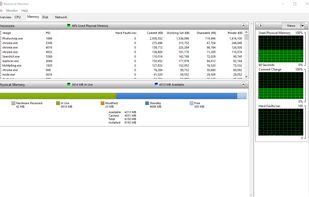
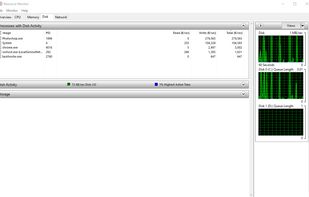
Resource Monitor is a system application in Microsoft Windows operating systems. It is used to view information about the use of hardware (CPU, memory, disk, and network) and software (file handles and modules) resources in real time.
United States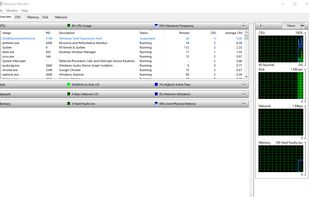


LXTask is the standard task manager and system monitor of LXDE. It starts via Ctrl+Alt+Del and is extremely lightweight.
 Taiwan