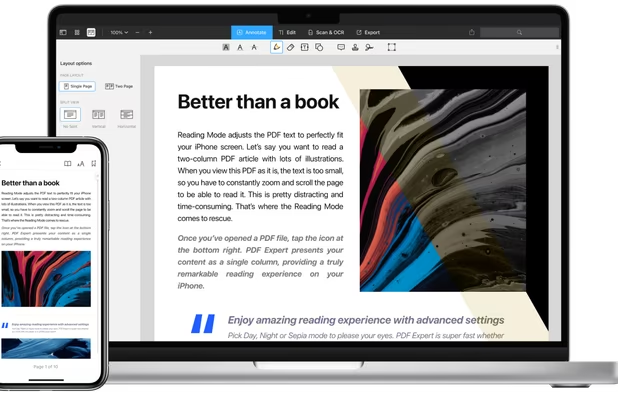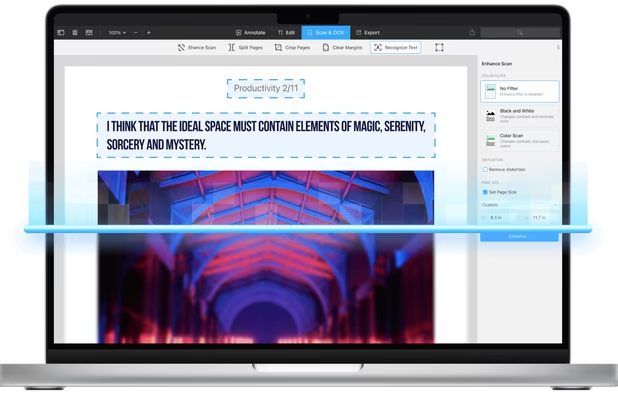


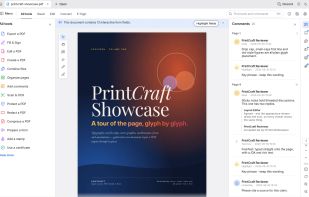
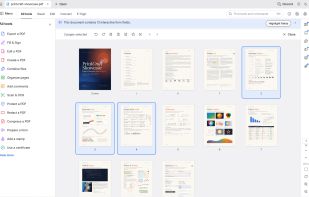
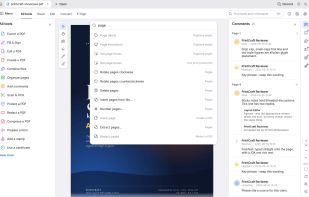
Read, organize, combine, split and secure PDFs in a fast, native app written in Rust from the ground up. No account, no telemetry, no cloud.
Platforms
- Windows
- Mac
- Linux
- Online
 United States



+1
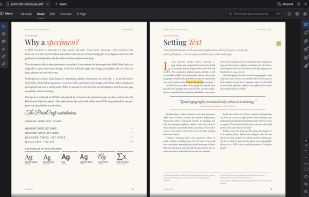


The best PDF Editor alternative to Master PDF Editor is PdfCraft, which is both free and Open Source. If that doesn't suit you, our users have ranked more than 100 alternatives to Master PDF Editor and loads of them are PDF Editors so hopefully you can find a suitable replacement. Other interesting PDF Editor alternatives to Master PDF Editor are PDF Arranger, PDF-XChange Editor, PDF24 Creator and PDFsam.
Read, organize, combine, split and secure PDFs in a fast, native app written in Rust from the ground up. No account, no telemetry, no cloud.
United States
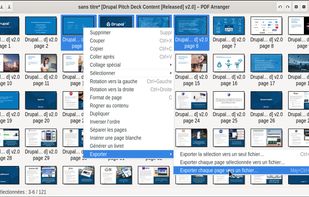
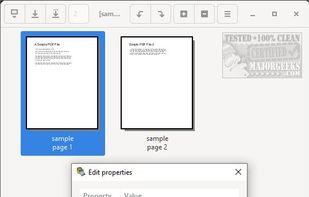
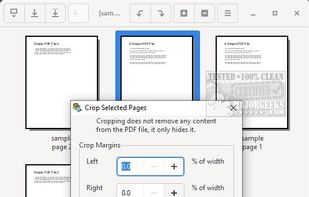
Small python-gtk application, which helps the user to merge or split pdf documents and rotate, crop and rearrange their pages using an interactive and intuitive graphical interface.


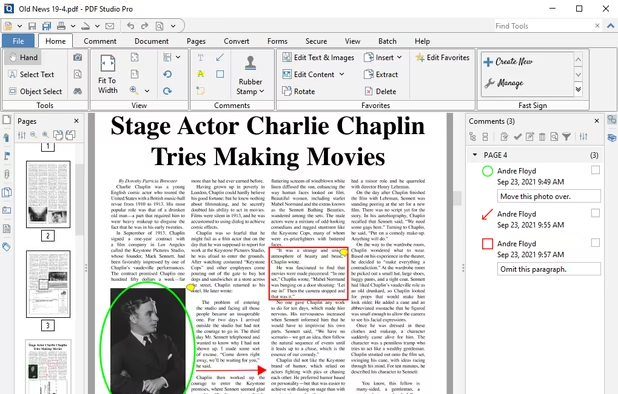
Feature-rich PDF editor offering direct content editing, ABBYY OCR, viewing, annotation, form filling, PDF merging, compression, and encryption. Operates efficiently offline, requiring no registration and no ads, while providing privacy-focused features and convenient portability.
 Canada
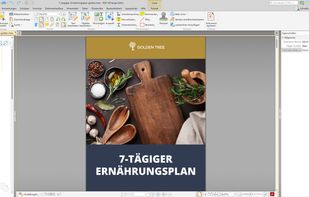
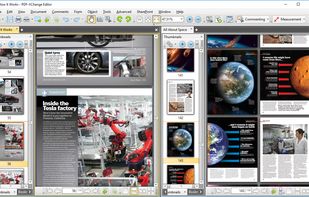
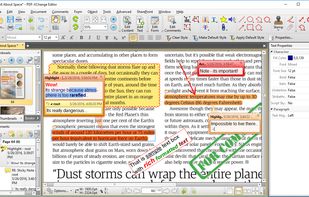


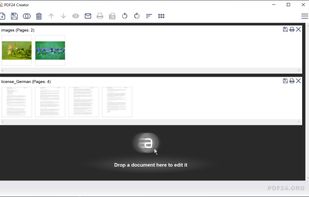
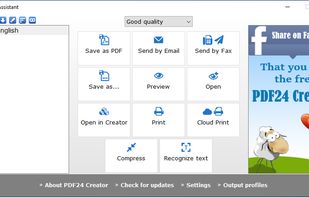
PDF24 Creator is free and feature-filled PDF creation, merging and conversion tool for Windows. Its unique feature among the free PDF printer tools is an editor, which allows to easily assemble, create and modify PDF files with Drag & Drop.
 Germany
 EU


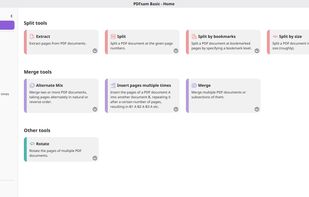
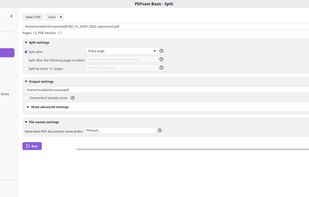
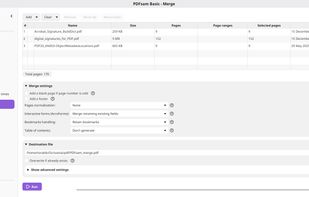
Free, open-source desktop software for Windows, macOS and Linux that processes PDFs locally. Merge page ranges, split by page, size or bookmarks, extract or insert pages, rotate files in batches, and interleave documents without uploads, accounts or watermarks.
 ItalyEU

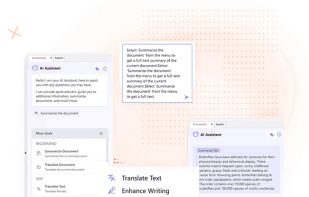
Manage documents effortlessly, edit PDFs, create them from other formats, and e-sign anywhere. Secure sharing and comparison tools ensure smooth workflows and data protection. New AI Assistant offers quick document insights. Perfect for desktop and web platforms.
United States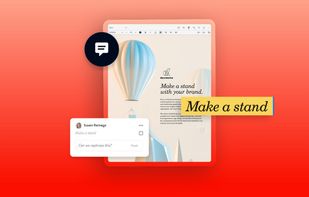
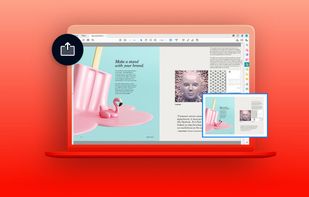
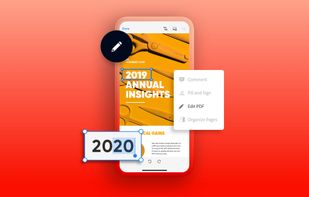
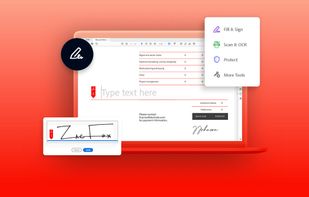


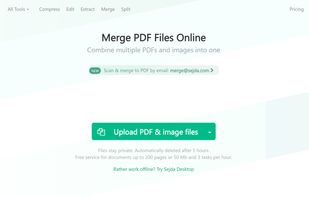
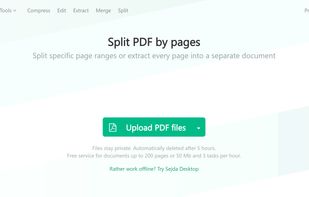
Sejda helps with your PDF tasks: edit existing text, split, merge, extract, compress, export to other formats and more.
 NetherlandsEU
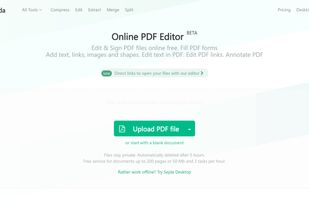


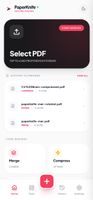
Privacy-first PDF utility (Zero-Server Architecture). Merge, split, compress, and edit PDFs 100% locally on your device. No uploads, no servers, no tracking.


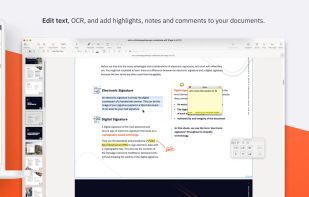
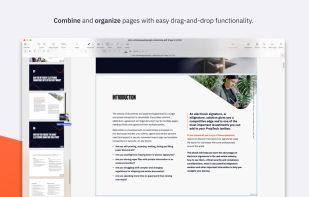
Nitro offers comprehensive PDF solutions for editing, creating, and converting, alongside OCR and e-signature tools. Supports Mac, Windows, and iOS, providing a user-friendly interface with industry-standard security features. Ideal as an Adobe Acrobat alternative.
United States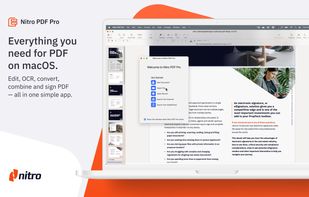
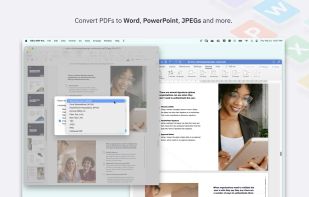


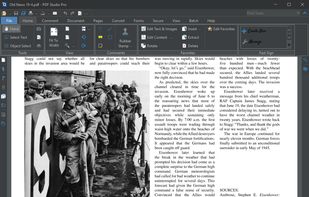
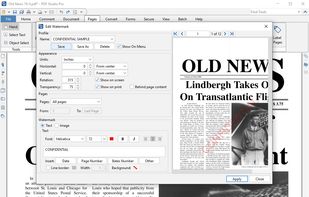
Create, Convert, Review and Edit PDF Documents on Windows, macOS, and Linux.
United States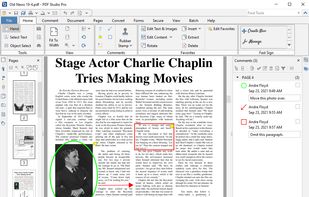
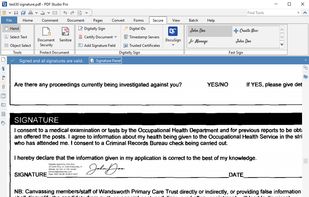


Comprehensive suite offering eSign, OCR, multi-platform editing, cloud integration, and robust security. Ideal for professional or personal use, facilitating collaboration while protecting content.
United States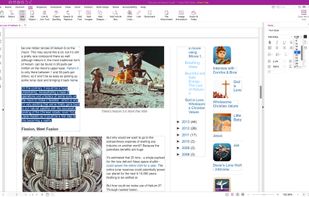
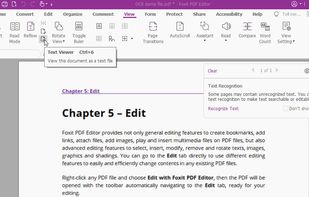


Read, annotate, and highlight PDFs, fill interactive forms with saved input, underline or strike through text, manage bookmarks, sync files from cloud services, and share documents. Compatible with Preview and Adobe Acrobat annotations, supporting extensive iOS features.
 Ukraine