Platforms
- Mac
- Windows
- Linux
- Flathub



Apps similar to Master PDF Editor include PDF Arranger, which is free and open source. Other options are PDF-XChange Editor, PDF24 Creator, PDFsam Basic and Adobe Acrobat DC. There's no shortage of PDF Editors like Master PDF Editor, with more than 100 alternatives for Windows, Mac, the web, Linux and iPhone.

Revolutionize PDFs for free! Try PDFPro: advanced editing, annotating, converting, signing. Premium tools, cloud support, secure.
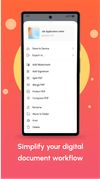
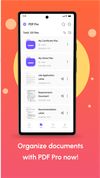
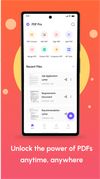

PrivatePDF is a free web tool that lets you make quick PDF edits from within your web browser, without uploading anything anywhere.
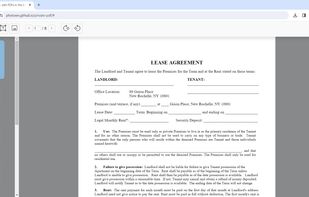
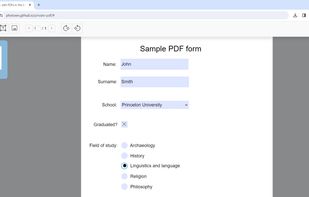
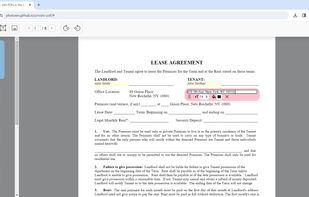
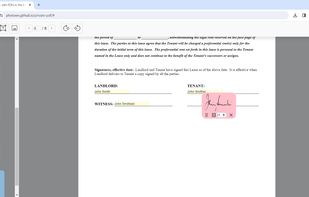

jPDF Tweak is a Swiss Army Knife GUI application for PDF documents: combine, split, rotate, reorder (n-up, booklet), watermark, edit bookmarks/fileinfo/pagetransition, compress, encrypt, decrypt, sign, repair, edit attachments and more.
 Germany
 EU
EU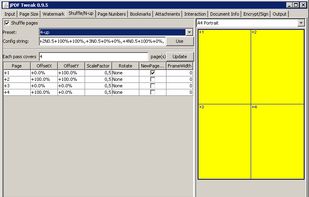


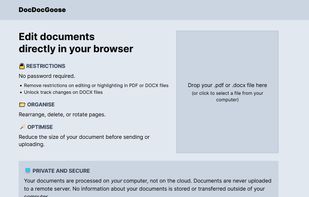


Collection of easy to use, time-saving online tools to merge, split, convert, and edit PDF files.
 Iceland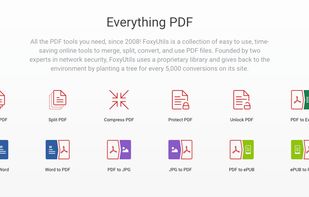
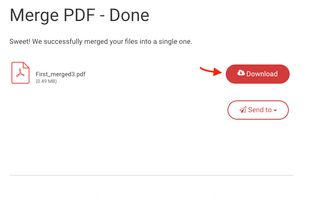
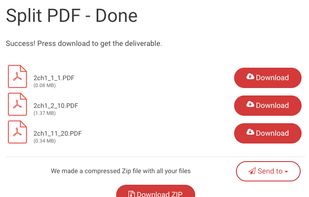


PDF Plus is a powerful PDF processor that will help you merge, split, watermark and crop PDF documents in just three easy steps.
 RomaniaEU
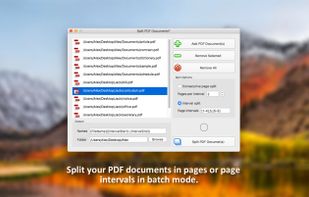
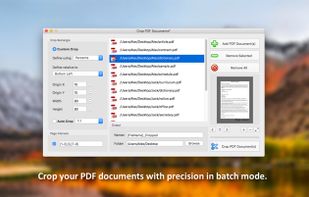
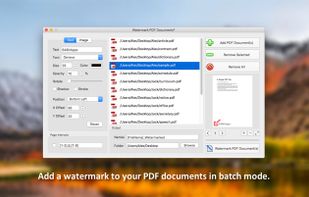


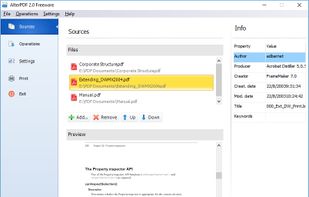
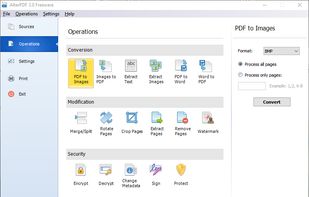
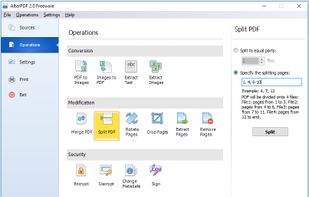
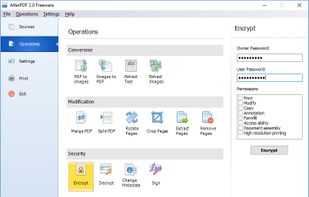
AlterPDF is a set of free PDF tools, which allows you to convert, modify and sign your PDF documents. With this program you are able to convert PDF to images, as well as convert JPG and other pictures to PDF, extract text and images.


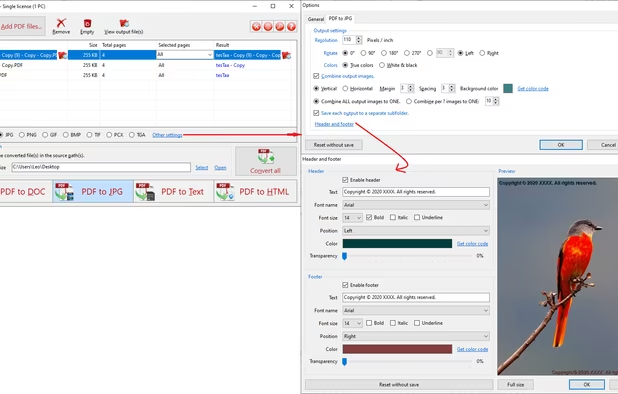
PDF to X is used to convert PDF documents to Word (.doc)/WordPad (.rtf) documents, HTML web pages, JPG/PNG/BMP/TIF/GIF/PCX/TGA images and plain text files in batch mode. It works without Adobe Acrobat or Adobe Reader.
 United States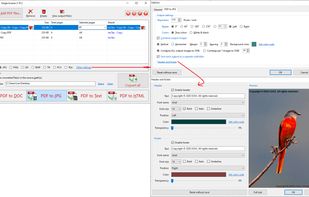


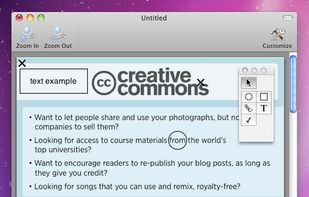
FormulatePro helps you open and write on PDF documents. You can fill out any PDF form document, drop in graphics, scribble with the mouse or a tablet, save and print.


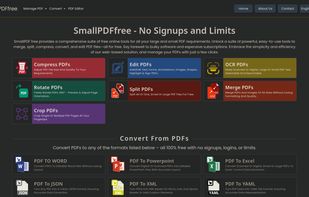
SmallPDFfree offers a free online suite for all your big and small PDF needs. Access a suite of powerful, user-friendly tools that can merge, split, compress, convert, and edit your PDF files.