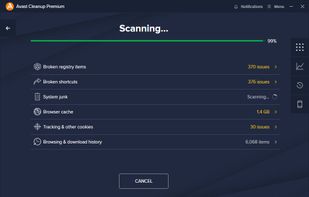
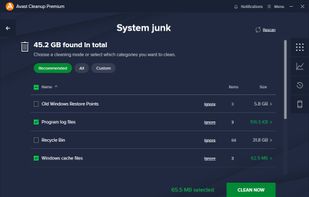
Next generation tuneup and cleanup for your PC.
Cost / License
- Paid
- Proprietary
Application type
Platforms
- Mac
- Windows
- Android
- iPhone
- iPad
 Czechia
 EU
EU



+4


MAGIX PC Check & Tuning has been discontinued. Similar apps include BleachBit, which is free and open source. Other options are CCleaner, Glary Utilities, Ultimate Windows Tweaker and Auslogics BoostSpeed. You're spoiled for choice with System Cleaners like MAGIX PC Check & Tuning: we list more than 50 alternatives for Windows, Mac, iPhone, iPad and Android.
Next generation tuneup and cleanup for your PC.
CzechiaEU
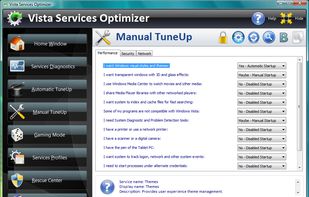
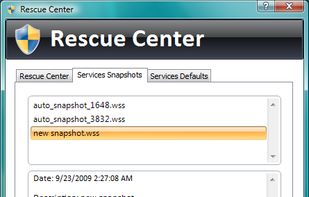
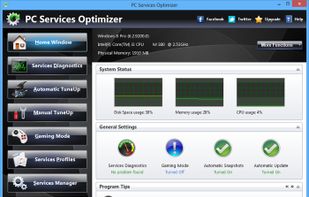
PC Services Optimizer (formerly Vista Services Optimizer) was an open source Windows tweaking utility that can improve your Windows Vista and Windows 7 performance and security with a simple mouse click, by tweaking Windows services in an automatic and very safe way according to...
 United States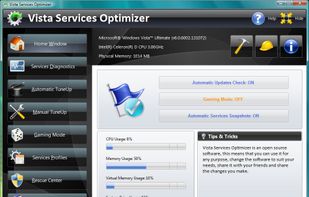


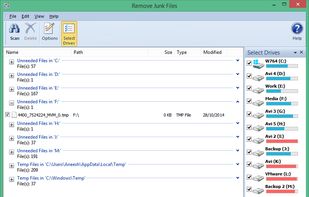
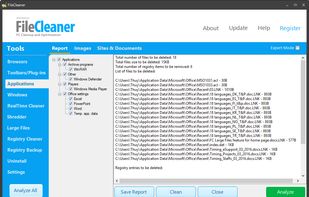
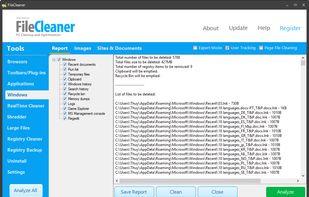
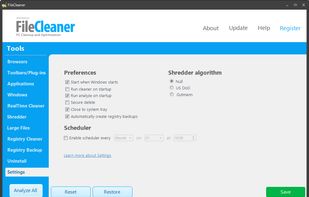
Eliminates web history, cookies, and temp files from Windows, frees up disk space, securely shreds sensitive data, repairs common system errors, enhances privacy, automates cleaning, and supports multiple browsers for ongoing performance optimization.
United States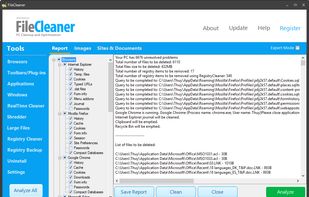


SystemTweaker is a safe and easy to use tool that lets you customize Windows to your taste. From Start menu tweaks to quick and easy changes to network behaviour, SystemTweaker comes packed with over 50 tweaks, all hand-picked to make your Windows experience a little more...
 MaltaEU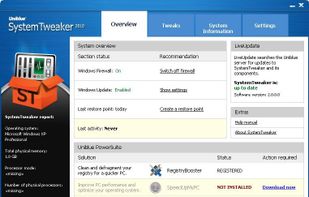


System Ninja is a fast, powerful and effective system optimization solution for Windows.
 Australia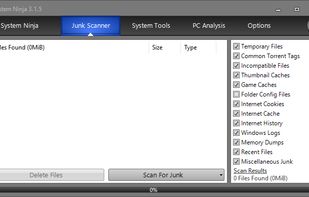


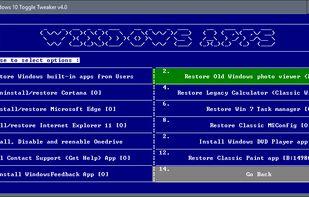
A script for windows 10 with purpose of tweaking your windows install by removing stuff like windows apps _ Cortana _ Edge.


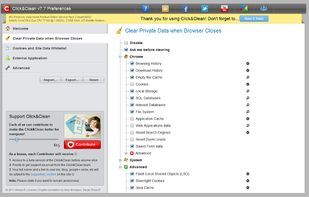
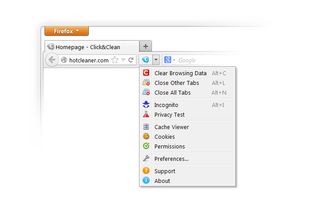
Click&Clean is a free, fast and easy-to-use extension for Google Chrome and Mozilla Firefox that can be used as a powerful private data Cleaner.
United States



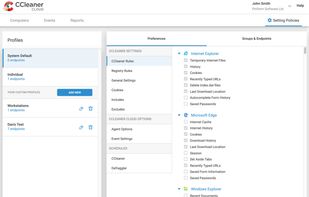
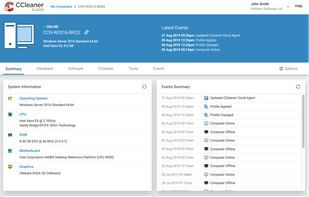
CCleaner Cloud lets you Run day-to-day tasks such as analyzing, cleaning, defragging and installing across multiple machines from your computer, phone or tablet.
 United Kingdom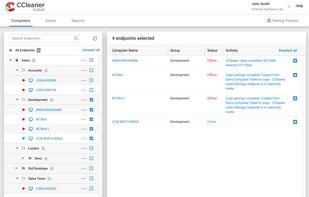


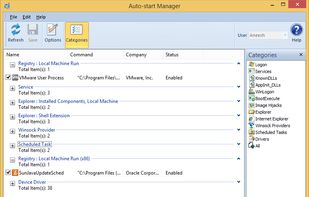
A set of more than 20 software utilities including but not limited to utilities that can help you get the best performance out of your computer. It also provides an automatic and a one click solution to keep your computer clean and error free.
 India
India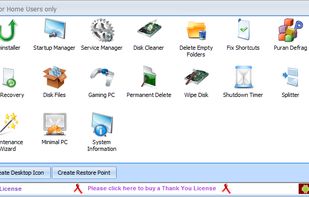


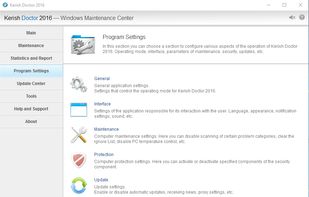
Kerish Doctor is an all-in-one solution for automatic maintenance of Windows-based computers.
 Russia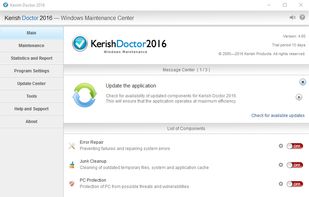




Tweak-7 is everything you need to customize and tweak Windows 7 to fit your needs. From start menu, to desktop tweaks, from taskbar customization to system tweaks.3D system performance analyzation combined with heaps of system related tweaks to optimize your Windows 7 in speed...
 GermanyEU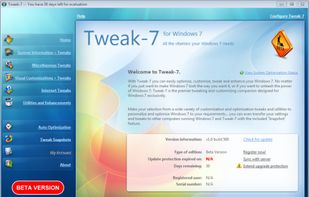
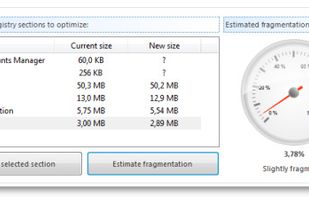
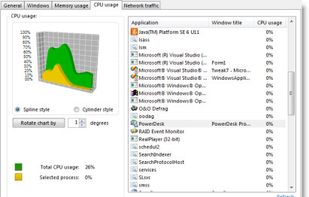


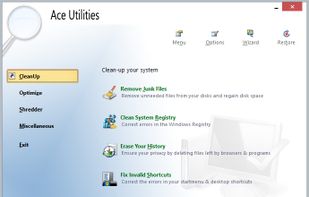
Ace Utilities is an award winning collection of tools to optimize your PC's performance.