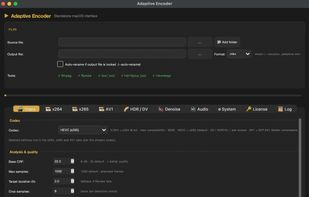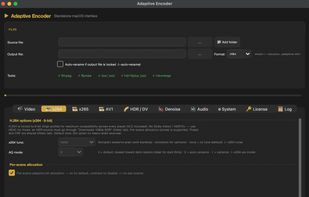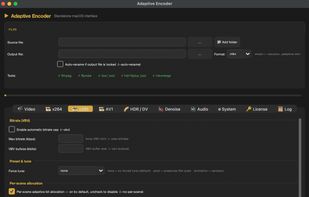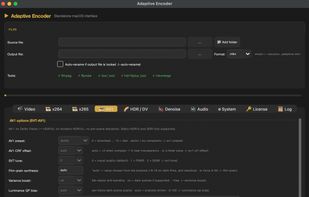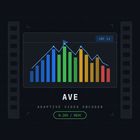
Cross-platform tool retains HDR10, HLG, Dolby Vision, and HDR10+ metadata, preserves all audio tracks and subtitles, supports MXF, MP4, MOV, AVI, MKV, and more, enables 8K video, offers analysis features, and runs on Windows, macOS, and Linux.


MadVR is described as 'Uses your GPU to perform resolution upscaling, chroma upscaling, and all kinds of other video rendering enhancements that can significantly improve video quality. It can be used with a few different video players such as MPC-HC and PotPlayer' and is an app. There are four alternatives to MadVR for Windows, Linux and Mac. The best MadVR alternative is Adaptive Video Encoder. It's not free, so if you're looking for a free alternative, you could try MPC Video Renderer or Anime4K.
Cross-platform tool retains HDR10, HLG, Dolby Vision, and HDR10+ metadata, preserves all audio tracks and subtitles, supports MXF, MP4, MOV, AVI, MKV, and more, enables 8K video, offers analysis features, and runs on Windows, macOS, and Linux.


MPC Video Renderer is a free and open-source video renderer for DirectShow. The renderer can potentially work with any DirectShow player, but full support is available only in the MPC-BE. Recommended MPC-BE 1.8.2.136 or newer.


Anime4KCPP provides an optimized algorithm version 0.9, and it also provides its own CNN algorithm, it provides a variety of way to use, including preprocessing and real-time playback, it aims to be a high performance tools to process both image and video.

I dont't think this is a video render/filter for windows..