


Native macOS app for Android USB/MTP file transfer with built-in conflict detection — no cloud, no account, no Android companion app.
Cost / License
- Paid
- Proprietary
Platforms
- Mac
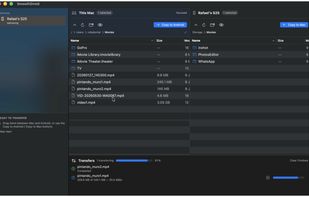

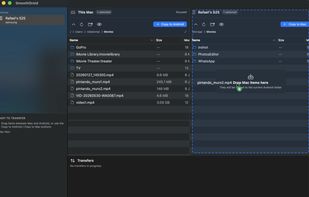

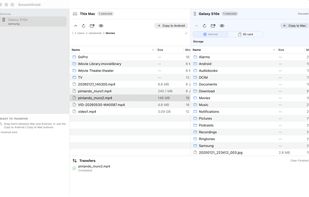


MacDroid is described as 'The android file manager for Mac that allows you to easily manage all the files stored on your phone, no matter the brand. Manage Android devices with the touch of a button and edit all of your photos on the go, without downloading them on your computer' and is a large file transfer service in the file sharing category. There are more than 25 alternatives to MacDroid for a variety of platforms, including Mac, Windows, Android, iPhone and Web-based apps. The best MacDroid alternative is LocalSend, which is both free and Open Source. Other great apps like MacDroid are PairDrop, AirDroid, MyPhoneExplorer and SwissTransfer.
Native macOS app for Android USB/MTP file transfer with built-in conflict detection — no cloud, no account, no Android companion app.

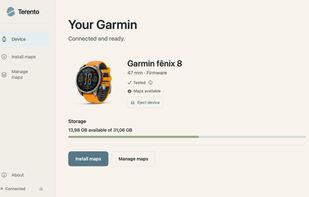
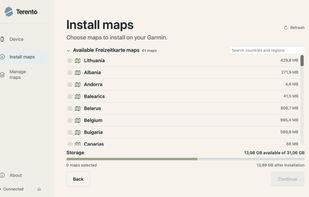
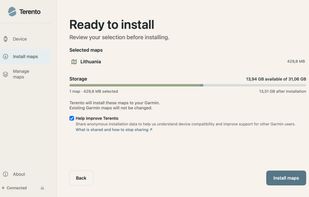
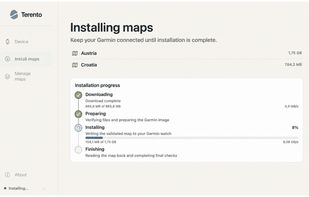
Terento is a free, open-source macOS app for installing and managing maps on compatible Garmin smartwatches. Connect your watch, choose the regions you want, preview storage usage, and install maps without manually moving files or dealing with MTP tools.


Send files from your phone to a web browser, without uploading to the cloud. Transfer files to your PC, send files to family devices, or share with others with a web link. Full privacy, no limits on file size or type.
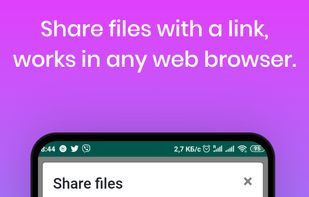
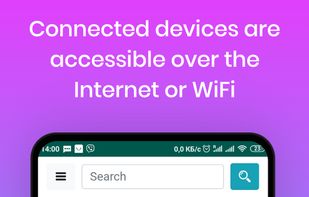
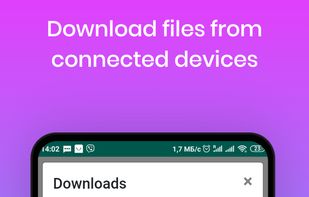
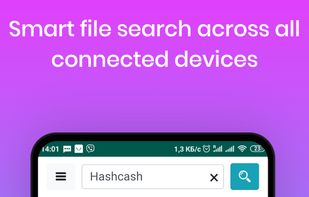

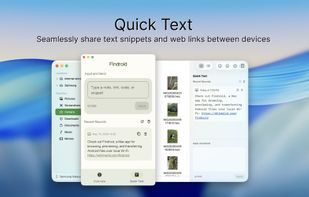
Findroid - Find Android™ files with ease. The native way to manage Android files on Mac.
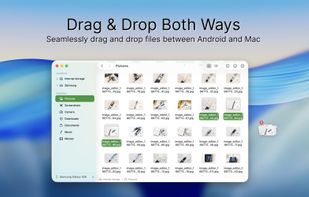
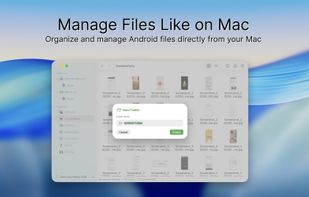
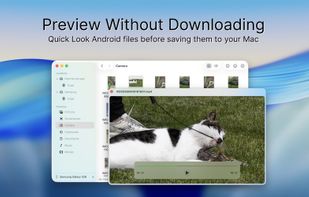


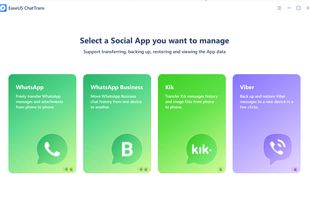
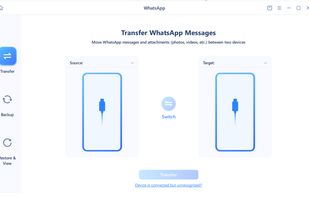
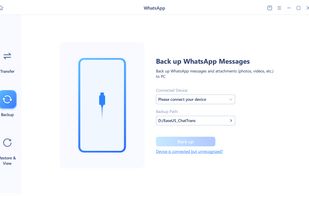
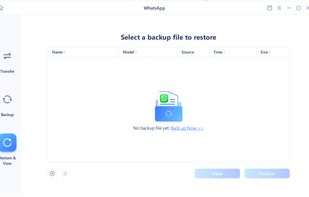
Easy WhatsApp, WhatsApp Business, Kik and Viber Transfer, Backup & Restore Tool.


Peer-to-peer sharing app for sending files and text instantly between devices on the same Wi-Fi, with privacy-focused encryption, no login or installs, no cloud or server storage, up to 25MB file support, and compatibility with any modern browser or device.


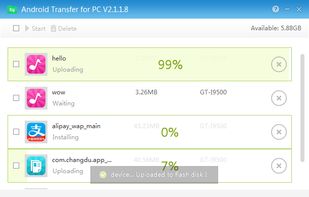
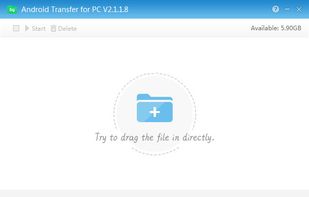
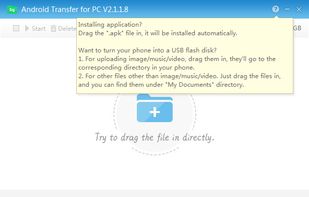
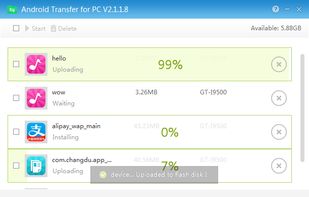
Android Transfer for PC connects your mobile phone to your computer. This utility is quite useful for those who want to keep ther information organized, its use is pretty simple, and the only thing you will need is a USB connection on your PC.


 Lithuania
 EU
EU


 China
China


 Pakistan


