


Install, run & control servers, bots, databases, AI apps, terminal apps, or anything on your computer with 1 click.
Cost / License
- Free
- Open Source (MIT)
Platforms
- Mac
- Windows
- Linux
- Global






Apps similar to LM Studio include Ollama, which is free and open source. Other options are Jan.ai, GPT4ALL, Ensu and Open WebUI. Large Language Model (LLM) Tools like LM Studio are a crowded field, with more than 50 alternatives for Mac, Windows, Linux, Android and iPhone.
Install, run & control servers, bots, databases, AI apps, terminal apps, or anything on your computer with 1 click.

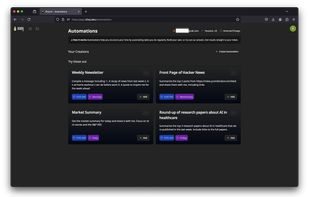
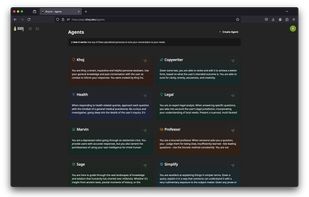
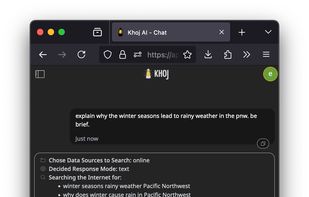
Open-source app offers local or cloud AI chat with major LLMs, advanced semantic search, automation, personal newsletters, document indexing, image generation, and text-to-speech. Access from web, Obsidian, Emacs, desktop, mobile, or messaging platforms.
 India
India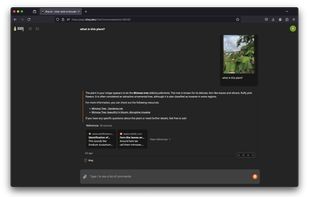


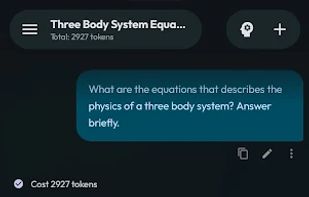
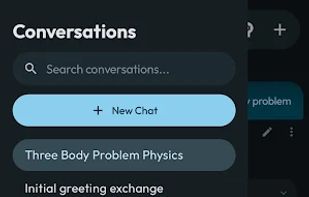
Open-source Android LLM client supporting direct multi-provider access, BYOK security model, encrypted remote control, agentic workflows with tool and code execution, non-linear branching, on-device LLM inference, semantic memory, and flexible data management.
 China
China



Ask questions to your documents without an internet connection, using the power of LLMs. 100% private, no data leaves your execution environment at any point. You can ingest documents and ask questions without an internet connection!
 Germany
 EU
EU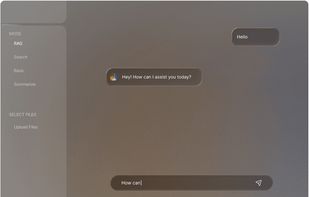
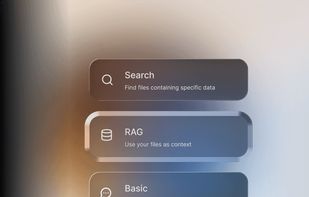
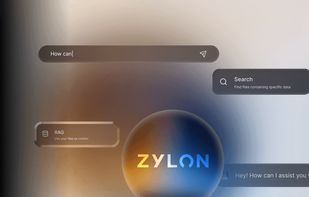


Onit AI Copilot offers a comprehensive desktop AI chat assistant with local processing and multi-provider support. It prioritizes customization, extensibility, and user privacy by operating entirely on-device without needing an internet connection, ensuring data security.
 United States


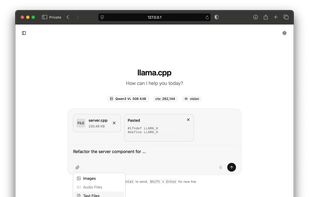
The main goal of llama.cpp is to enable LLM inference with minimal setup and state-of-the-art performance on a wide range of hardware - locally and in the cloud.
 BulgariaEU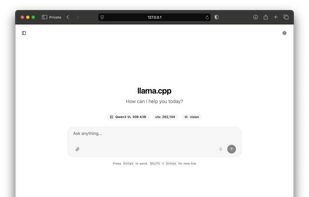
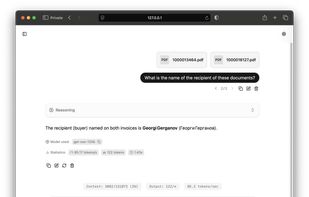
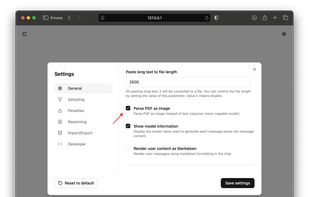


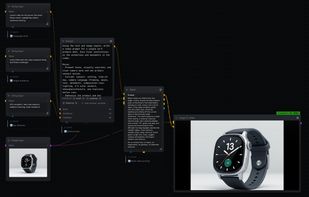
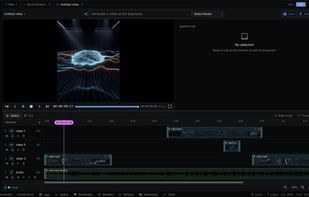
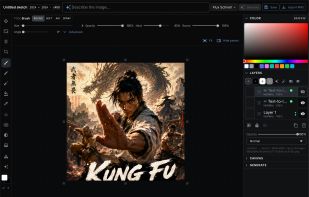
NodeTool is the open-source creative AI workspace — every major model from every major provider, called with your own keys, wired into one node-based canvas you run on your machine.
GermanyEU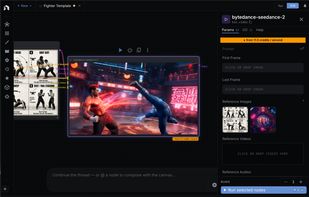


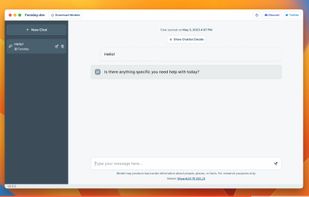
Run open-source LLMs on your computer. You can download and make custom characters for your models. Works offline. The new name is Back yard though it is the same.
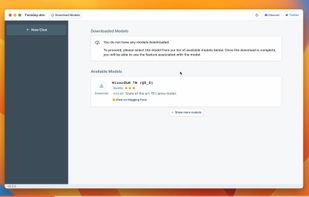
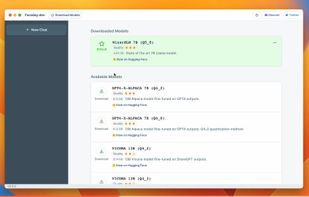


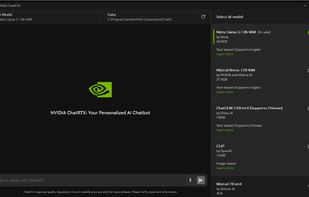
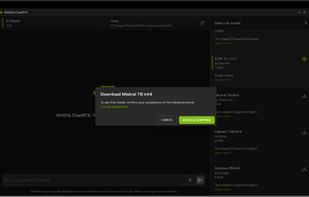
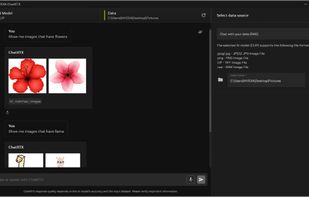
ChatRTX is a locally-run AI chatbot developed by NVIDIA that leverages the power of RTX GPUs to deliver fast, private, and offline conversational AI. It uses models like Mistral or LLaMA and can be customized with your own documents and data.
United States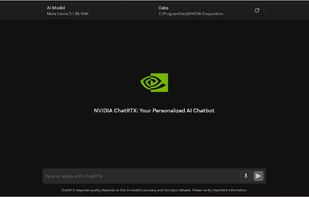


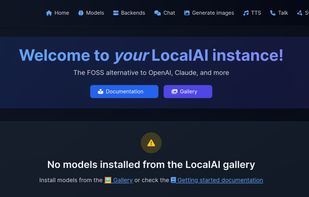
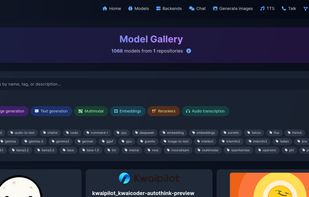
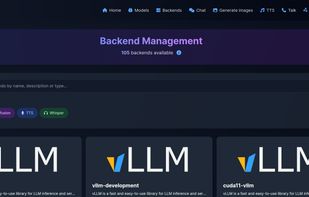
Drop-In OpenAI replacement, On-device, local-first, Generate text/image/speech/music/etc... Backend Agnostic: (llama.cpp, diffusers, bark.cpp, etc...), Optional Distributed Inference(P2P/Federated).


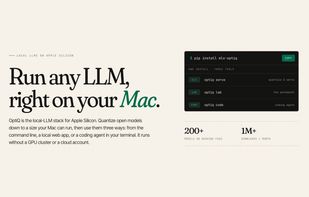
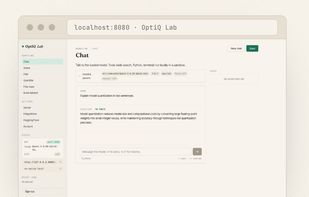
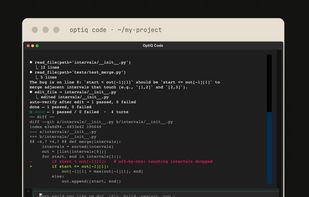
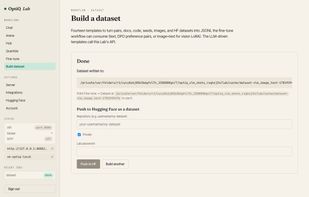
OptiQ is an MLX-native toolkit for running large language models on Apple Silicon. No PyTorch, no CUDA, no cloud.


 France


