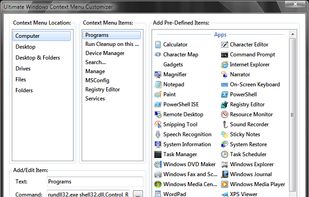
Ultimate Windows Context Menu Customizer is a freeware from door2windows that allows you to customize the context menu of many locations with ease in Windows
Cost / License
- Free
- Proprietary
Application type
Platforms
- Windows
 India
India


Apps similar to Kontext include Autoruns, which is free. Other options are Shell, FileMenu Tools, Easy Context Menu and Startup Delayer. You can choose from more than 10 Context Menu Managers like Kontext for Windows and Mac.
Ultimate Windows Context Menu Customizer is a freeware from door2windows that allows you to customize the context menu of many locations with ease in Windows
India
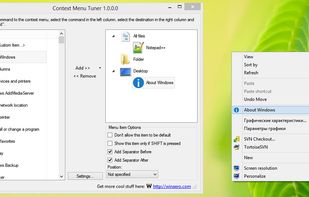
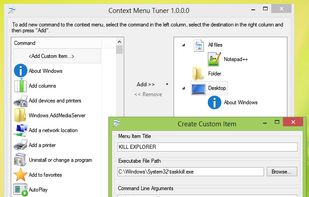
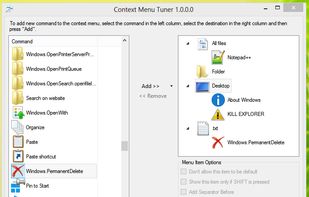
Context Menu Tuner is an application which allows you to customize Explorer's context menu in Windows 10, Windows 7, 8 and 8.1.
 Russia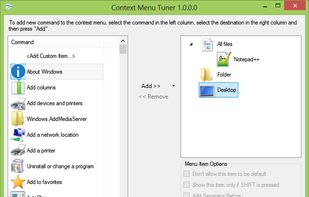


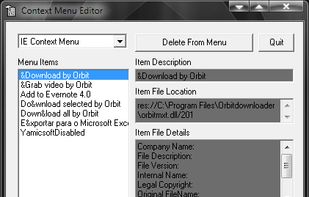
Context Menu Editor can view and delete links to programs on your context menus (the popup menus you see when you right-click). Context Menu Editor does not delete the programs, it just removes them from your menus.




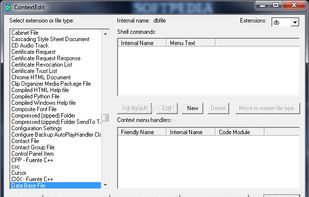


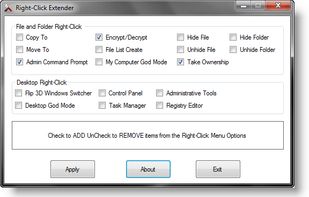
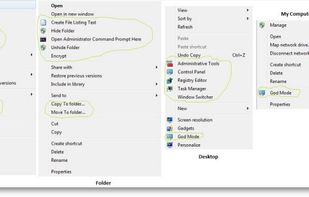
Right-Click Extender will allow you to add or remove the following additional options to a File, Folder, Computer and Desktops Right Click Context Menu.

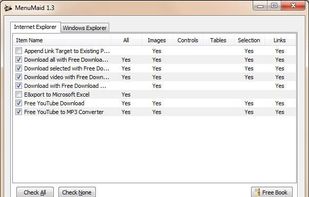
Are you looking for a fast and easy way to clean up your Window Explorer and Internet Explorer right-click (context) menu? Look no further. MenuMaid makes it simple! Just uncheck the items you don’t want to show up. Restore them at any time.

Right Click Context Menu Adder it’s a free and portable utility which allows you to add your favorite program shortcut, website link, file or folder shortcut in Windows 7 and Windows 8 Desktop context menu quickly and easily.
 Portugal
 EU
EU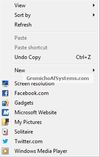


This program can change some attributes of your file, as well as change the date of creation, modification of the file, etc.
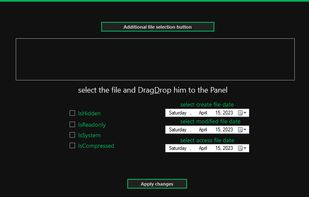

Right Click Windows Magic is an open-source set of right-click (context) menu tools for admins, power users and other magic beings. Batch&Powershell.
 SloveniaEU


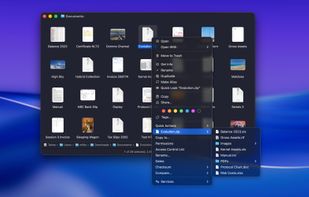
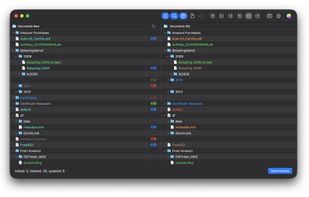
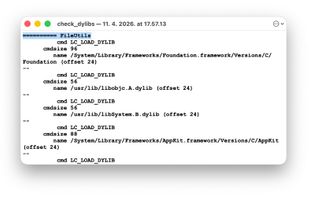
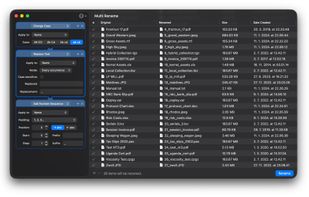
FileUtils extends macOS Finder with powerful file operations that macOS doesn't provide out of the box, accessible directly from Finder's contextual right-click menu (and/or toolbar item menu), without ever opening Terminal.