


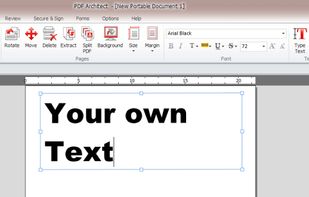
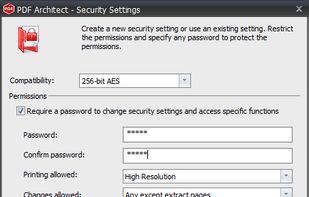
PDF Architect is a PDF Editor with free functions like rotate, delete and move pages and even more like editing text, PDF to Word, 256 Bit AES Encryption and more.
Cost / License
- Freemium
- Proprietary
Application type
Platforms
- Windows
 Germany
 EU
EU



+4


Apps similar to KillerPDF include PDFgear, which is free. Other options are Stirling PDF, PDF24 Creator, BentoPDF and Adobe Acrobat DC. PDF Editors like KillerPDF are a crowded field, with more than 50 alternatives for the web, Windows, Mac, Android and iPhone.
PDF Architect is a PDF Editor with free functions like rotate, delete and move pages and even more like editing text, PDF to Word, 256 Bit AES Encryption and more.
GermanyEU
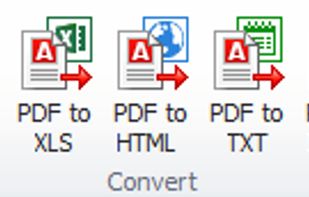
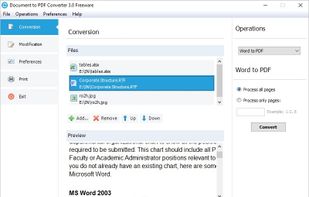
This program allows you to convert between PDF and other formats. PDF is free format for reading, but not for creation and exporting. So many people are looking for solution to convert their documents to PDF, or convert PDF to other formats.


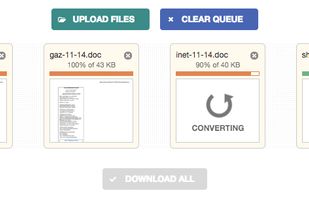
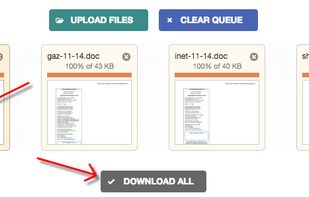
This free online tool converts your PDF files to Word DOC format and vice versa, preserving as much formatting as possible. Unlike other services, this tool does not ask for your email address, offers mass conversion and allows files up to 50 MB.



Collection of easy to use, time-saving online tools to merge, split, convert, and edit PDF files.
 Iceland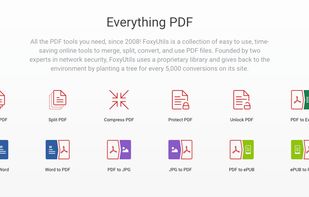
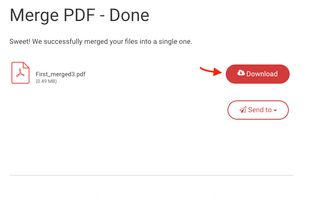
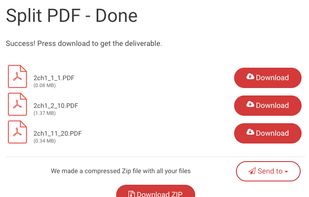


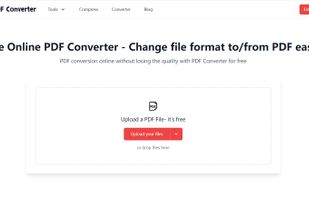
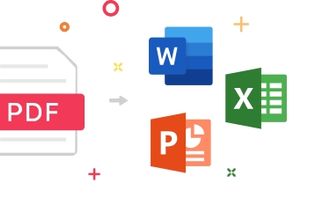
PDF Converter is a free online converter, as one of the best PDF conversion tools, it can help you easily change the file type to PDF format or convert PDF to Word document in one click. This can save you a lot of time and energy.


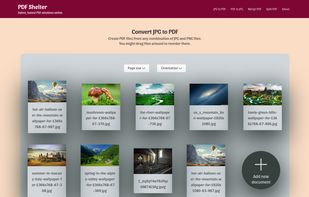
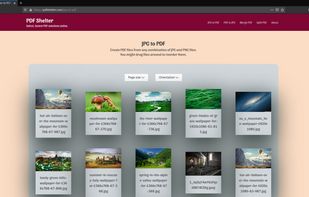
PDF Shelter processes PDF documents on your own browser, avoiding data transfers and the risk of sharing data with third-parties.


Nettongia PDF Editor is a free and open-source PDF editor for Windows that processes documents locally without uploading them to a server. It allows users to edit existing text, add and modify images, reorder, rotate or delete pages, create and insert signatures, search...
 CzechiaEU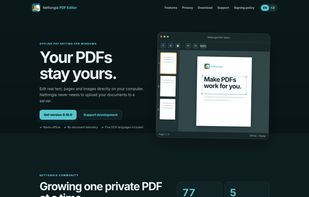


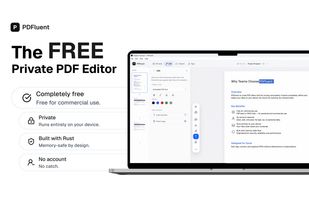
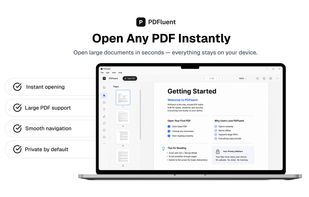
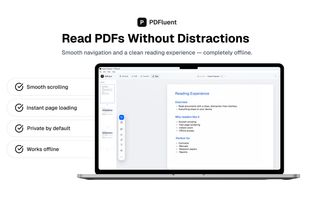
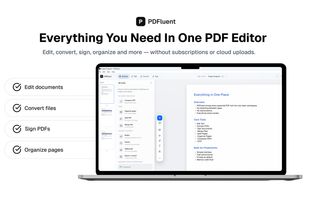
PDFluent is a native desktop PDF editor for macOS 11 and newer and Windows 10 and newer. It is a public beta release, available as a free download for everyone including commercial use. The application is built with a pure Rust engine across 48 crates, with no C or C++...

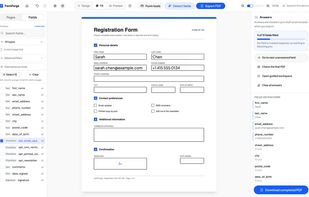
FormForge turns any PDF into a fillable AcroForm in your browser. 7 field types, AI field detection, signatures, CSV batch. Free, no account, nothing uploaded.
GermanyEU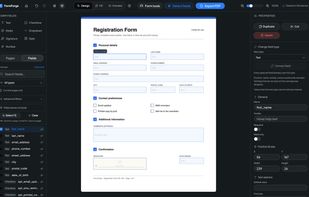
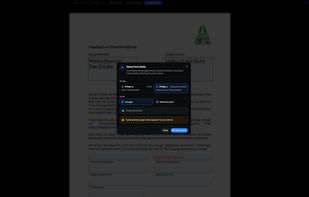


A Java PDF library SDK used to assemble PDF files. jPDFAssemble can combine, merge, or split PDF documents. jPDFAssemble also allows to add or manipulate bookmarks in PDF documents.


Free PDF tools in one place. Convert PDFs to and from multiple file formats, remove pages, merge PDFs, unlock password protected PDFs and more
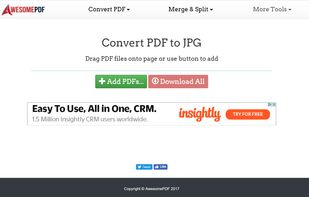
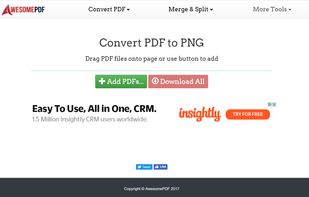


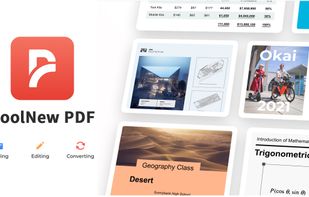
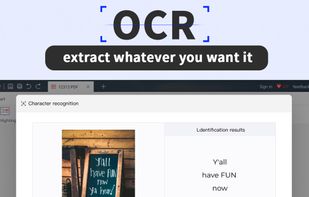
CoolNew PDF offers all-in-one experience to improve the PDF experience. Edit office, image, texted and scanned copy conversions. Editing features include text, image, eraser, page number, size, watermark, paragraph and more.
 United Kingdom


 United States


