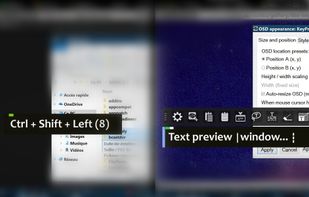
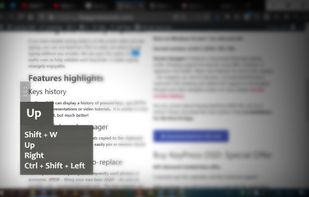
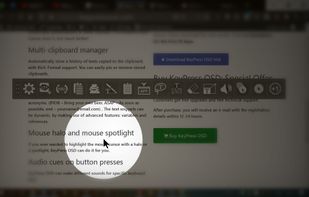
Show which key you're pressing to your audience, highlight your cursor, and hear realistic keyboard sounds! Available for Windows and macOS.


Keyviz is described as 'Free and open-source tool to visualize your keystrokes and mouse actions in real-time' and is a popular keystroke visualizer in the development category. There are more than 10 alternatives to Keyviz for Windows, Mac, Linux, Web-based and SaaS. The best Keyviz alternative is Key'n'Stroke , which is both free and Open Source. Other great apps like Keyviz are Screenkey, YAKD, Show Me The Key and Carnac.
Show which key you're pressing to your audience, highlight your cursor, and hear realistic keyboard sounds! Available for Windows and macOS.


KeyTrails helps you present your keyboard input on your screen. Whether you are making a tutorial video, streaming your gaming session, or giving a business presentation, KeyTrails makes your content just a bit catchier.


Mouseposé is the indispensible mouse pointer highlighting tool (aka "virtual laserpointer") for everyone doing demos at tradeshows, presentations and trainings, or those individuals with huge and high resolution displays.


QiPress is a portable Windows program that displays key presses on the screen. The keyboard input display takes minimal space, and highly customizable.

Visualize allows you to highlight your key presses and mouse clicks right on your desktop! The perfect tool for presentations or video tutorials, Visualize allows you to customize the look so your viewers can follow along with ease.


Infinite Talk AI turns any audio into realistic, lip-synced videos of unlimited length. With precise lip-sync, full-body motion, and seamless long-form generation, it empowers content creators, educators, and virtual avatars to produce engaging videos effortlessly.

Infinite Talk AI is the most popular Web-based & SaaS alternative to Keyviz.
MouseShade is an essential tool for everyone doing presentations or demos. If turned on, it dims the screen and puts a spotlight on the area around the mouse pointer, easily guiding the audiences attention to an area of interest.


while it does assist with presentations - and in that way it is similar - it does not have the ability to visualize keystrokes, and so I think it does not belong here