A utility to show keyboard keys visually on the Windows screen. - KaustubhPatange/Kling
Cost / License
- Free
- Open Source (GPL-3.0)
Application type
Platforms
- Windows
 India
India
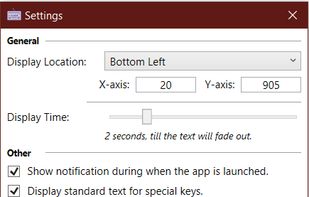

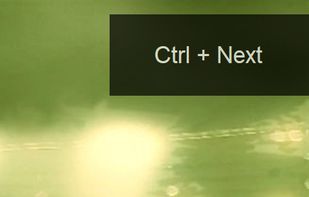


A utility to show keyboard keys visually on the Windows screen. - KaustubhPatange/Kling
India
MouseShade is an essential tool for everyone doing presentations or demos. If turned on, it dims the screen and puts a spotlight on the area around the mouse pointer, easily guiding the audiences attention to an area of interest.


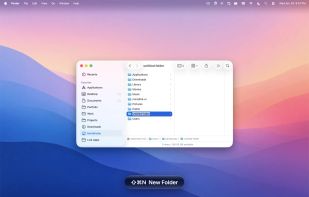
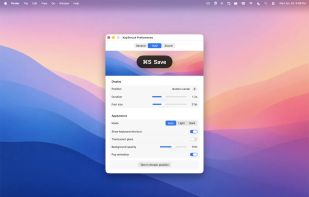
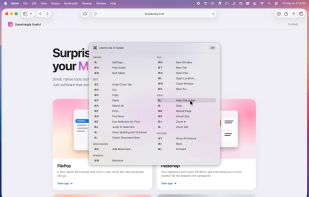
A floating glass HUD names every keyboard shortcut you fire — so you don't have to squint at the menu-bar flash to confirm.
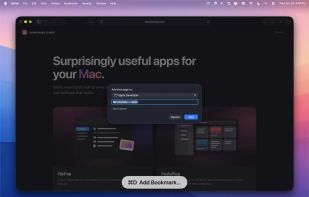

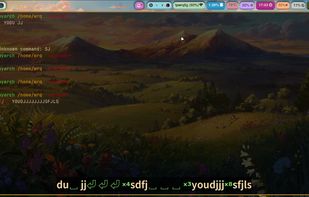
Displays keypresses on screen on supported Wayland compositors (requires wlr_layer_shell_v1 support). Forked from https://git.sr.ht/~sircmpwn/wshowkeys

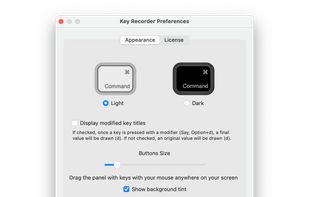
KeyDrawer draws keypresses on the screen of your Mac with a style that matches your Mac's look and feel. It will make your tutorial videos, video streams and presentations look elegant and professional.
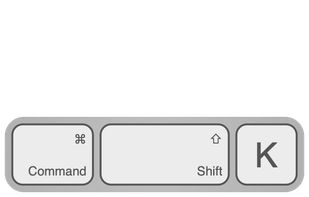
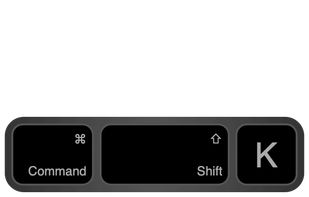


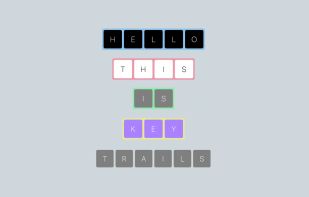
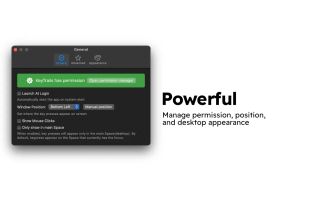
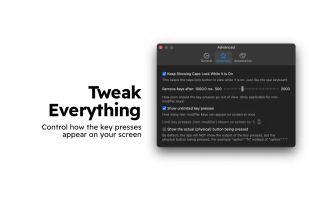
KeyTrails helps you present your keyboard input on your screen. Whether you are making a tutorial video, streaming your gaming session, or giving a business presentation, KeyTrails makes your content just a bit catchier.
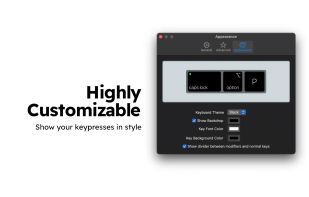

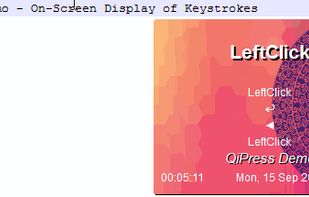
QiPress is a portable Windows program that displays key presses on the screen. The keyboard input display takes minimal space, and highly customizable.

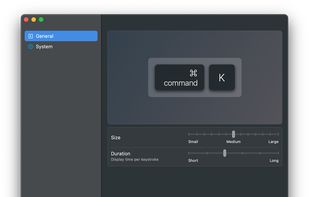
Display your keystrokes clearly during screen recordings, presentations, and video calls. Fully customizable and built for macOS full-screen and dark mode.

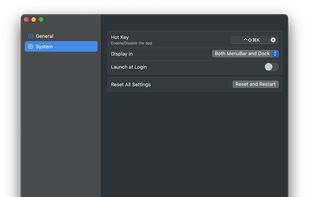
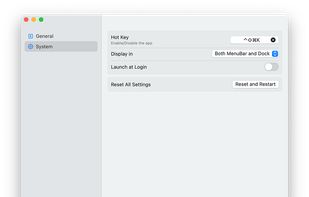


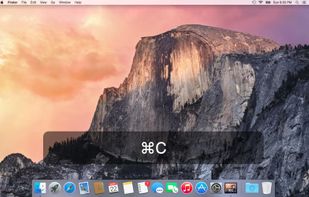
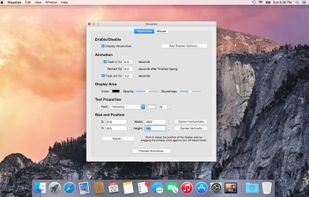
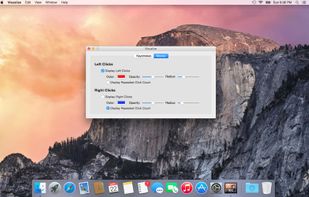
Visualize allows you to highlight your key presses and mouse clicks right on your desktop! The perfect tool for presentations or video tutorials, Visualize allows you to customize the look so your viewers can follow along with ease.