Coffee allows you to keep the display awake without having to change the device settings. It can be toggled at various places:
Cost / License
- Free
- Open Source (Apache-2.0)
Platforms
- Android
- F-Droid
 Germany
 EU
EU


Keep Screen On has been discontinued. Similar apps include Amphetamine, which is free. Other options are Caffeine for Windows, Caffeine for Linux, PowerToys - Awake and Caffeine for Mac. There's no shortage of Prevent Sleep Mode Apps like Keep Screen On, with more than 25 alternatives for Mac, Windows, Android and Linux.
Coffee allows you to keep the display awake without having to change the device settings. It can be toggled at various places:
GermanyEU
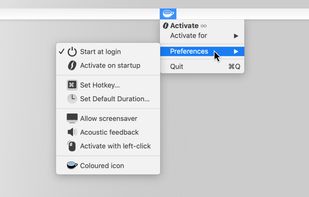
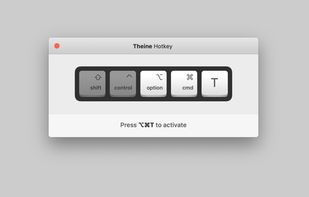
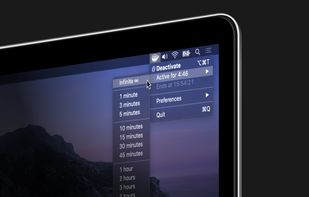
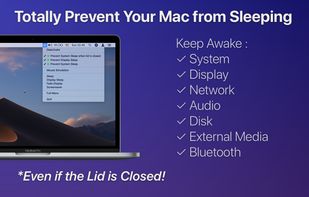
Prevent your Mac from falling asleep, dimming your screen or starting the screensaver. Theine keeps macOS awake just like caffeine does with you.
GermanyEU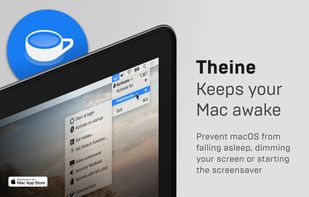


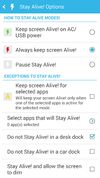
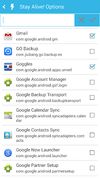
Keep your screen on when your device is running your GPS application, favorite remote control, playing a movie or slideshow, etc... Perfect to keep your screen on without dimming for application development. Your screen will never go back to sleep until you want it to...
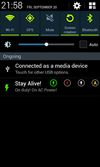


Keeps your computer in an active state. No install required, fully portable and can run from a USB. Completely free for everyone.
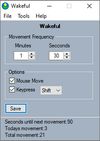
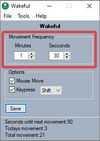
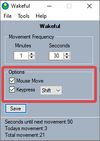


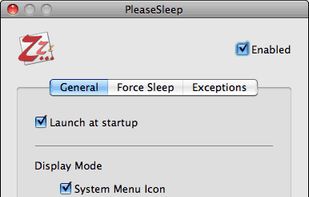
PleaseSleep is a utility software designed for Mac OS X that helps put your computer to sleep when you know some other app is preventing your Mac from going to sleep.




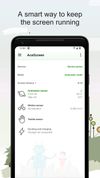
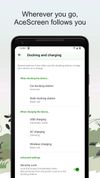
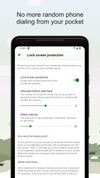
AceScreen is an easy way to keep the screen of your Android device on. AceScreen prevents the Android device from going to sleep based on the current needs of the user. Simple and intuitive interface. Privacy friendly. Offered in over 50 languages.


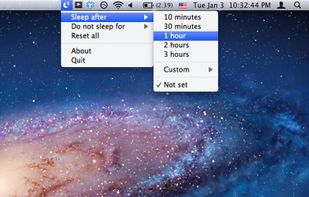
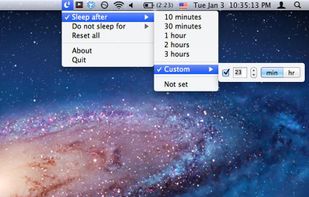
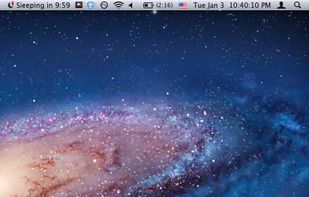
SleepTime is a light-weight app that lives on your menu bar, letting you easily set a timer to put your Mac on sleep automatically after a specified time period you choose.


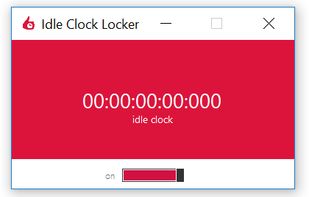
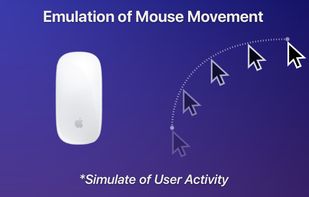
Lightweight, portable, and very practical application that displays and locks the computer idle time, falsely informing the system about user interaction.