Cost / License
- Free
- Proprietary
Application type
Platforms
- Android

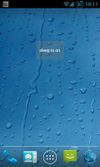


Apps similar to Keep Display On include goguma app, which is free and open source. Other options are Caffeinate, Amphetamine, Caffeine for Windows and nosleep.page. There's no shortage of Prevent Sleep Mode Apps like Keep Display On, with more than 25 alternatives for Mac, Windows, Android, Linux and the web.

@home is a tiny convenience utility, that knows when you are at home (based on your wireless network name) and prevents your computer from locking the screen. When you are away from home, your normal locking idle times apply.


This is a kernel extension and clients that allow the MacBook to disable sleeping when the lid is closed. MOUNTAIN LION IS NOT SUPPORTED


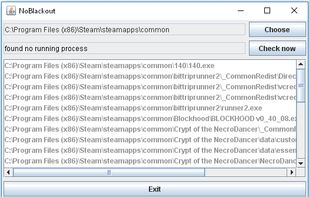
Simulates activity (=> disables screensaver and powersaving) while running programms (any .exe) from a choosen directory. Main purpose is to choose the steam directory to disable monitor powersaving while running steam games.


 China
China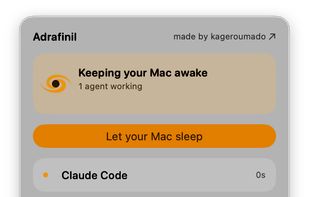
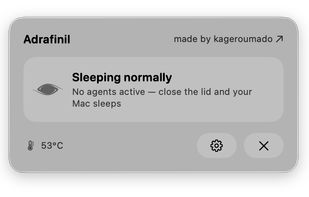


Prevent your Mac from falling asleep, dimming your screen or starting the screensaver. Theine keeps macOS awake just like caffeine does with you.
 Germany
 EU
EU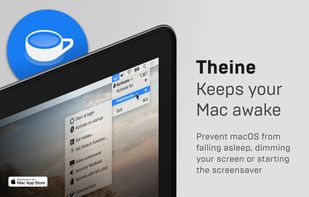
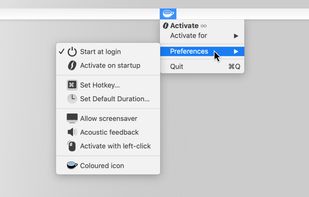
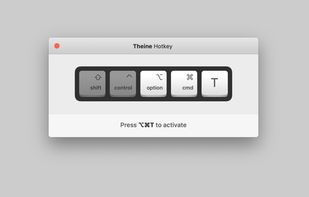
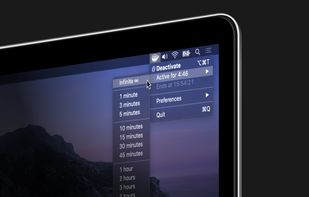


This application is used to prevent the computer from going to sleep without changing system settings


Coffee allows you to keep the display awake without having to change the device settings. It can be toggled at various places:
GermanyEU


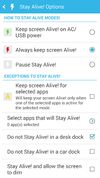
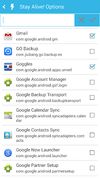
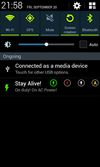
Keep your screen on when your device is running your GPS application, favorite remote control, playing a movie or slideshow, etc... Perfect to keep your screen on without dimming for application development. Your screen will never go back to sleep until you want it to...


Keeps your computer in an active state. No install required, fully portable and can run from a USB. Completely free for everyone.
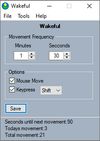


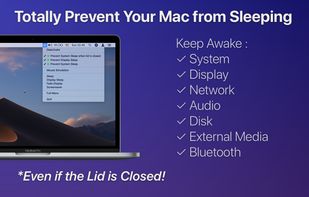
NoSleep makes closing of your MacBook lid possible without going to a sleep mode. Now you shouldn't have to plug your mouse and monitor to stay computer awake - just activate it by clicking a menu bar icon or check a tick in the System Preferences and continue downloading...
 Russia