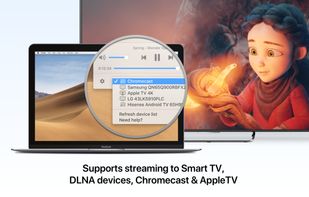
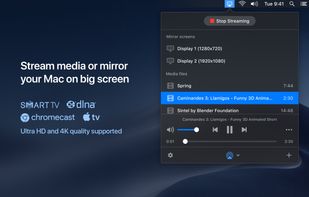
JustStream is a reliable high-quality solution for streaming and mirroring of media. You can effortlessly stream media files to Chromecast, Apple TV and SmartTV. JustStream works wonderfully with such TV providers as Samsung, LG, Roku, Sony, Panasonic, and many more.
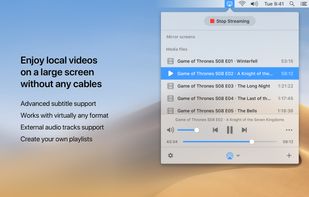
When streaming your files with JustStream you get the benefit of multiple file formats support, including AVI, FLV, MKV, 3GP, MP4, MP3, MOV, WMV, WAV. And in those cases you have a file that is not supported by your TV set, JustStream can transcode it while you are streaming without any interruptions.
JustStream supports external and embedded audio tracks that your video might have as well as all popular subtitle formats (also external and embedded). If you are streaming to Chromecast or Chromecast Ultra - you can change subtitles color, size, and font.
There is a convenient option to create playlists in JustStream. This way you can build a playlist for any occasion and stream it continuously without any interruptions.
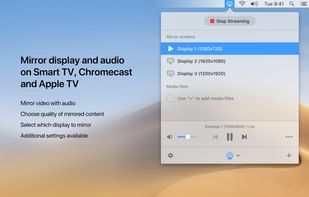
Mirroring option has a lot of benefits to it if you do it with JustStream. You can easily mirror live and regular videos, audio files, presentations and even software apps from Mac to TV. JustStream allows you to set the video quality and fit the video to the TV screen. The app offers special options for mirroring: capture the mouse cursor (it will appear in the captured output on TV screen); capture mouse clicks (they will appear highlighted in the mirrored output).
JustStream is available for free and as a paid version. Free version allows 40 minutes of uninterrupted streaming and mirroring. For unlimited streaming and mirroring, PRO version is available for $19.95 with lifetime upgrades included.










 ppk added JustStream as alternative to GogglePlayer
No comments or reviews, maybe you want to be first?