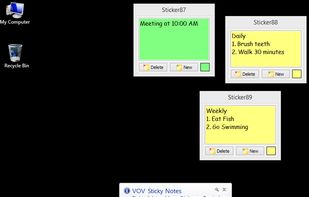
Add digital stickers to your desktop and create reminders for your upcoming events, tasks or meetings using this intuitive software.
Cost / License
- Freemium
- Proprietary
Application type
Platforms
- Windows
 Türkiye


Jot - Notes is described as 'Jot is that random piece of notes paper that lives in your Mac Menu Bar. It's also open source' and is a Sticky Notes app in the office & productivity category. There are more than 25 alternatives to Jot - Notes for a variety of platforms, including Windows, Mac, Linux, iPhone and Web-based apps. The best Jot - Notes alternative is Notefox, which is both free and Open Source. Other great apps like Jot - Notes are Stickies, Notezilla, SnappyNotes and Microsoft Sticky Notes.
Add digital stickers to your desktop and create reminders for your upcoming events, tasks or meetings using this intuitive software.
Türkiye
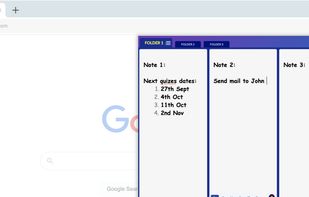
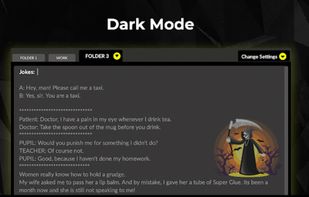
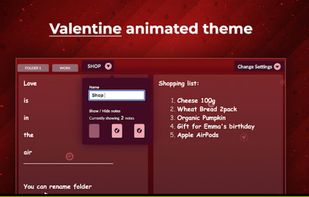
Take notes lightning-fast right inside your browser! It is a unique take on Safe & quick jotting down experience. Must try for everyone who work on laptops / desktop.


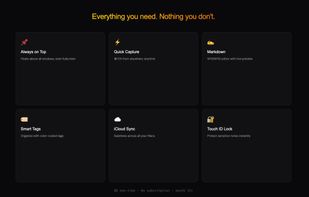
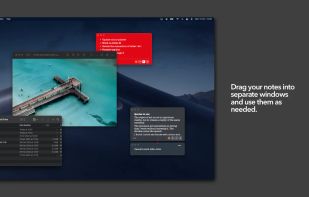
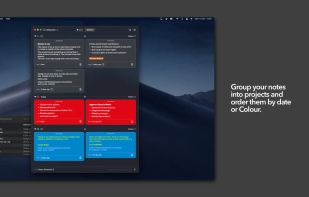
Colorful sticky notes that float above every window. Capture ideas instantly from the menu bar with a global shortcut. Markdown, widgets, iCloud sync, and Touch ID lock.
 Belgium
 EU
EU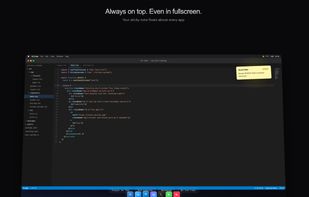



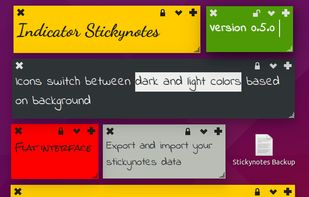


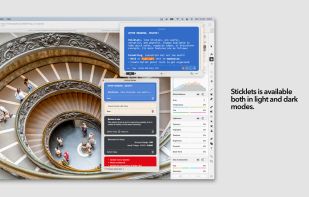
Just like stickies, Sticklets are useful, versatile, and powerful. Always available to take quick notes, organise ideas, or brainstorm ideas.
 United Kingdom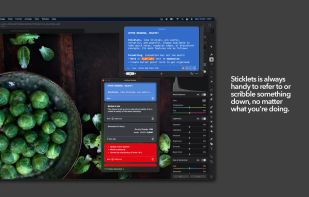


 United States


QStickyNotes is a lightweight tray-based sticky notes application for Linux, inspired by indicator-stickynotes but intentionally kept simple.
 Belarus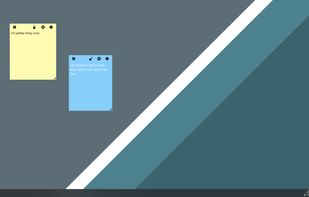


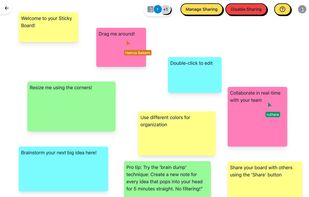
Sticky is a digital sticky note application designed to help you organize your thoughts, ideas, and tasks in a visual and intuitive way. Organize thoughts, collaborate in real-time, and access your ideas from anywhere.

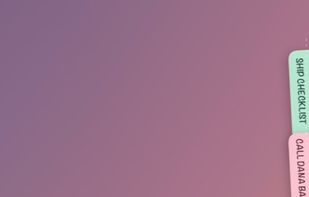
Hold My Notes keeps a deck of sticky notes on the right edge of your Mac. At rest it is a thin pill; move the pointer over and the notes fan out. Encrypted on your machine, no account, macOS 13 or later.
 India
India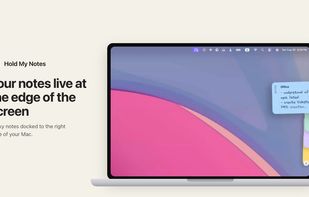
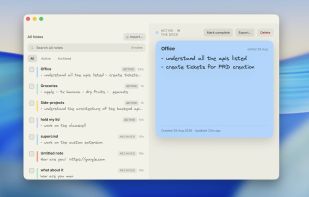




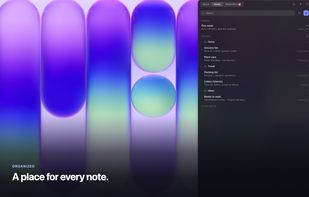
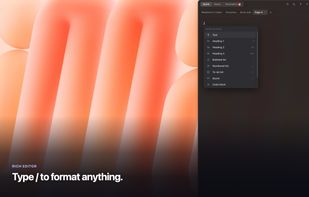
Flyout is a native macOS menu-bar app that keeps a full rich-text editor one gesture away. Nudge the right edge of your screen, or press Option+Command+N, and a note panel flies out over whatever you're doing, then slides away when you step back.
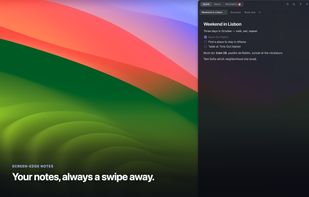



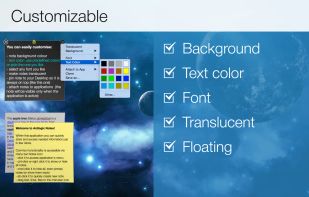
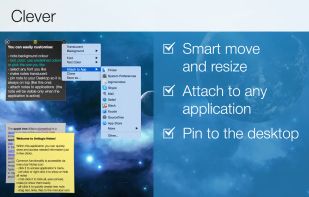
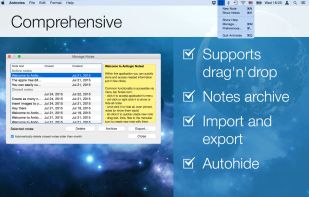
Antnotes is a replacement for stickies that offers additional features and customization options. It aims to be simple and easy to use while introducing more advanced functionalities. The app has a free version with basic features and a paid version that unlocks all features and...
 Ukraine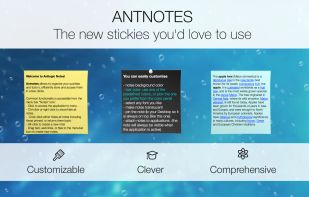

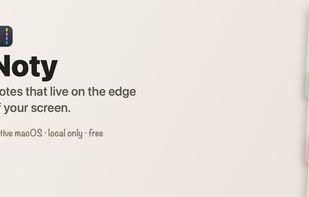
Sticky notes that live at the edge of your screen. Native macOS, SwiftUI + AppKit, local-only with encrypted note bodies.
 Algeria