


Cost / License
- Free
- Proprietary
Application type
Platforms
- Mac
 Japan
Japan



+1


Apps similar to iPulse include Rainmeter, which is free and open source. Other options are Process Explorer, htop, System Informer and Stats. System Information Utilities like iPulse are a crowded field, with more than 50 alternatives for Mac, Windows, Linux, iPhone and iPad.
Japan
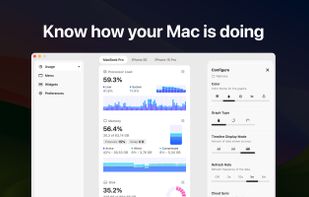
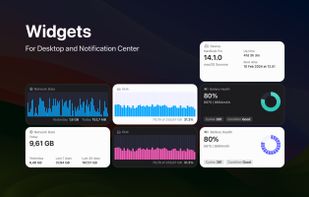
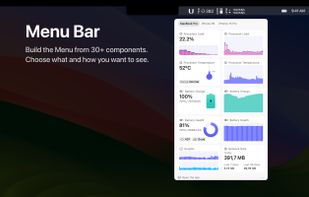
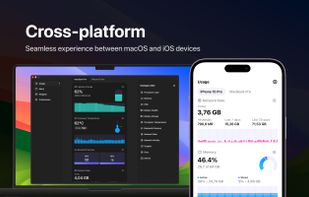
System Activity Monitor for Mac, iPhone, and iPad. Customizable, precise, and lightweight apps to keep an eye on the activity and performance of your devices.


Mac OS X System Monitor and Process Explorer Tool atMonitor is the most advanced monitoring tool for Mac OS X that displays system activity in real-time. It is designed to allow quick assessment of computers state and it is powerful enough to make it a core utility in anyones sys.
 United States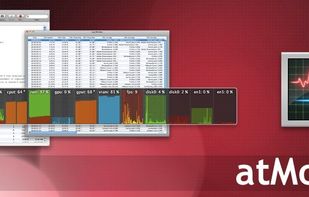


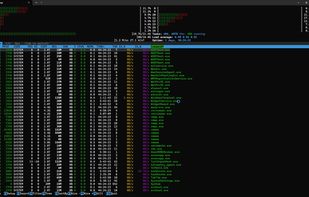
pstop is a native Windows terminal system monitor inspired by htop. It brings per core CPU usage bars, memory and network meters, process tree view, search, filtering, and kill shortcuts directly to PowerShell with familiar htop style keybindings.


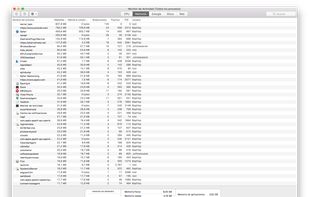
Provides real-time statistics for CPU, memory, disk, and network usage on macOS, allows users to view, organize, and terminate processes, analyze system resource consumption, view data in graphs and tables, check current transfers, and monitor system health.
United States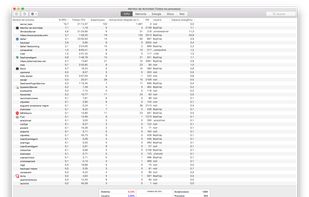
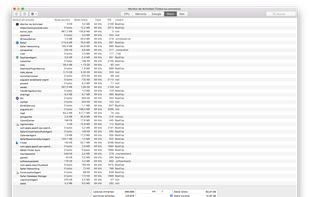


GKrellM is a single process stack of system monitors which supports applying themes to match its appearance to your window manager, Gtk, or any other theme.
United States



macOS menu bar utility written in SwiftUI that presents CPU, memory, disk, and network usage, plus Bluetooth battery levels, customizable Big Sur widgets, Dark Mode, and real-time sensor data. Open-source, lightweight, and compatible with Apple Silicon.
 China
China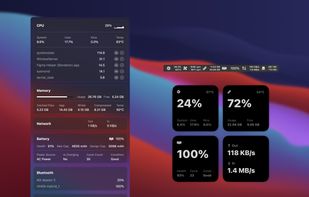


TaskInfo is a poweful utility that combines and improves features of Task Manager and System Information tools. It visually monitors (in text and graphical forms) different types of system information in any Windows system (95, 98, ME, NT 4.
 Russia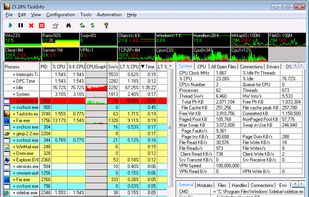


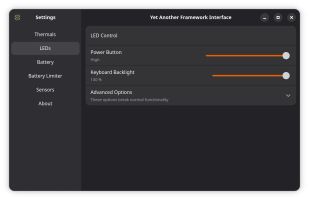
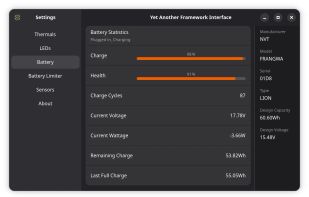
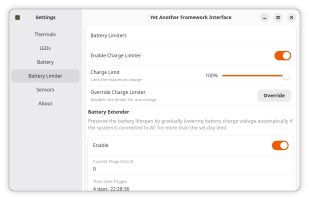
YAFI is another GUI for the Framework Laptop Embedded Controller. It is written in Python with a GTK4 Adwaita theme, and uses the CrOS_EC_Python library to communicate with the EC.
 Australia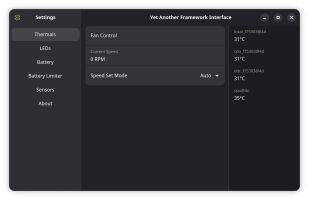


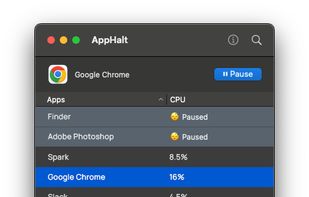
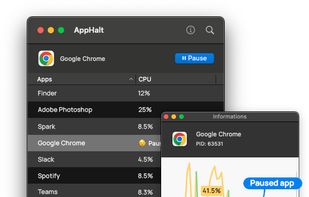
Pause idle Mac apps without closing their windows, keeping your workspace ready while stopping unnecessary background activity.


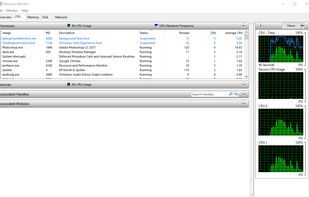
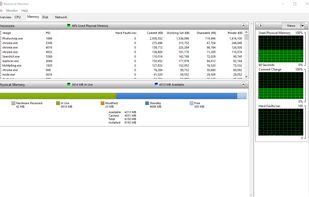
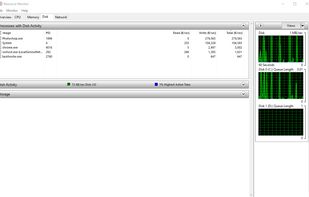
Resource Monitor is a system application in Microsoft Windows operating systems. It is used to view information about the use of hardware (CPU, memory, disk, and network) and software (file handles and modules) resources in real time.
United States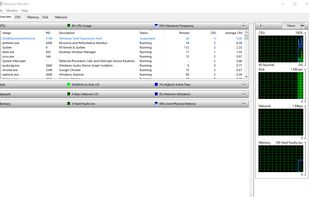


 United Kingdom


