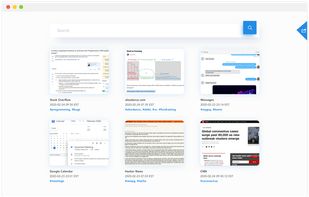
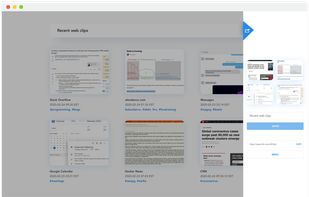
This extension is able to capture 100% of both the vertical and horizontal content appearing on any webpage on the Internet.
Cost / License
- Free
- Proprietary
Application type
Platforms
- Online
- Google Chrome
- Chromium


InstantShot! is described as 'Offers classical screenshot functionality for capturing the whole screen, a portion of it or a window and also the option to make timed screenshots or to make delayed captures over time. It offers a wide range of preferences and options to fit everyone's needs' and is a screenshot capture tool in the photos & graphics category. There are more than 25 alternatives to InstantShot! for a variety of platforms, including Windows, Mac, Web-based, Google Chrome and Mozilla Firefox apps. The best InstantShot! alternative is Greenshot, which is both free and Open Source. Other great apps like InstantShot! are PicPick, FastStone Capture, Lightshot and Spectacle.
This extension is able to capture 100% of both the vertical and horizontal content appearing on any webpage on the Internet.


FlyScreen is a powerful screenshot manager for iOS. Search your screenshots, copy text and links, organize by tags, and more.


FlyScreen is the most popular iPhone & iPad alternative to InstantShot!.
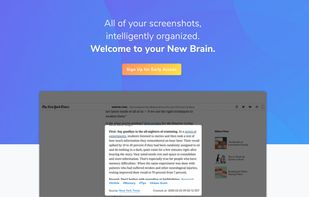
Screenshot organization and smart search, for effortless memory retrieval. Categorized screenshots by keywords, topic, and source -- so that you can find the memory you're looking for.


Easy Screen Capture and Annotation lets you capture and annotate any part of the screen. The main goal of the product is to speed up the capture and editing process saving you valuable time by automating repetitive tasks.


ScreenCloud is an easy to use screenshot sharing application. Take a screenshot using one of the 3 hotkeys or simply click the ScreenCloud tray icon. You can choose where you want to save your screenshot.


Wise Shark Screenshot allows you to create a screenshot of your Android screens.


Wise Shark Screenshot is the most popular Android alternative to InstantShot!.
Capture the web page, either part of it or full page. Edit your screenshots in a very user-friendly interface.


In SnapDraw Free, all the complicated annotation graphics such as Callouts and Magnifier Lens or nice looking effect such as 3D perspective and Reflections - are built-in tools.

With Free Snipping Tool, not just you create snips, you can save your snips on major backup services like Imgur, Google Drive and Dropbox. Not just this you can also upload them via FTP or simple WebRequest.


Jet Screenshot is a freeware utility enabling you to share screenshot via the internet in seconds. It allows you to take a screen snap, edit it and send it to the Web, so that you can immediately provide anyone with a link to the image.


Glui is the simplest way to capture, annotate and share screenshots.
Key features: • Capture crosshair, window or fullscreen screenshots, or drag and drop existing images. • Annotate with arrow, rectangle, pen and text tool. • Instantly upload to .