




Inkwash
Like
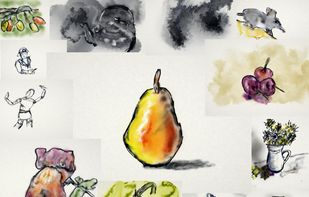
Pen-and-ink with living water — a fluid-simulation drawing app in a single HTML file.

Cost / License
- Free
- Open Source
Application type
Platforms
- Online


Features
Highlights All activities
Inkwash News & Activities
Recent activities

Developed by
 Jonathan Whitaker
 Licensing
Open Source and Free product.Alternatives
3 alternatives listedBadge
Get an embeddable badge for InkwashSupported Languages
AlternativeTo Category
Photos & GraphicsGitHub repository
- 50 Stars
- 6 Forks
- 1 Open Issues
- Updated


No comments or reviews, maybe you want to be first?