


ImgPark
1 like
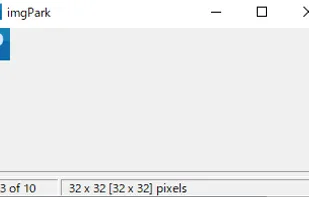
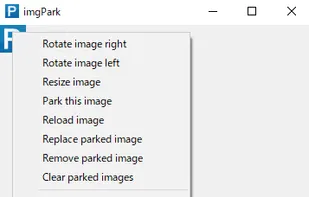
The imgPark is a simple editor for images copied to the clipboard. Once copied, the image will appear immediately. Multiple images are copied and then the next image is displayed by arrow keys. The image can be rotated. Images can be saved individually.

Features
Properties
- Lightweight
Features
- Portable
- Ad-free
- Works Offline
- No registration required
- Clipboard monitoring
ImgPark News & Activities
Highlights All activities
Recent activities
No activities found.
ImgPark information
Developed by
Brian ShepherdLicensing
Proprietary and Free product.Alternatives
2 alternatives listedSupported Languages
- English


What is ImgPark?
The imgPark is a simple editor for images copied to the clipboard. Once copied, the image will appear immediately. Multiple images are copied and then the next image is displayed by arrow keys. The image can be rotated. Images can be saved individually. Or, All images can be saved at once. The image formats that can be saved are JPG, PNG, and BMP.
Comments and Reviews
Lightweight, good concept, but software crashes occasionally. I like this softwe. I would like to see it upgraded. It would be modern if it supports dark mode.