


Every annoying feature is consistently excluded. Make a screenshot with a click on the button or by pushing the "Print Screen" key and it will be directly saved as an image - thats it!
 Germany
 EU
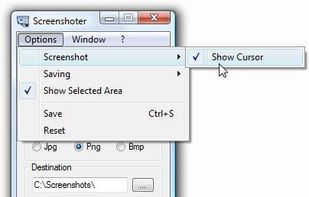


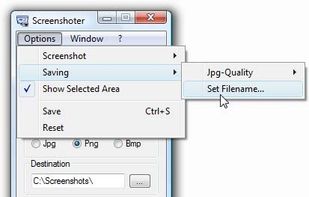


Apps similar to Image Tools include Greenshot, which is open source with a free version. Other options are Spectacle, Lightshot, Evernote Web Clipper and OneNote Web Clipper. You're spoiled for choice with Screenshot Capture Tools like Image Tools: we list more than 25 alternatives for Windows, Linux, the web, Mac and Chrome OS.
Every annoying feature is consistently excluded. Make a screenshot with a click on the button or by pushing the "Print Screen" key and it will be directly saved as an image - thats it!
GermanyEU
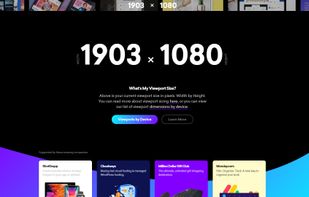
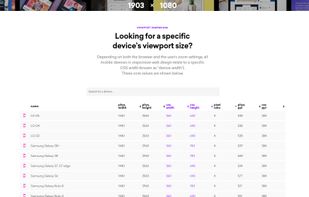
Viewport Sizer is a free tool for measuring viewport dimensions across any device. Simply visit the website to view your current viewport size. We've also compiled a list of all known modern devices, phones & tablets with all screen size specifications.
 United States


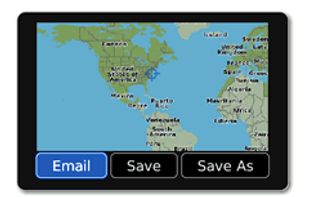
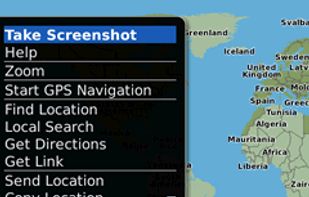
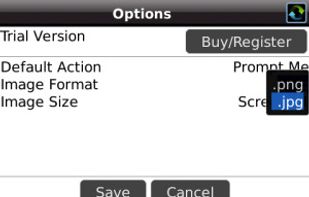
Email Screenshot app allows you to take screenshots on your BlackBerry® device then quickly and easily send screenshots to your contacts. Customisable options are provided with this app. It's user-friendly and saves high-quality Screenshots on a selectable folder on the...


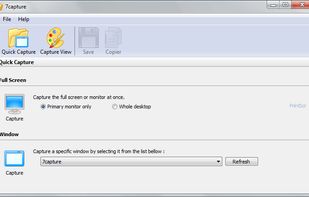
7capture is free screen capture software for Windows 7, Vista and XP. 7capture automatically handles complicated transparency problems such as rounded corners and Aero semi-transparent windows backgrounds.
No matter what Windows version you are using, 7capture will do it's m.
 FranceEU


EasyCapture is a powerful and easy-to-use free screen capture software.
It allows you to capture whole windows, scrolling windows, selected-regions, fixed-size rectangles (regions) and window controls. It has a delayed capture mode, so that you can capture the target window dur.
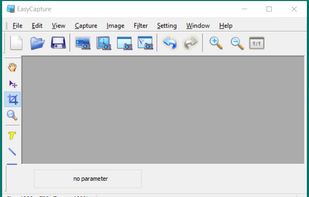


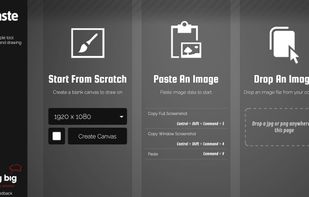
informUp screen capture is a free screen capture software for you to easily take screenshots.




Onde Screen Capture for Mac is currently the most professional and powerful screen grabbing utility running on Mac OS, by which you can easily capture any part on your Mac desktop such as rectangular or ellipse region, freehand region, full screen, active window or all windows...
United States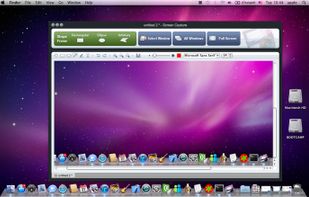
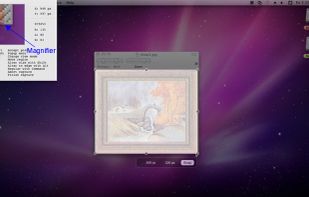
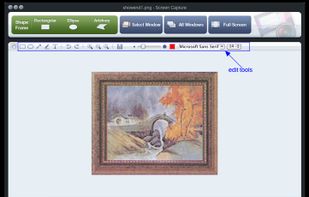


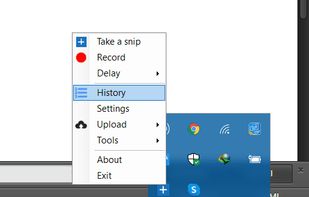
With Free Snipping Tool, not just you create snips, you can save your snips on major backup services like Imgur, Google Drive and Dropbox. Not just this you can also upload them via FTP or simple WebRequest.
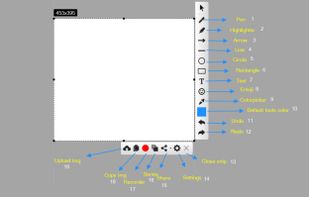
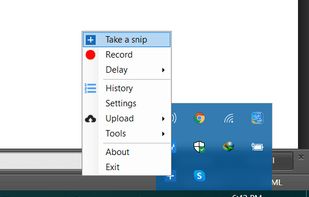
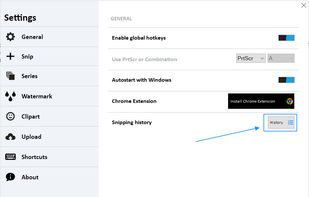


Screen Capturer allows you to instantly capture any area of the screen to a file or email.
United States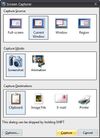


Screen Grab Pro Is a freeware screen capture tool. It features One click grab of any screen for ease of use, Timer operation, Current window selection list and more. Screen Grab Pro copies a bitmap to clipboard ready for pasting in your favorite Picture Editor.


