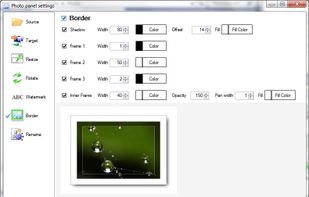
The Simple Way To Resize, Rename, Crop, Rotate And Watermark 100s or 1000s of your Images with a single "Drag-and-Drop" using presets.
Cost / License
- Paid
- Proprietary
Application type
Platforms
- Mac


Apps similar to Image Toolbox include delphitools, which is free and open source. Other options are Fossify Gallery, Sly, Google Photos and Essentials. You're spoiled for choice with Image Converters like Image Toolbox: we list more than 50 alternatives for Windows, the web, Mac, Android and Linux.
The Simple Way To Resize, Rename, Crop, Rotate And Watermark 100s or 1000s of your Images with a single "Drag-and-Drop" using presets.

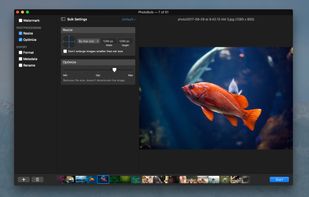
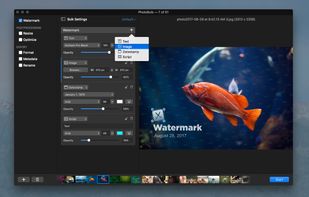
PhotoBulk is easy-to-use bulk image editor that lets you add text/image watermark, resize, and optimize hundreds and thousands of images or photos in just one click.
 United States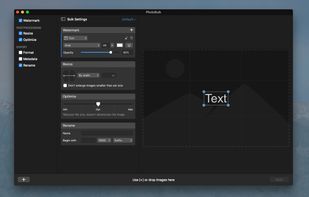


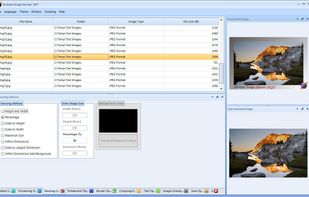
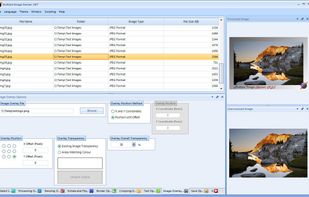
Multiple Image Resizer .NET is a batch image processor. The software was originally designed and built to batch resize images but now features a wider range of batch image processing functionality.



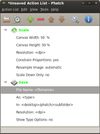
Phatch is an user friendly, cross-platform Photo Batch Processor and Exif Renamer with a nice graphical user interface. Phatch handles all popular image formats and can duplicate (sub)folder hierarchies.
 Belgium
 EU
EU
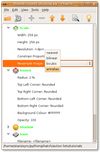


Flexxi can resize, compress, rotate, rename, convert images.
 GermanyEU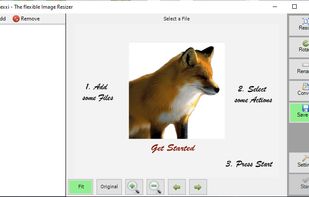
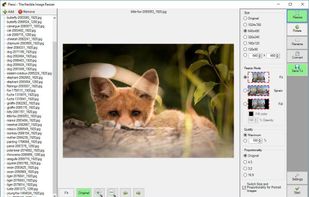


Free Image Convert and Resize is a compact yet powerful program for batch mode image processing.
 United Kingdom


Photo Resizer Expert - Versatile batch image resizer - Adjust, apply effects and filters to images - Watch folders - Resize image with right click in Windows Explorer.
 GreeceEU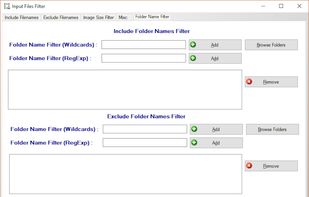
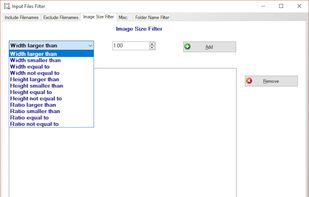
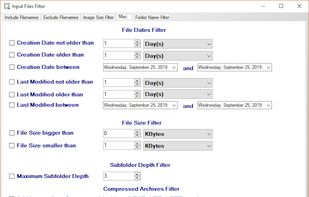


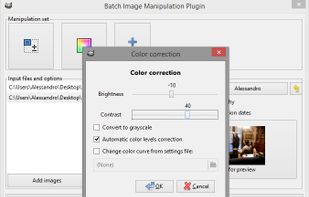
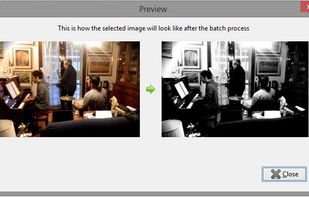
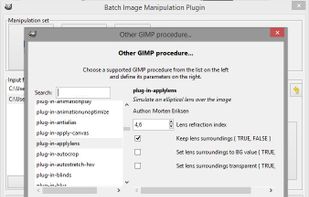
With BIMP you can apply a set of manipulations to an entire group of images! It provides an easy to use interface and a lot of batch functions.
 ItalyEU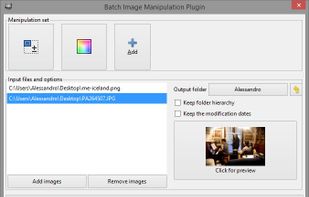


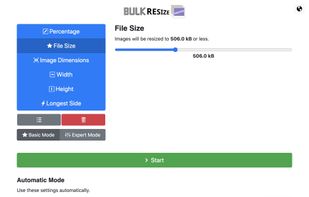
Bulk Resize Photos resizes batches of your photos in your browser so that they are a more suitable size for transmission over the internet.



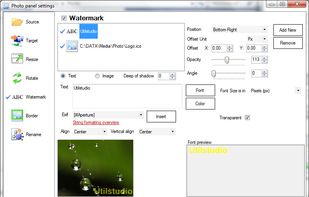
Resize photos in the batch and save photos to the following targets: Disk folder, FTP remote connection (web server for example), send photos via Email using email templates, upload to Facebook or save them to Clipboard.
 SlovakiaEU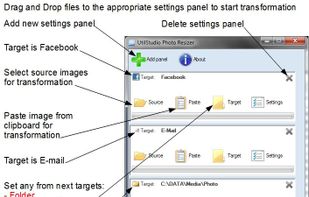


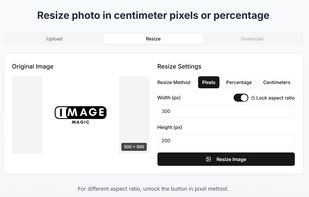
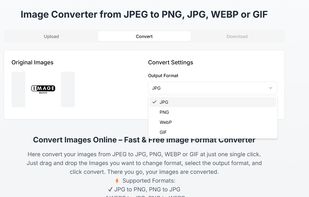
ImageMagicTool is a simple, browser-based utility designed to help users quickly resize, compress, or convert images without the need for software installations or logins.
 Pakistan
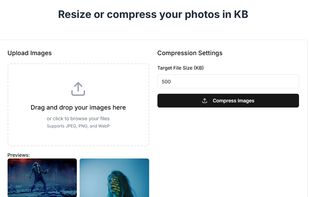


SnapScaler is a privacy-first batch image processing tool designed for photographers, content creators, and e-commerce sellers.