


BIMP
2 likes
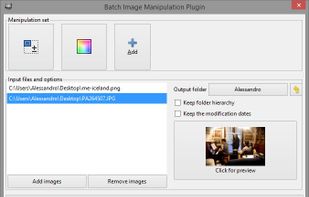
With BIMP you can apply a set of manipulations to an entire group of images! It provides an easy to use interface and a lot of batch functions.

Cost / License
- Free
- Open Source
Application typeApplication types
 EU
EUPlatforms
- Mac
- Windows
- Linux
- GIMP


Features
Highlights All activities
BIMP News & Activities
Recent activities
 Paul added BIMP as alternative to Peggy Converter


Developed by
 Alessandro Francesconi
 Licensing
Open Source and Free product.Written in
Alternatives
73 alternatives listedBadge
Get an embeddable badge for BIMPSupported Languages

AlternativeTo Categories
Photos & Graphics, File ManagementGitHub repository
- 1,016 Stars
- 97 Forks
- 198 Open Issues
- Updated


No comments or reviews, maybe you want to be first?