


iLovePDF
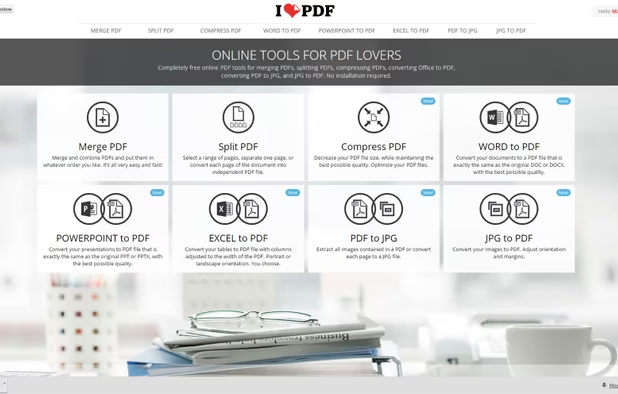
iLovePDF is an online service to work with PDF files completely free and easy to use. Merge PDF, split PDF, compress PDF, office to PDF, PDF to JPG and more!
Cost / License
- Freemium (Pay once)
- Proprietary
 EU
EUPlatforms
- Mac
- Windows
- Online
- Android
- iPhone
- Android Tablet
- iPad

Features
- PDF compression
- Split and merge PDF files
- PDF to PPT
- No registration required
- Combine PDF
- Split PDF files
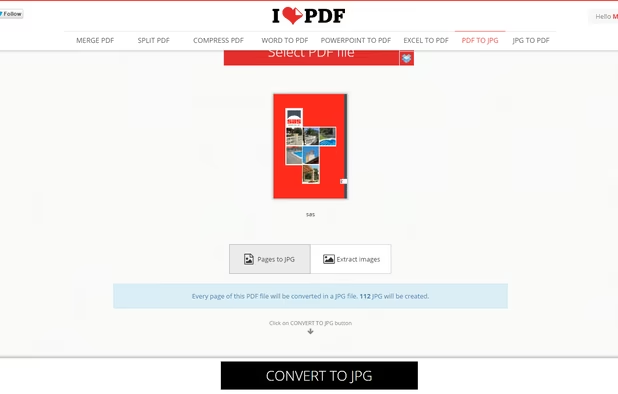
- Convert PDF to image
- Convert PDF to Word document
- PDF Page Merge
- Drag and Drop
- Batch processing
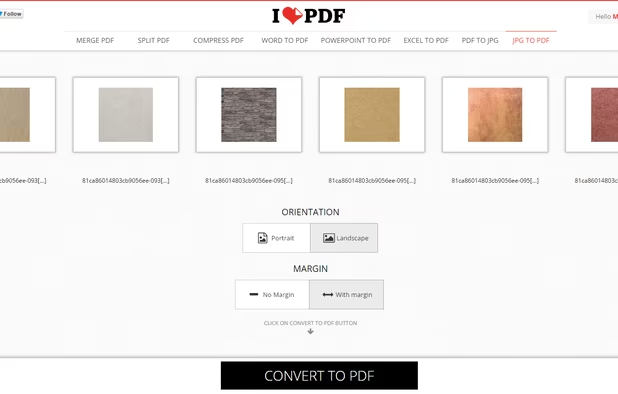
- JPG to PDF Conversion
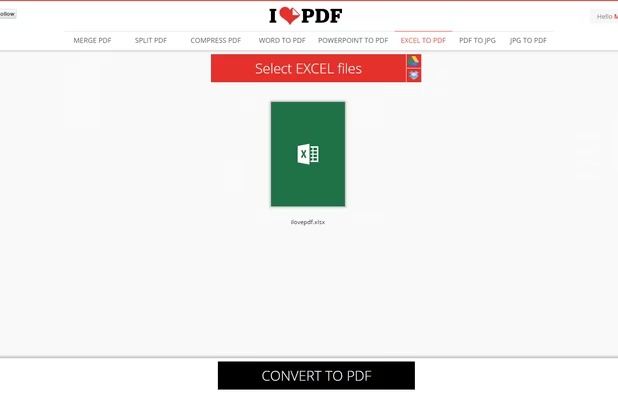
- Convert Excel to PDF document
- Convert Word documents to PDF
- Watermarking
- Batch conversion
iLovePDF News & Activities
Recent News
Recent activities
 mukeshmaddheshiya added iLovePDF as alternative to ToolsArena
 adrianzpr added iLovePDF as alternative to AlywinMind Toolbox @ Adrian
 sogoluddin92 added iLovePDF as alternative to FixFlowHub
 dinhducdk16 added iLovePDF as alternative to Cloud AI Tools Hub
 thirunani8 added iLovePDF as alternative to ToolsForCreators


Featured in Lists

A list with 807 apps by AmileyaRyver without a description.
What is iLovePDF?
iLovePDF is an online service to work with PDF files completely free and easy to use. Merge PDF, split PDF, compress PDF, office to PDF, PDF to JPG and more!
With iLovePDF you can:
o Merge multiple PDF files into one. o Split a large PDF in several files. o Compress your PDF files by choosing your desired level of compression. o Convert Office documents as Word, Excel and Powerpoint to PDF. o Transform JPG to PDF & PDF to JPG o Extract all the images from a PDF file or convert your own images to PDF o Rotate your PDF documents. o Unlock your password protected PDF files. o Number PDF pages and customize their format. o Watermark PDFs with your own images or writing a text. o Connect to your Google Drive and Dropbox Cloud services to select your PDF files besides the ones stored in your device. o View and read PDF files stored in your device with iLovePDF Reader.


iLovePDF information
Developed by
 ILOVEPDF S.L.
 Licensing
Proprietary and Freemium product.Pricing
One time purchase (perpetual license) + free version with limited functionality.Rating
Average rating of 4Alternatives
146 alternatives listedSupported Languages
- English
- Arabic
- Bulgarian
- Catalan; Valencian
- Dutch
- French
- German
- Greek
- Hindi
- Indonesian
- Italian
- Japanese
- Korean
- Malay
- Polish
- Portuguese
- Russian
- Chinese
- Spanish
- Swedish
- Thai
- Turkish
- Ukrainian
- Vietnamese


Comments and Reviews
Extreme preset is better than Adobe Acrobat DC online.
You should definitely try your compressor after iLovePDF.
Decent, but you have to pay to use features like batch compress (gives you limited number and only if you download the desktop).
There are better open source or free options like FileOptimizer, which is a gui for GhostScript.
Users don't need any account in order to use iLovePDF right now.
Web version has a super complete set of tools to deal with PDF. Compression rate is really good. Works like a charm.
Impressive compression rate without loosing picture quality for screens. Easy to use and quick. With many other useful tools I've not used yet. The free version of Smallpdf only lets you compress one pdf a day. With ILovePDF you can compress as many as you want.
I love iLovePDF. Free account works efficiently enough for a standard PDF use, there are many options and you can delete the files earlier so that you do not need to worry your essay is still there.
There is another alternative for the Ilovepdf is [Freeonlinepdfconverter] here you can convert the documents into pdf format and image to pdf and merge pdf files and split pdf files (https://freeonlinepdfconverter.com)