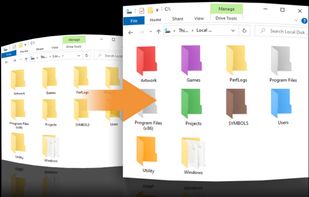
Coloring your Windows folders can help you organize and increase your productivity. Your folders are instantly recognizable by color vs having to pause to read their text label.


+1
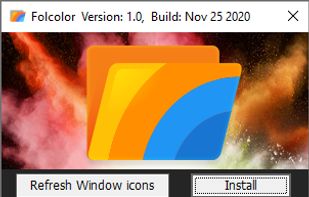




Apps similar to Iconic include Folcolor™, which is free and open source. Other options are Folder Painter, Folder Marker, Folderico and Flairy. You can choose from more than 10 Desktop Customization Tools like Iconic for Windows and Mac.
Coloring your Windows folders can help you organize and increase your productivity. Your folders are instantly recognizable by color vs having to pause to read their text label.

Folder Painter is an easy to use Portable Freeware program, which allows you to change the color of the icon representing a chosen folder to any color you like.


Label folders with color-coded or image-coded icons to indicate status, priority, project completion, or content type, using two-click assignment for efficient visual organization, bulk folder support, Windows integration, and improved work or personal file access.
 Ukraine
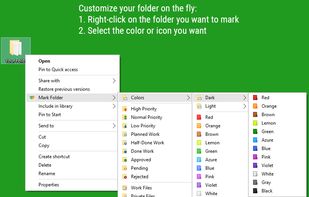
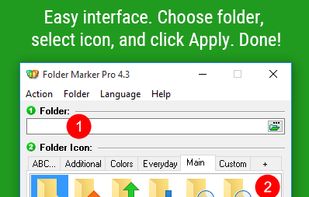
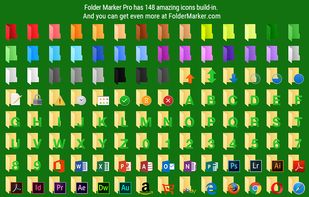
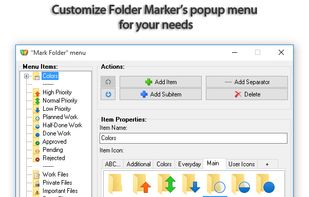


Quickly change the folder icons and restore them back to the original state in one click. Folderico support ICL-files and themes from iColorFolder. It also allows you to change Windows 7 libraries icons
 Cyprus
 EU


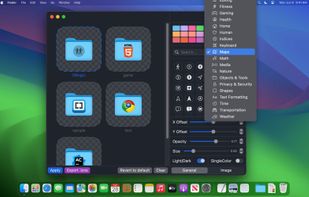
Give your folders personality. Custom folder icons for Mac users who want their workspace to feel personal, and visually organized.


WinSetView provides an easy way to set, change and manage the File Explorer default folder views or templates.
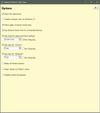


It lets you customize almost any part of Windows according to your taste. Like if you want the start button to look different, you can use CustomizerGod to change it from the Windows logo to something fun like a candy or a minion's face.


 Indonesia
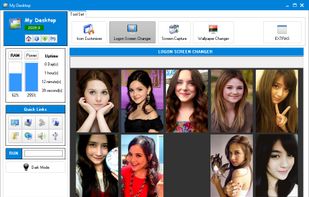

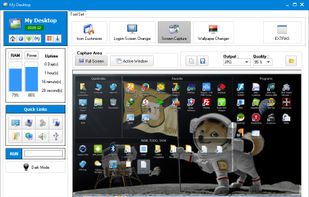
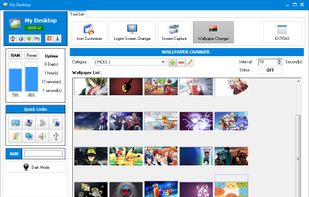

 Indonesia


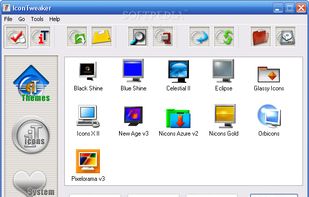
IconTweaker is a freeware application that allows you to customize all your Windows icons.
 NetherlandsEU



Set folder colors and add small icons to folders with this tool, keeping your files organized and improving efficiency in file management.
 China
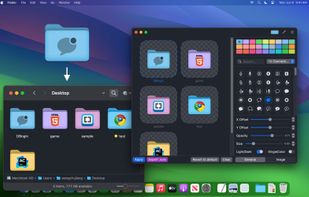
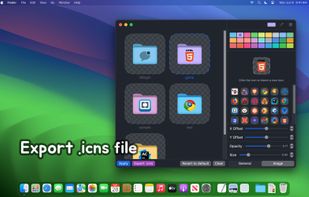


Rainbow Folders (RF) is an easy to use program, which allows you to change the color of the icon representing a chosen folder to any color you like.
 PolandEU