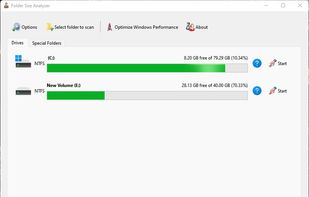
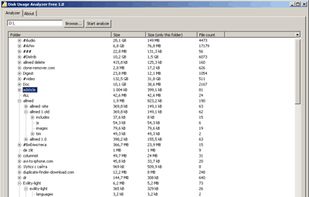
Disk Usage Analyzer - a free program to analyze disk space of the computer. It helps you to quickly and easily determine the size of folders on your computer, as well as the number of files they contain.
 Russia

D


Apps similar to i.Disk include WinDirStat, which is free and open source. Other options are WizTree, Baobab Disk Usage Analyzer, Filelight and TreeSize. Disk Usage Analyzers like i.Disk are a crowded field, with more than 50 alternatives for Windows, Mac, Linux, the web and Android.
Disk Usage Analyzer - a free program to analyze disk space of the computer. It helps you to quickly and easily determine the size of folders on your computer, as well as the number of files they contain.
Russia
Disk Space Finder helps visualize your data to find wasted space. It shows you a graphical diagram of what is takeing up your space.


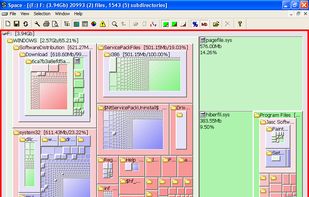


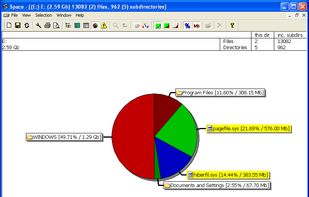


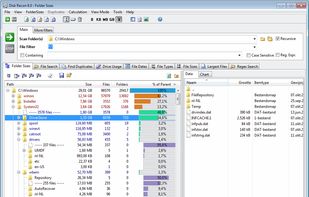
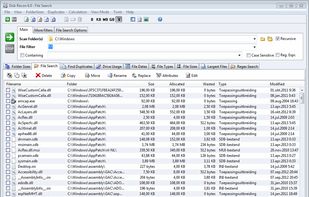
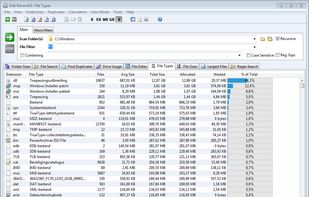
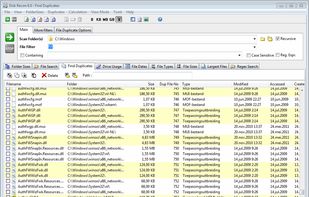
Disk Recon is a disk space utility that reveals all the crucial information that you need to find out where all your disk space has gone and how you can recover it.
 Netherlands
 EU

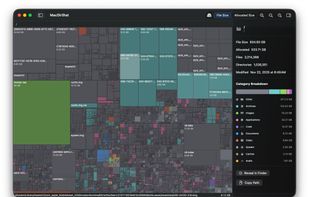
MacDirStat is a free, open-source disk space analyzer for macOS, inspired by WinDirStat. It scans a drive or folder and draws every file as a color-coded rectangle sized by its disk usage, so the biggest files and folders stand out at a glance.
 United States


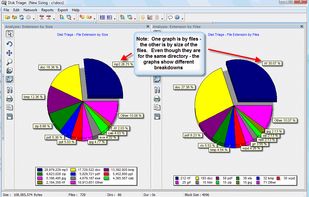
The most powerful disk space sizing and analysis utility there is! Answering the Who/What/Where/When of your Disk Space.


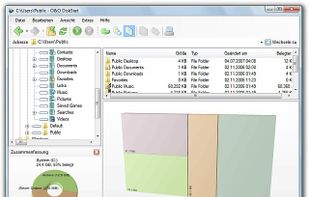
O&O DiskStat is a high-power tool for analyzing the used disk space on your storage volumes. With an easy-to-use interface based on the design of the Windows Explorer, you can take a closer look at the file and folder structure of your internal and external drives.
 GermanyEU

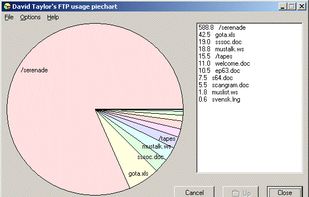
This tool enables you to get a usage piechart from your FTP service, showing which directories are taking the most space, and to drill down into those directories to see which are the largest files. Simply double-click on a pie segment to drill down!


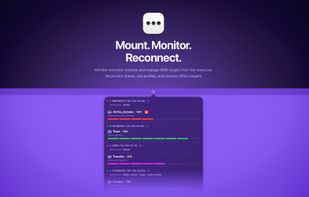
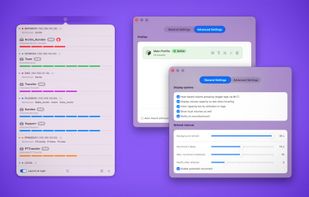
Monitor mounted volumes and manage network targets from the menu bar. Reconnect shares, use profiles, and recover offline targets.
 Switzerland



Helps you figure out where all that hard drive space has gone on your computer. Visually displays the size of each folder in the form of a bar graph.
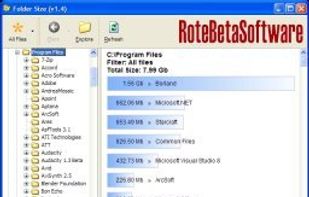


Quickly find out which files or folders who taking up your hard drive space.
 Indonesia