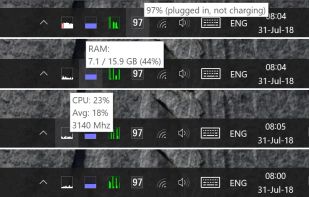
A lightweight, cross-platform system monitoring tool that displays real-time hardware metrics (CPU, RAM, disk, network, temperature) in the system tray.





Apps similar to HWMonitor include HWiNFO (32/64), which is free for personal use. Other options are Libre Hardware Monitor, Open Hardware Monitor, AIDA64 and Sidebar Diagnostics. System Information Utilities like HWMonitor are a crowded field, with more than 25 alternatives for Windows, Linux, Mac, Android and iPhone.
A lightweight, cross-platform system monitoring tool that displays real-time hardware metrics (CPU, RAM, disk, network, temperature) in the system tray.

Pitikapp provides highly customizable modules to monitor your computer and to interact with it.
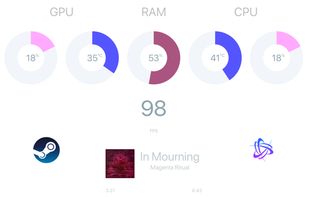
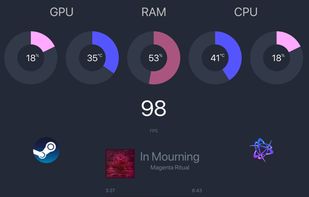
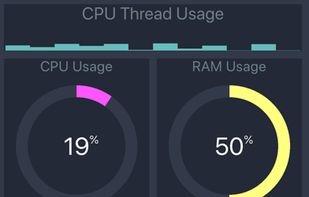


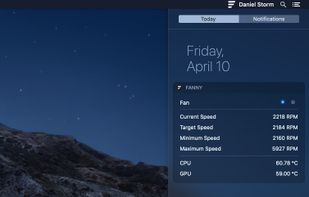
Track Mac fan speed, target speed, minimum and maximum speeds, number of fans, and CPU or GPU temperature in real time from the Notification Center or Menu Bar using a compact widget designed to provide hardware stats without workspace clutter.
 United States


TechBuddy is a portable Windows PC diagnostic and repair toolkit designed for technicians and power users. Run it directly from a USB drive, no installation required.


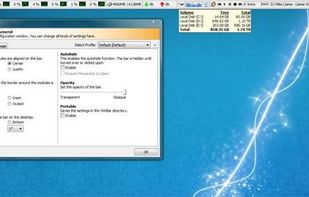
WinBar is a free and compact program that lets you monitor your system and provides easy access to frequently used controls. WinBar will run on Windows 2000 and newer operating systems and is available in 32 and 64 bit flavors.
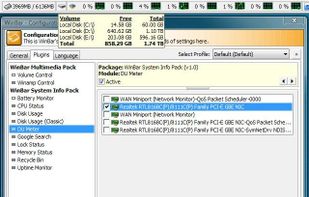


 Czechia
 EU
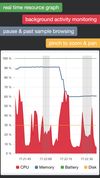
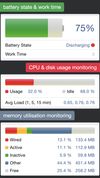
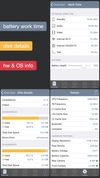


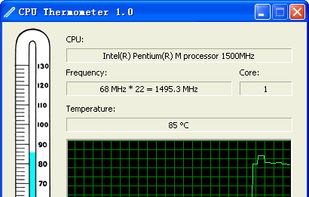
CPU Thermometer is one free CPU temperature monitor; it can help you monitor your computer CPU temperature in live time. Program can start with Windows start-up, and show live CPU temperature in your desktop tray icon, so you get this important system information at a glance.


 GermanyEU
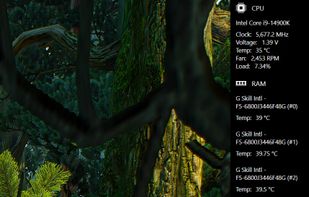

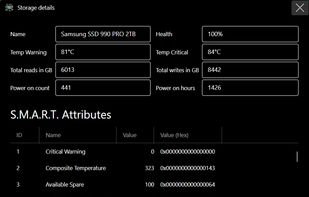
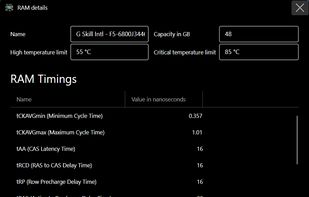


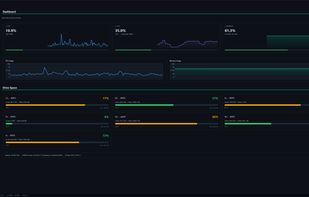
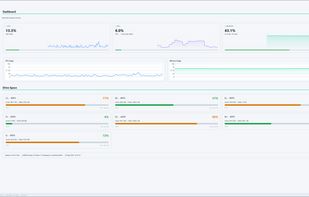
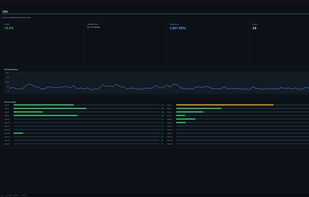
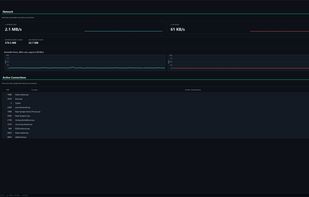
PulseMonitor is a free, portable PC health monitor for Windows with a clean dark interface. Monitor your CPU, GPU, RAM, storage, network and temperatures in real time with smooth animated graphs.
 United Kingdom


CoolBook is a tool for the MacBook, MacBook Air and MacBook Pro computers. It lets you monitor the frequency, voltage and temperature of the CoreDuo / Core2Duo CPU.
 SwedenEU


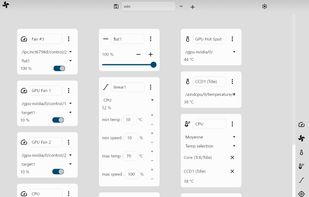

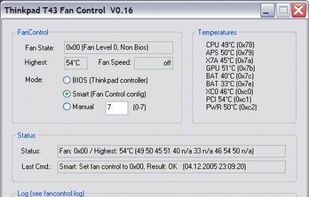
Solution to the cooling fan noise annoyances Thinkpad T4x (T40/T41/T42/T43) notebook series. Allows the user to control fan activity based on the system temperature. Win XP Visual C++ project controls the fan via port IO to the embedded controller.